


Real-Time Web Search for Current Content
Seedream 5.0 connects to the internet during generation. The model searches for current information when your prompt mentions trending topics, recent events, or specific entities. Generate images of new product designs, current celebrities, or timely events with accurate visual references.
| Prompt | Output Image |
|---|---|
| Generate a high-quality infographic with rich illustrations explaining the beer brewing process at Trapst Abbey. | 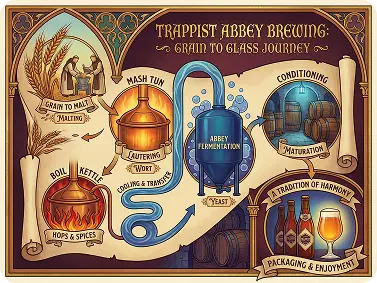 |
Advanced Logical Reasoning for Complex Tasks
Seedream 5.0 AI image generator understands spatial relationships, quantities, and physical logic. The model accurately interprets instructions like "arrange by size," "rotate to specific angle," or "distribute evenly across space." Generate images with correct physics, proper proportions, and logical arrangements.
| Input Image | Prompt | Output Image |
|---|---|---|
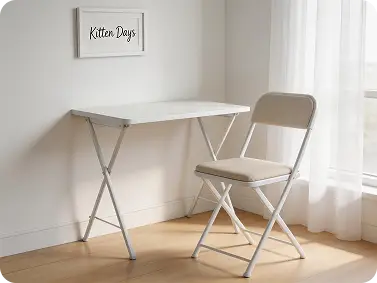 | Fold this table up and hang it on the wall. |  |
Precise Editing with Magic Circle Control
Circle specific areas and apply targeted edits with natural language. Seedream 5.0 AI image editor understands object mechanics and scene composition. Describe changes like "close the lipstick cap," "move the car to the yellow box," or "rotate the product 45 degrees." The model executes edits while maintaining lighting, shadows, and background consistency.
| Prompt | Image 1 | Image 2 | Output Image |
|---|---|---|---|
| Change the style of @Image 1 to that of @Image 2. | 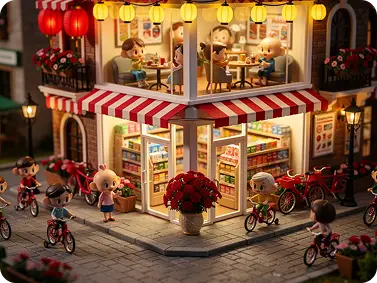 | 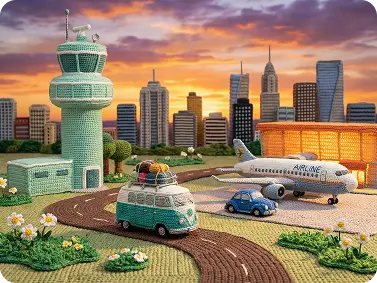 | 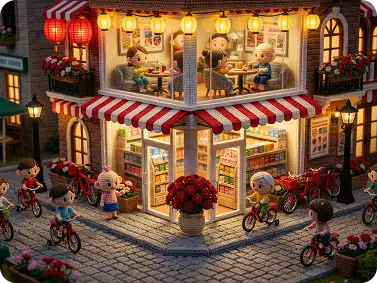 |
Multimodal Input Processing
Upload images and text simultaneously. Seedream 5.0 AI image generator analyzes both inputs together, extracting style from references and context from descriptions. Combine up to 14 reference images with detailed prompts for precise creative direction. The model understands which elements to preserve and which to modify based on your instructions.
| Prompt | Image 1 | Image 2 | Output Image |
|---|---|---|---|
| Have the three people in @Image 1 stand on the platform in @Image 2. |  | 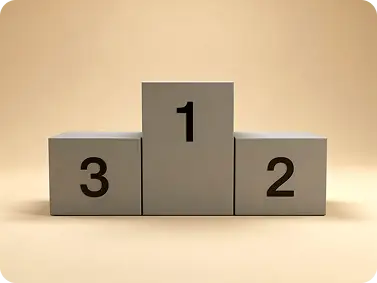 |  |
Character Consistency Across Scenes
Generate multiple images with identical character features. Upload a reference and create variations across different poses, lighting, and backgrounds. Seedream 5.0 maintains facial structure, expressions, and styling details. How to use Seedream 5.0 on Dzine for character work? Provide one clear reference image, then generate scenes with different prompts.
| Prompt | Reference Image | Output Images |
|---|---|---|
| Create a 9-panel cartoon illustration featuring the two characters from @Image 1, depicting them making a cake. Include accompanying text, a rich storyline, and humor. | 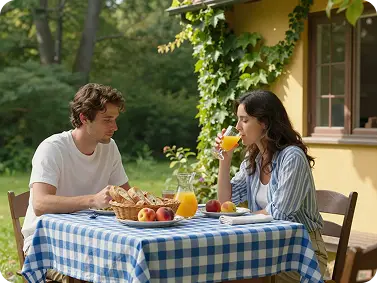 | 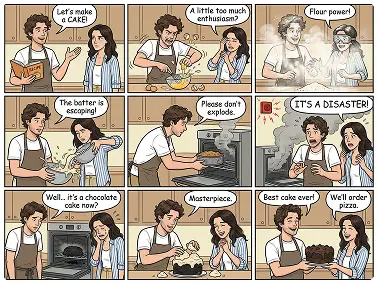 |