- Tools
- Resources
- Pricing
- API
- Contact Sales
- Book a Demo


Recolor Image AI Tool
Transform any image’s colors in seconds with Dzine AI’s free Recolor Image tool. Recolor an image entirely or partially, breathe new life into old photos, or customize product shots—our AI-powered color changer delivers precise, natural-looking results with zero design experience required.

Click or drag here to upload images
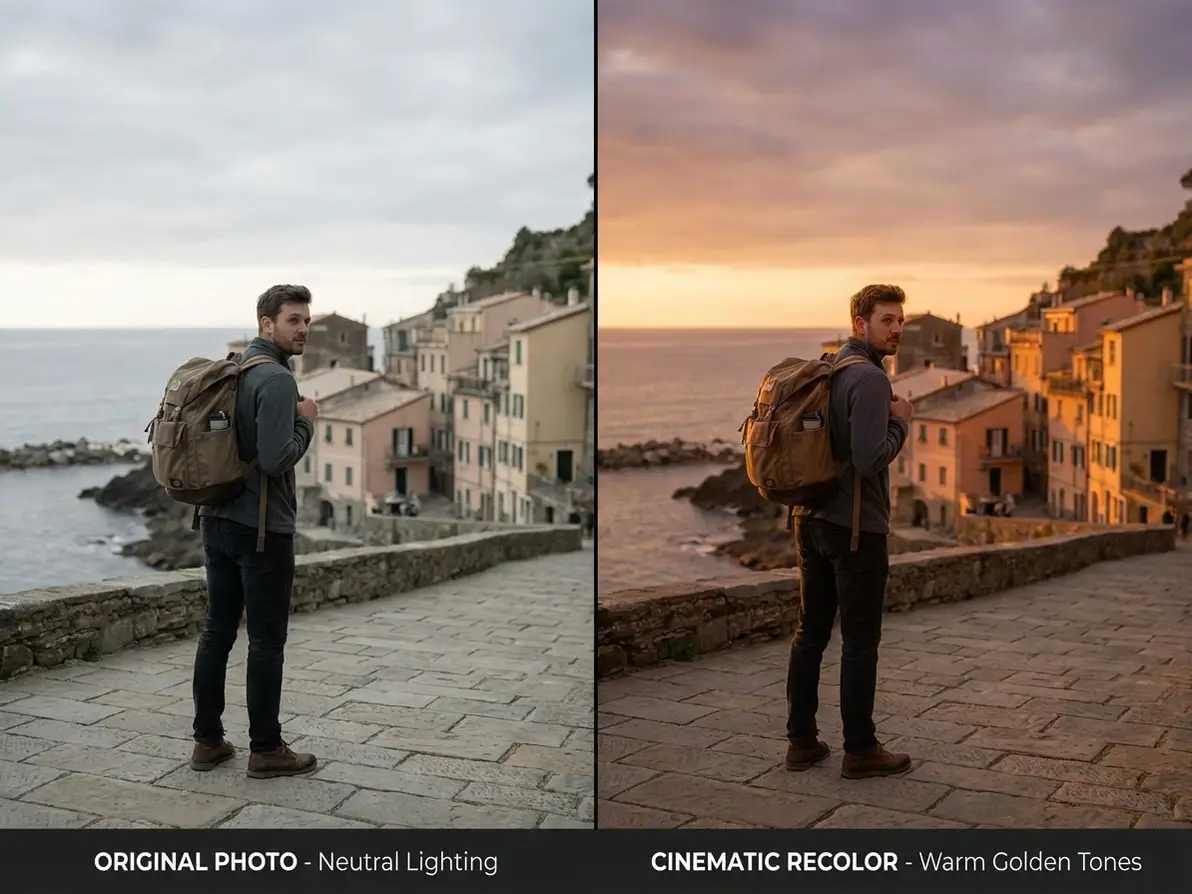
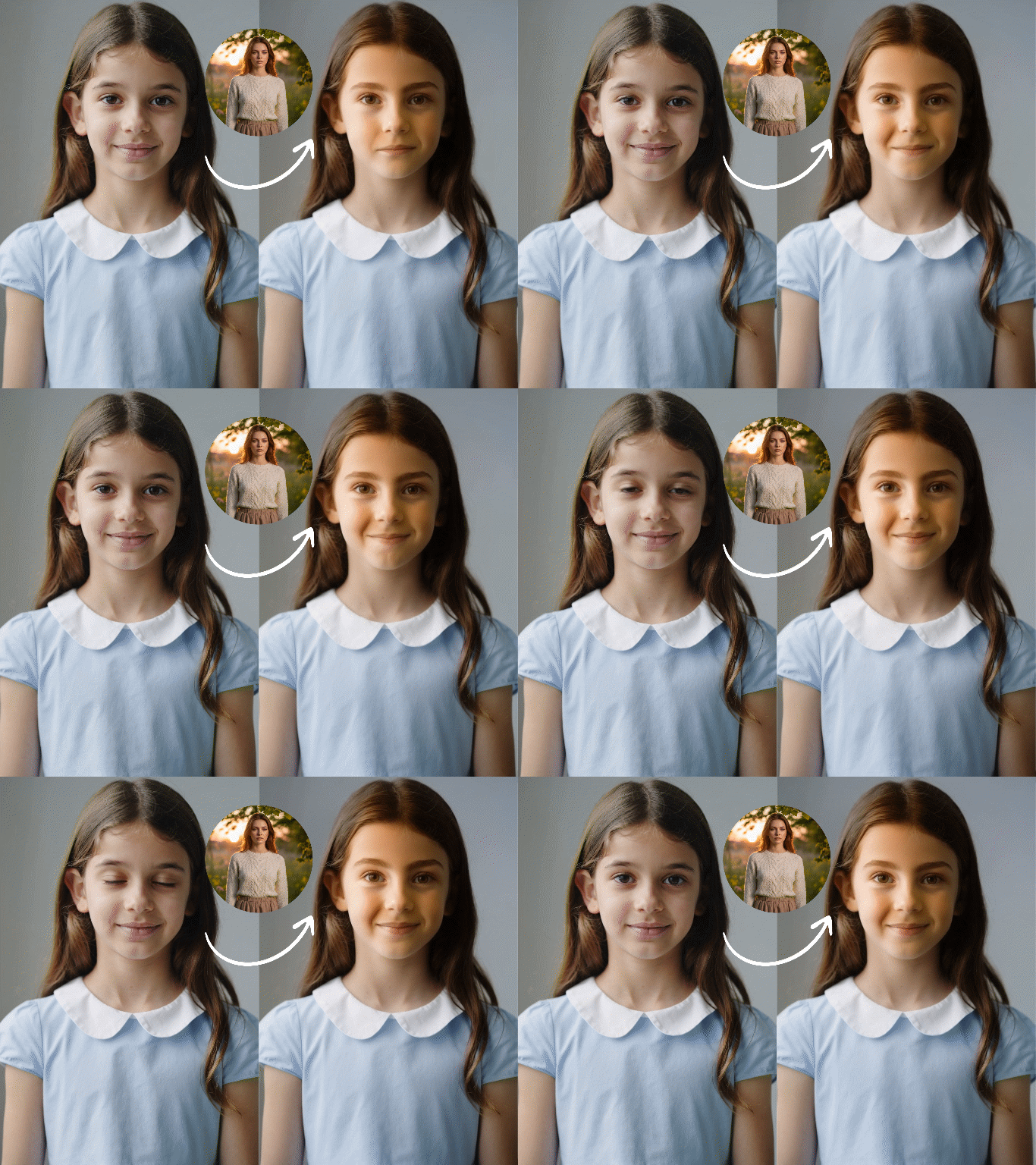
Recolor image examples: product shots, old photos, creative designs
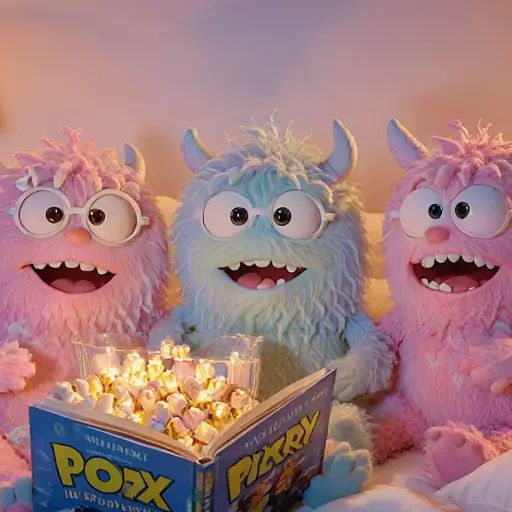
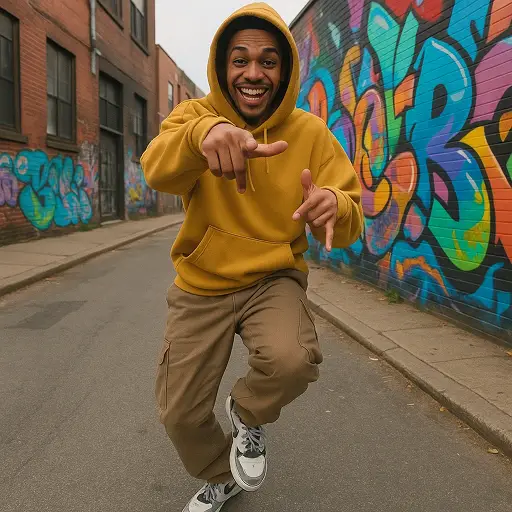
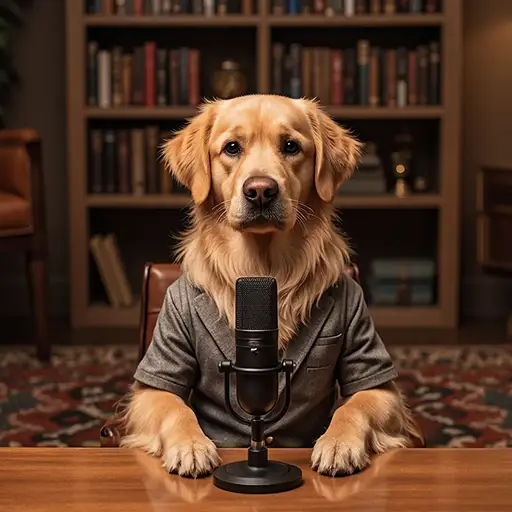
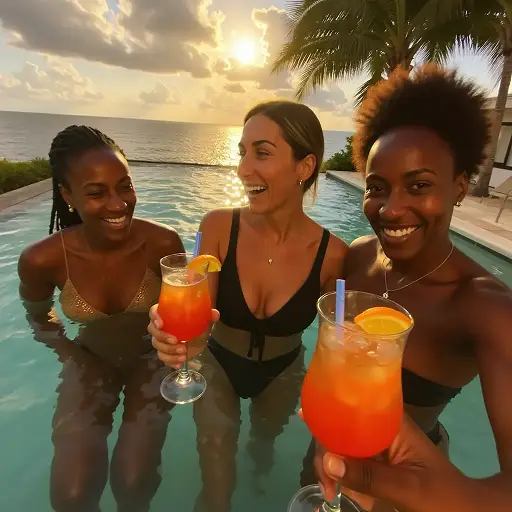
Elevate Every Image with Custom Color Transformations That Resonate
Dzine’s Recolor Image tool solves the hassle of manual color editing or costly re-shoots—whether you need to recolor an image for e-commerce product collages, restore faded old photos, or experiment with creative color palettes for social media, our AI delivers flawless results in seconds. Unlike basic color changers, our AI intelligently preserves image details while swapping colors, ensuring your recoloured pictures look organic, not artificial. We optimize every output for your use case, from e-commerce product listings to Instagram posts, so your recolored images always stand out.
How to Recolor Image in 3 Simple Steps
Step 1: Upload Your Image & Input Color Goals
Head to Dzine’s "AI Image" tool and upload the image you want to recolor—we support JPG, PNG, WebP, and TIFF. Type in your color prompt (e.g., "recolor the car to barbie pink" or "restore faded vintage photo colors").
Step 2: Set Generation Parameters
Choose from our AI models Nano Banana Pro or Seedream 5.0, then configure image size, resolution (up to 4K), and color precision settings.
Step 3: Generate & Download Your Recolored Image
Click the Generate button to recolor the image instantly. Download the high-resolution result and use it for any project—no watermarks or limits.
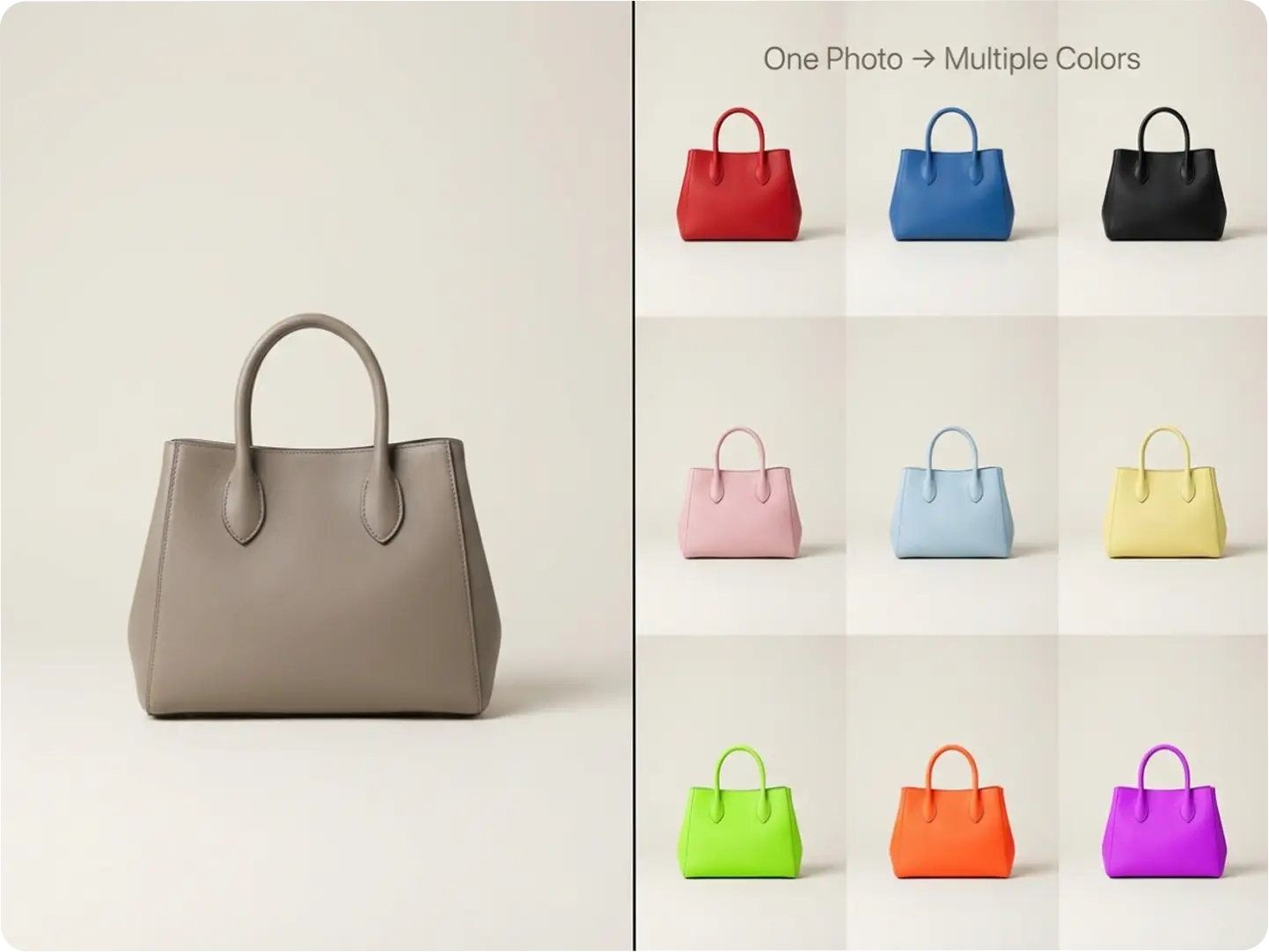
Recolor Product Photos for E-Commerce Platforms
Recolor an image of your products to create multi-color collages without re-shooting—save time and budget for Shopify, Amazon, or Instagram Shop listings. Our AI ensures color consistency across all recoloured pictures, perfect for showcasing product variants. Integrate with our AI Image Editor to improve your recolored product images.
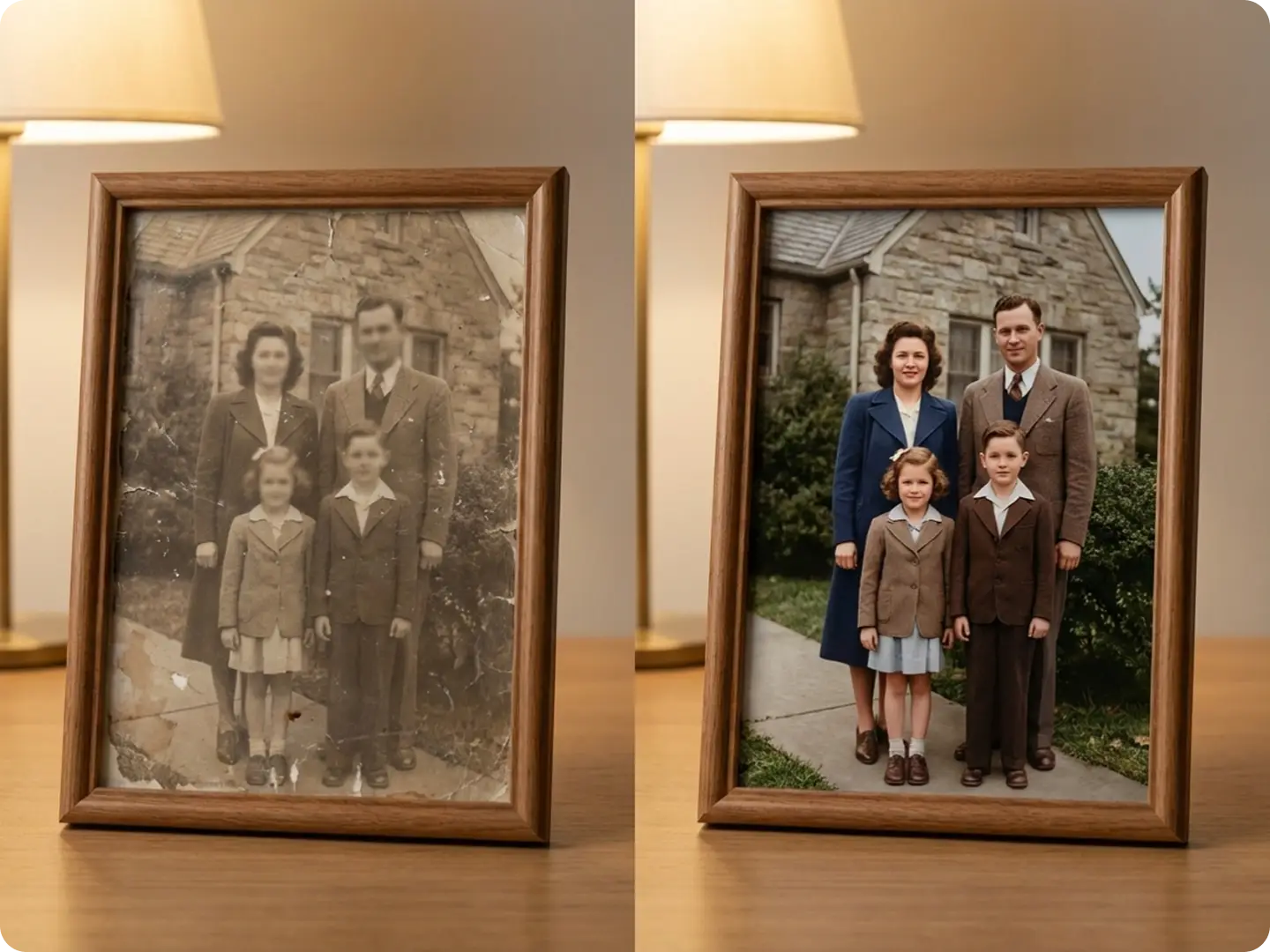
Restore & Recolor Faded Old Photos
Recolor images of vintage family photos or historical prints to bring back vibrant colors—our AI fills in faded hues while preserving original details, making old memories look new again. Pair with our Portrait to Landscape Converter to resize recolored old photos for prints or digital displays.
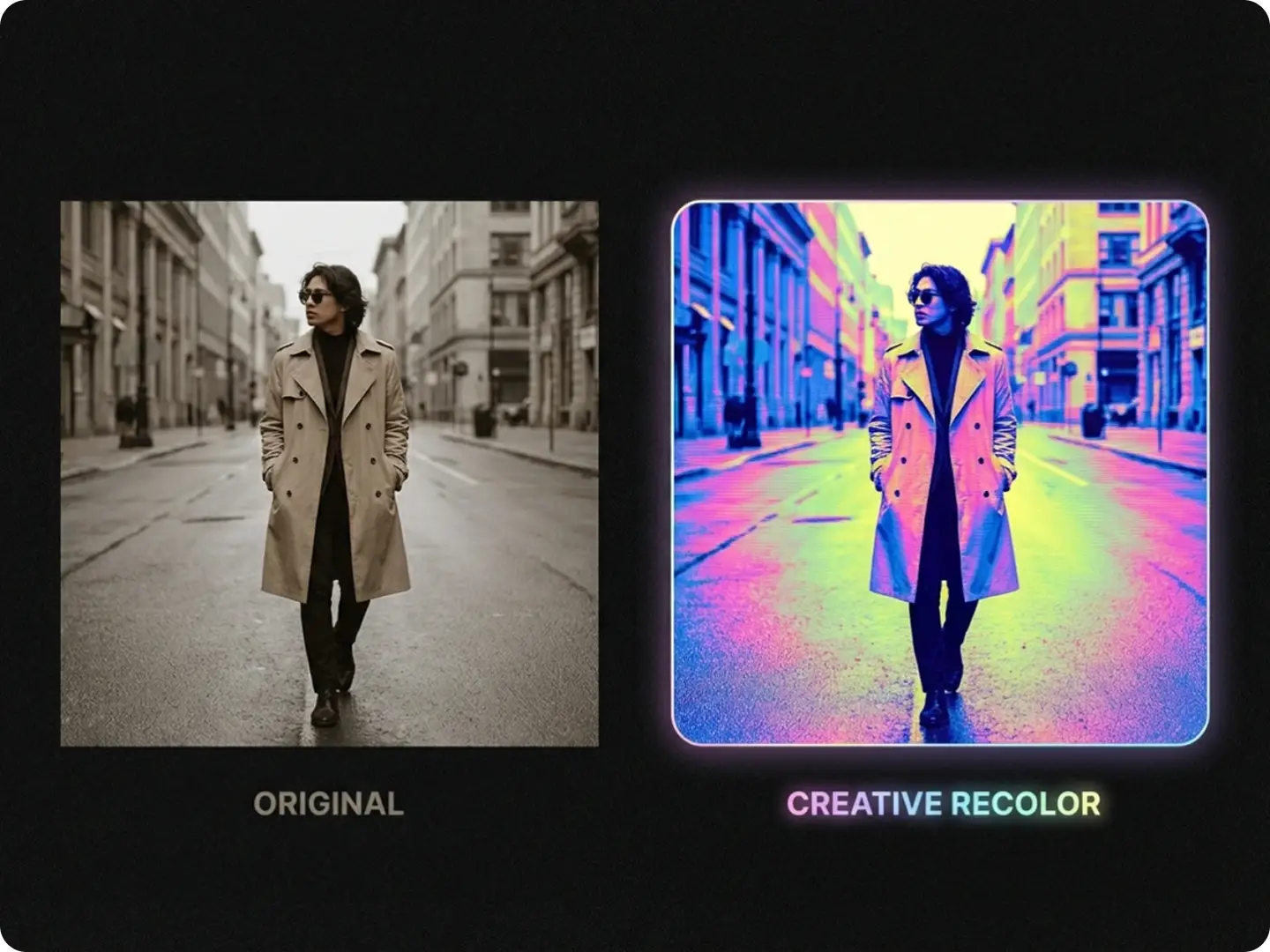
Recolor Images for Creative & Social Media Projects
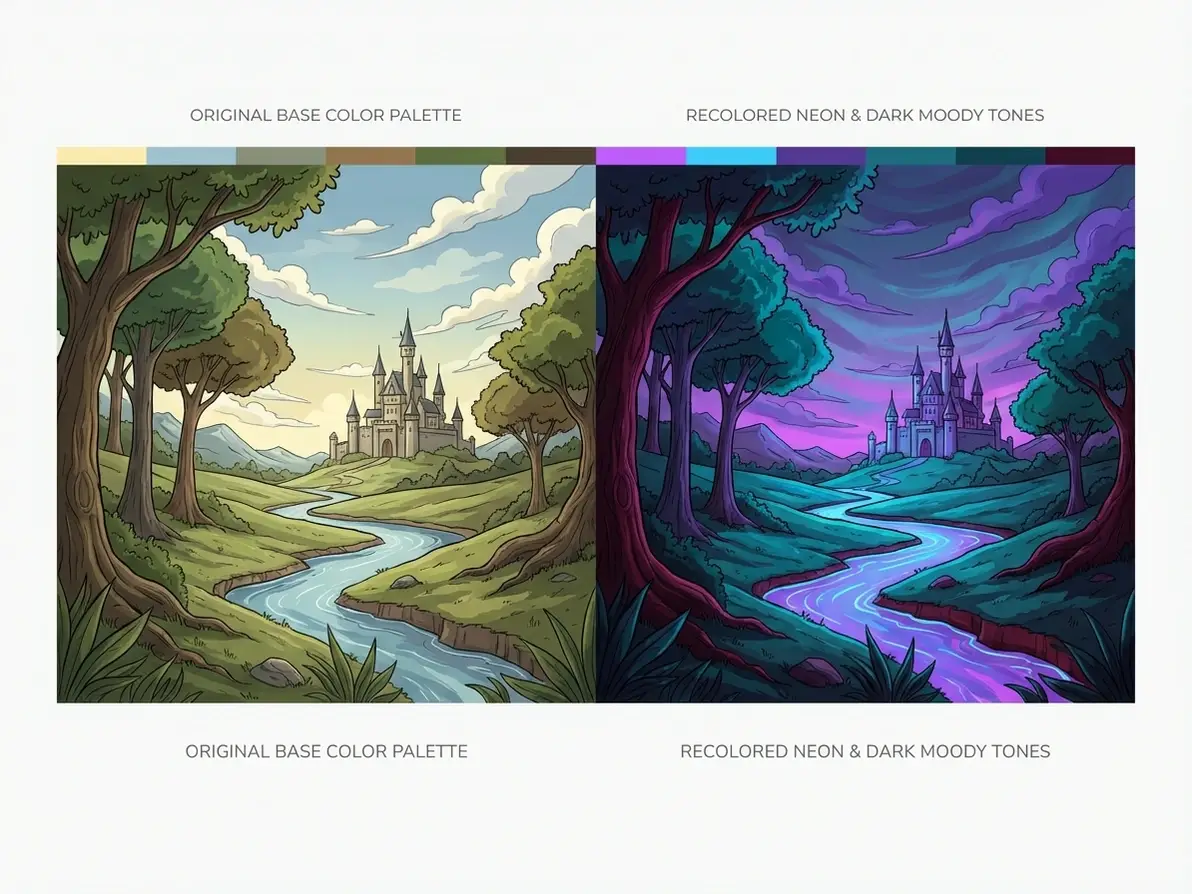
Recolour pictures to match brand aesthetics, trend palettes (e.g., Y2K, minimalist), or social media themes—ideal for Instagram Reels thumbnails, Pinterest pins, or TikTok content. Use our AI Meme Generator to add text to recolored creative images for more engagement.
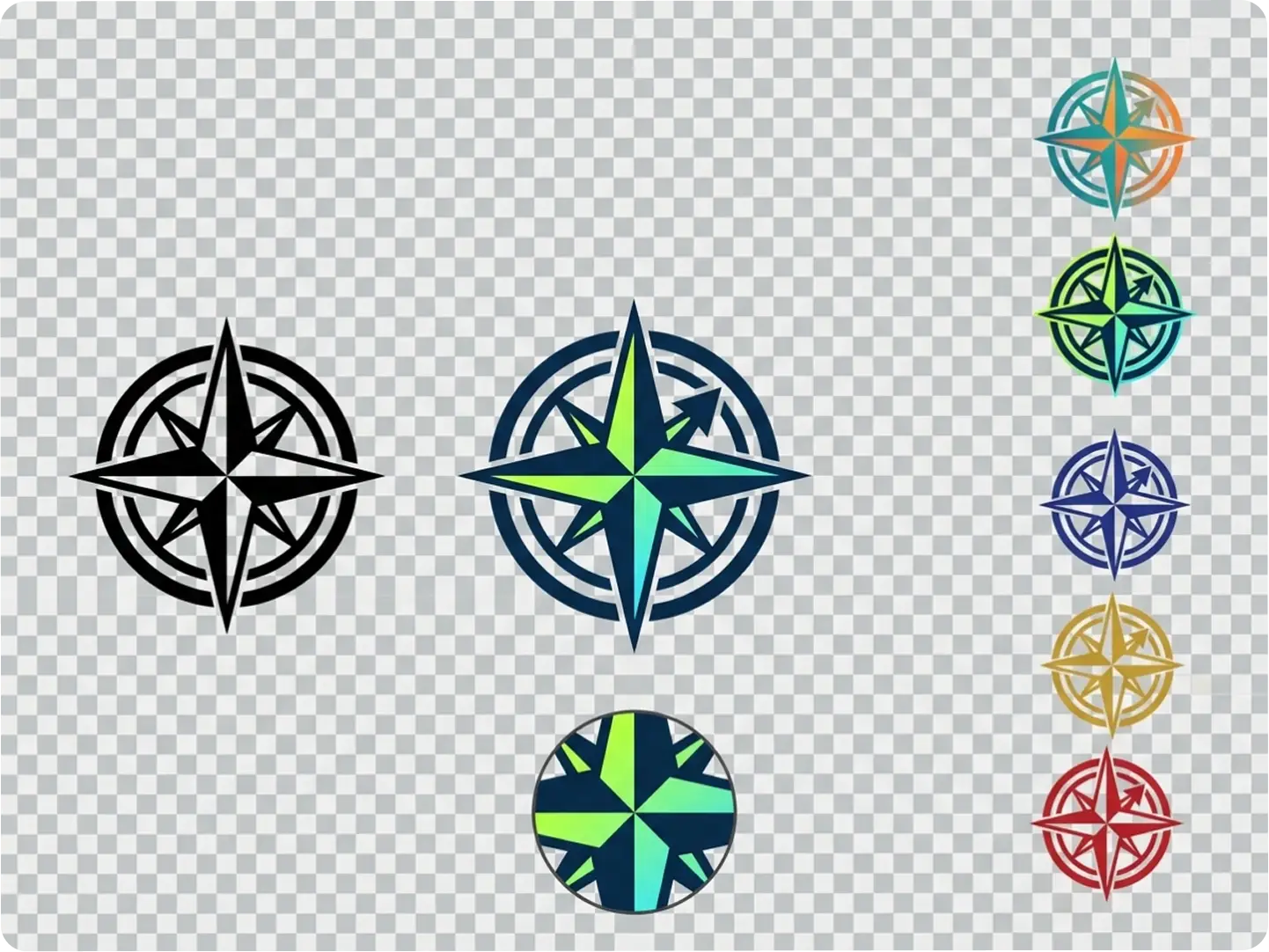
Recolor PNG Images with Transparent Backgrounds
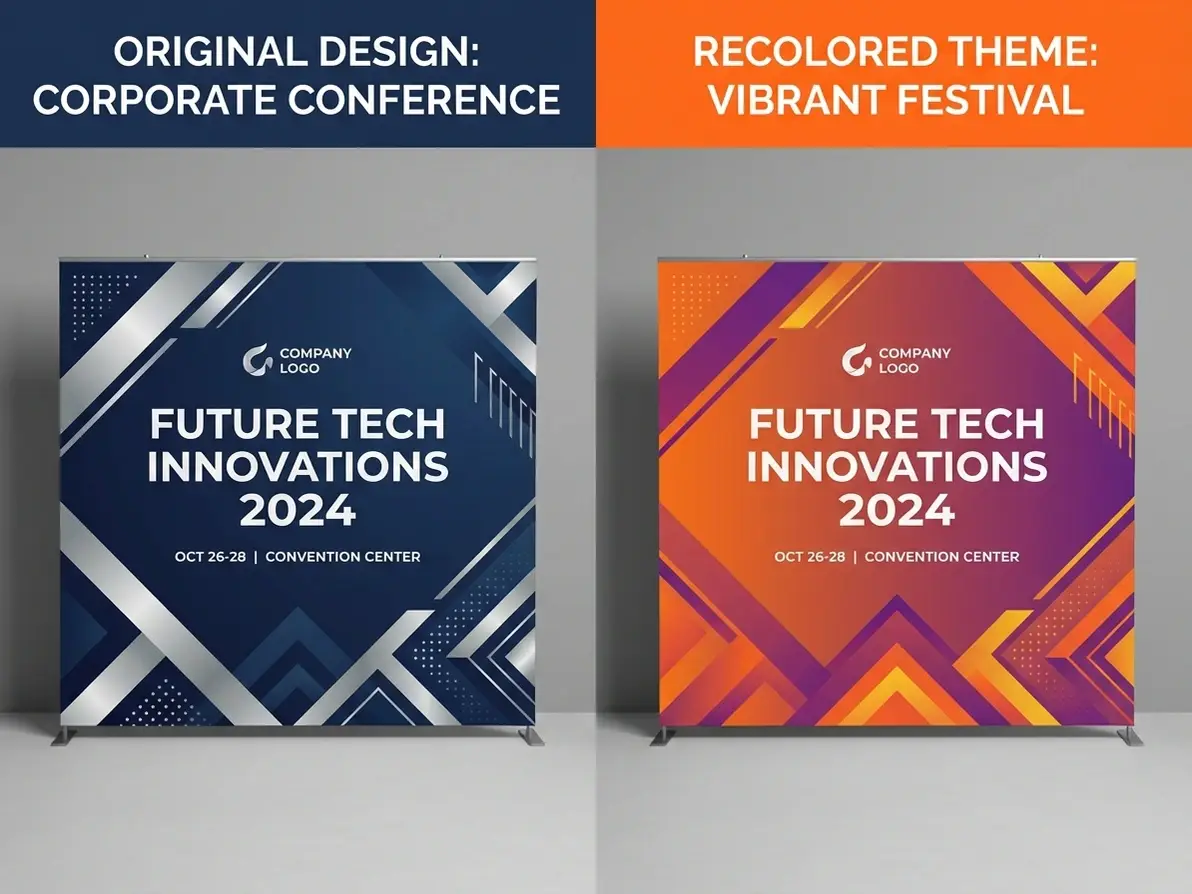
Recolor an image with transparent elements (logos, graphics, or clipart) without losing clarity—our AI targets specific color areas, perfect for brand logo variations or graphic design projects. Integrate with our Lip Sync AI to add speeches to recolored PNG-based video content.
Explore Unlimited Recolor Image Use Cases
Dzine’s Recolor Image tool adapts to every personal and professional need—from e-commerce to creative projects, our AI ensures your recoloured pictures always fit your vision perfectly.
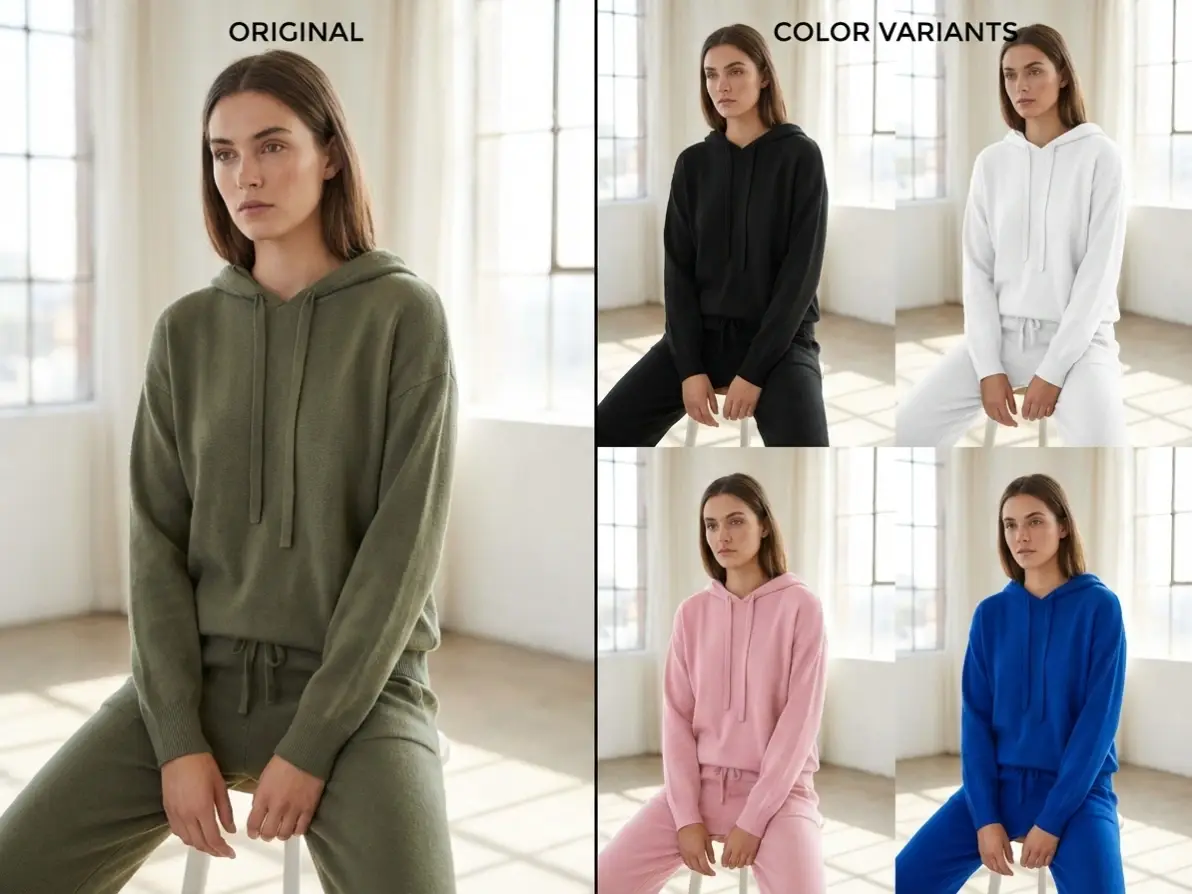
Recolor Clothing & Accessory Photos
Recolour pictures of apparel to showcase different colorways—no need to photoshoot every variant for your online store.
Try now for free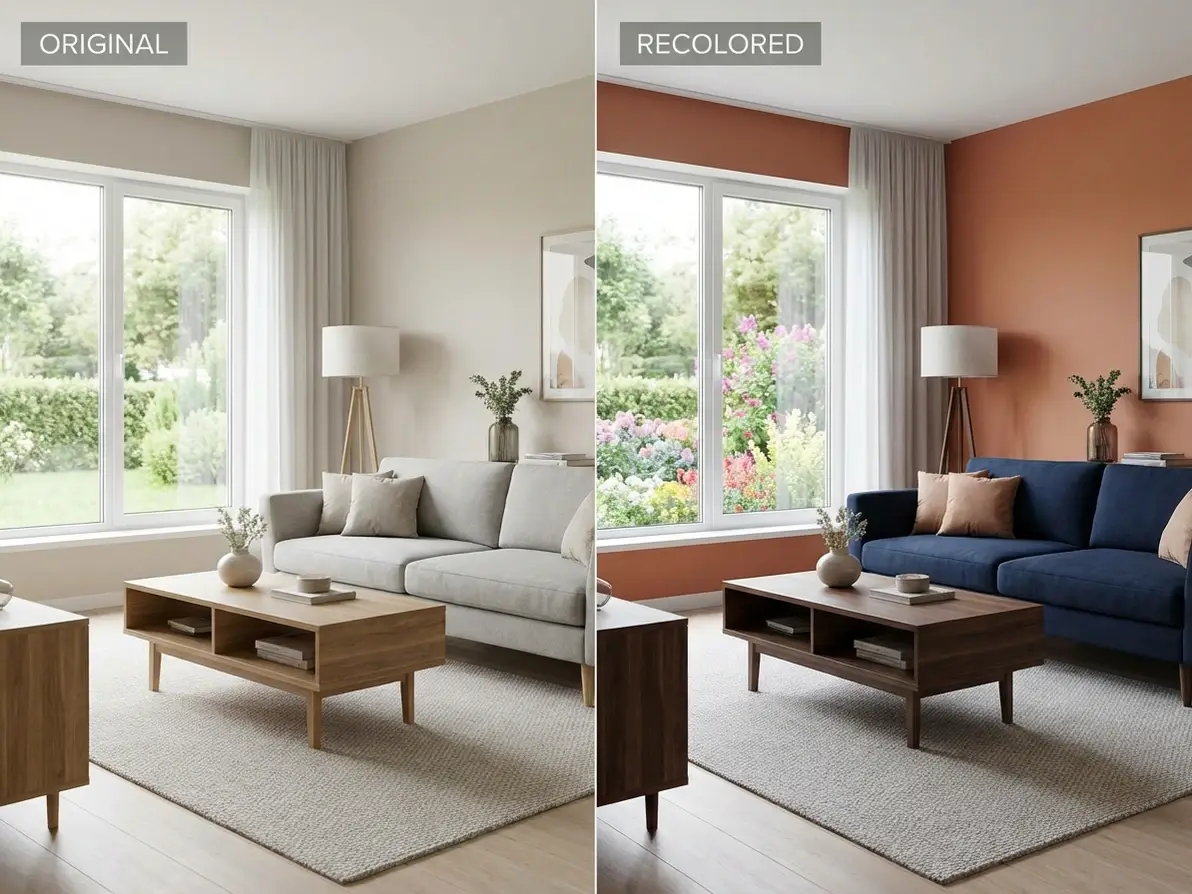
Why Dzine’s Recolor Image Tool Is the Best Choice

AI-Powered Precise Color Replacement
Our AI targets specific areas to recolor image—no accidental color spills or blurred details, ensuring recoloured pictures look natural and intentional.

4K High-Resolution Outputs
Recolor an image without losing quality—our tool preserves sharpness and detail, perfect for print, large displays, or e-commerce product listings.

100% Free (No Watermarks/Limits)
Recolour pictures unlimited times with free downloads—no subscriptions, hidden fees, or watermarks on your final recolored images.

Ultra-Fast AI Recoloring (5 Seconds)
Skip long editing sessions—our AI recolor image tool delivers results in seconds, ideal for time-sensitive projects like flash sales or social media posts.

Partial & Full Image Recoloring
Recolor an entire image or target specific elements (e.g., a single product, clothing item, or background)—customize color changes to fit your exact needs.

GDPR-Compliant & Private
We never store your original or recolored images—all processing is local, and files are deleted after your session ends, protecting your creative work.
More AI Tools to Elevate Your Creation

What Our Users Said
Finally a Recolor Tool That Gets It Right
I use Dzine to recolor product photos for my Shopify store, and it’s a game-changer—no more expensive re-shoots! The AI recolor image tool matches brand colors perfectly, and recoloured pictures look professional every time.
Maria LopezE-Commerce Store Owner
Restored My Grandparents’ Old Photos in Seconds
I was able to recolor an image of my grandma’s wedding photo that was faded for decades—Dzine’s AI brought back the vibrant colors without losing any original details. It’s now a framed gift for the whole family!
James WilsonHobbyist Photographer
Perfect for Social Media Creative Projects
As a content creator, I recolor pictures for my TikTok and Instagram posts daily. Dzine’s tool is fast, free, and the recolored images always stand out in the feed—engagement is up 40%!
Sofia ChenSocial Media Content Creator
FAQ
What is Dzine’s Recolor Image tool?
Dzine’s Recolor Image tool is an AI-powered color changer that lets you recolor an image or recolour pictures entirely or partially—perfect for product photos, old photos, and creative projects with zero design skills.
Is Dzine’s recolor image tool free to use?
Yes! Our tool is 100% free with unlimited recoloring, high-resolution downloads, and no watermarks—no subscriptions or hidden fees to recolor an image or recolour pictures.
Can I recolor only part of an image?
Absolutely. You can target specific elements (e.g., a product, background, or clothing) to recolor image, or change the entire palette—our AI lets you customize color changes to fit your needs.
What file formats do you support for recoloring?
We support all major formats: JPG, PNG, WebP, and TIFF. Upload any image in these formats to recolor an image or recolour pictures with ease.
Will recoloring my image reduce its quality?
No. Dzine’s AI preserves the original resolution (up to 4K) when you recolor image—your recoloured pictures stay sharp, clear, and print-ready.
Can I use recolored images for commercial purposes?
Yes! You can use images created with our recolor image tool for personal or commercial use (e.g., e-commerce, advertising, social media) as long as you comply with our terms of service.