- Tools
- Resources
- Pricing
- API
- Contact Sales
- Book a Demo


Portrait to Landscape Image Converter
Turn your portrait photos into stunning landscape images in seconds with Dzine AI’s free Portrait to Landscape tool. Our AI-powered converter seamlessly expands portrait frames to create natural, high-quality image in landscape—ideal for social media, prints, and professional projects, no design skills needed.

Click or drag here to upload images
Convert portrait photo to landscape with these examples

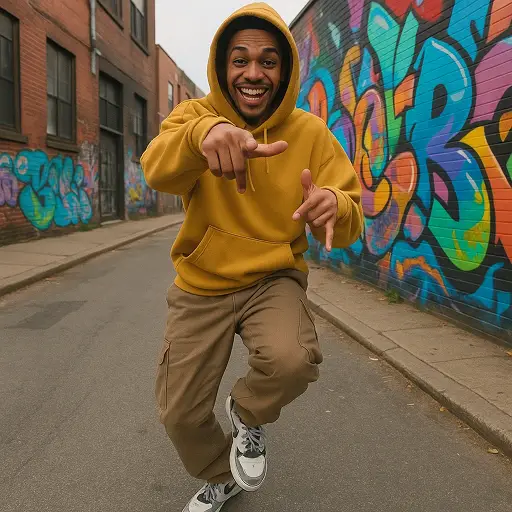
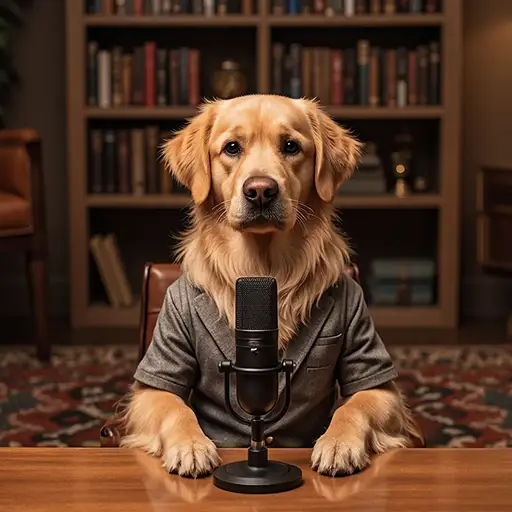

Create Versatile Landscape Images from Portrait Photos That Stand Out Everywhere
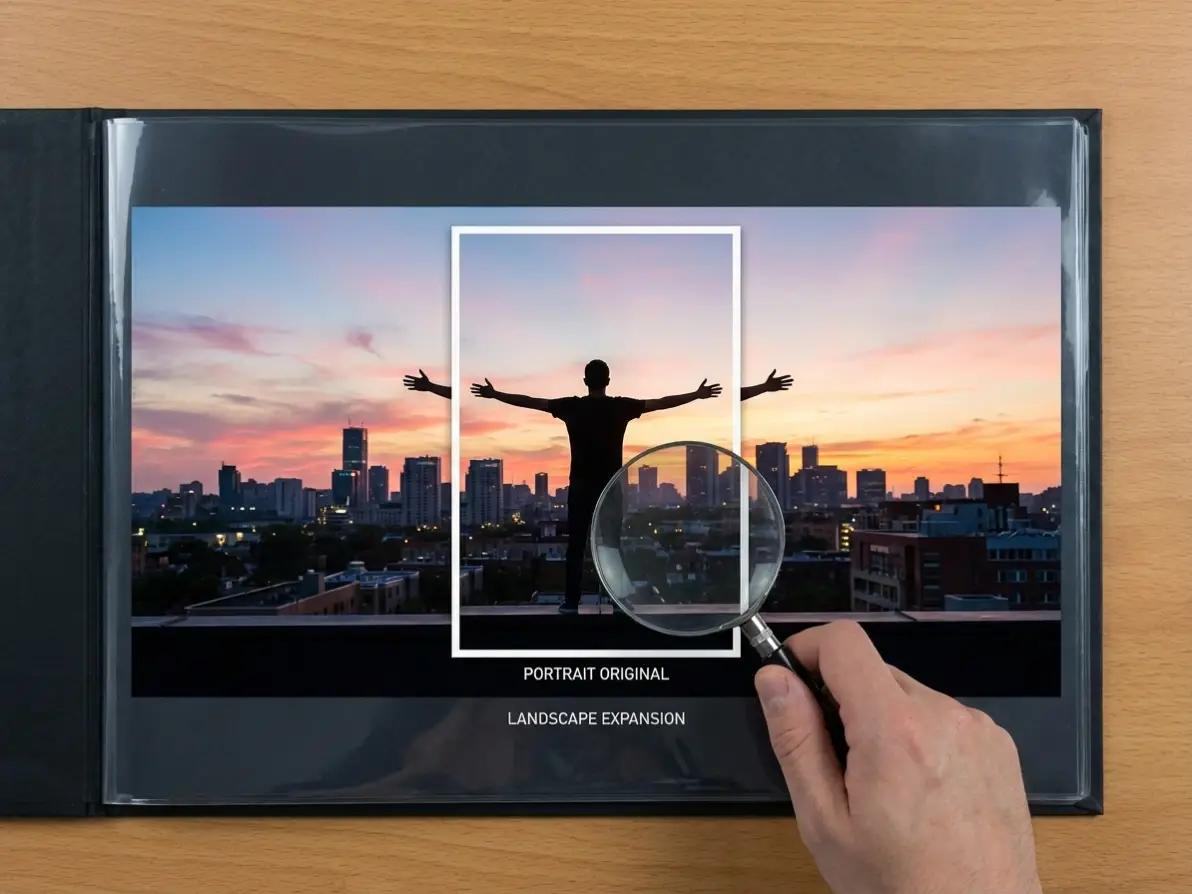
Dzine’s portrait to landscape converter solves the frustration of limited portrait photo usability—whether you need a landscape format for Instagram carousels, Pinterest pins, wall art prints, or website banners, our tool delivers flawless, natural-looking results. Unlike basic cropping tools, our AI intelligently fills in background details to ensure your converted landscape image looks organic, not stretched or pixelated. We optimize every output for your use case, from social media algorithms to print resolution, so your image in landscape always looks professional.
How to Convert Portrait Photo to Landscape in 3 Simple Steps
Step 1: Upload to Image-to-Image Tool
Head to Dzine’s "Image-to-Image" and upload your portrait photo — we support all major formats (JPG, PNG, WebP) for seamless uploads.
Step 2: Select a Model & Input Your Landscape Vision
Choose from our AI models Nano Banana Pro, Seedream 5.0, or Flux.2 and type in your prompt (e.g., "expand to landscape with a beach background" or "natural outdoor scenery") to guide the conversion.
Step 3: Generate & Download Your Landscape Image
Click the Generate button to convert portrait to landscape. Download the high-resolution result and use it instantly for any project.
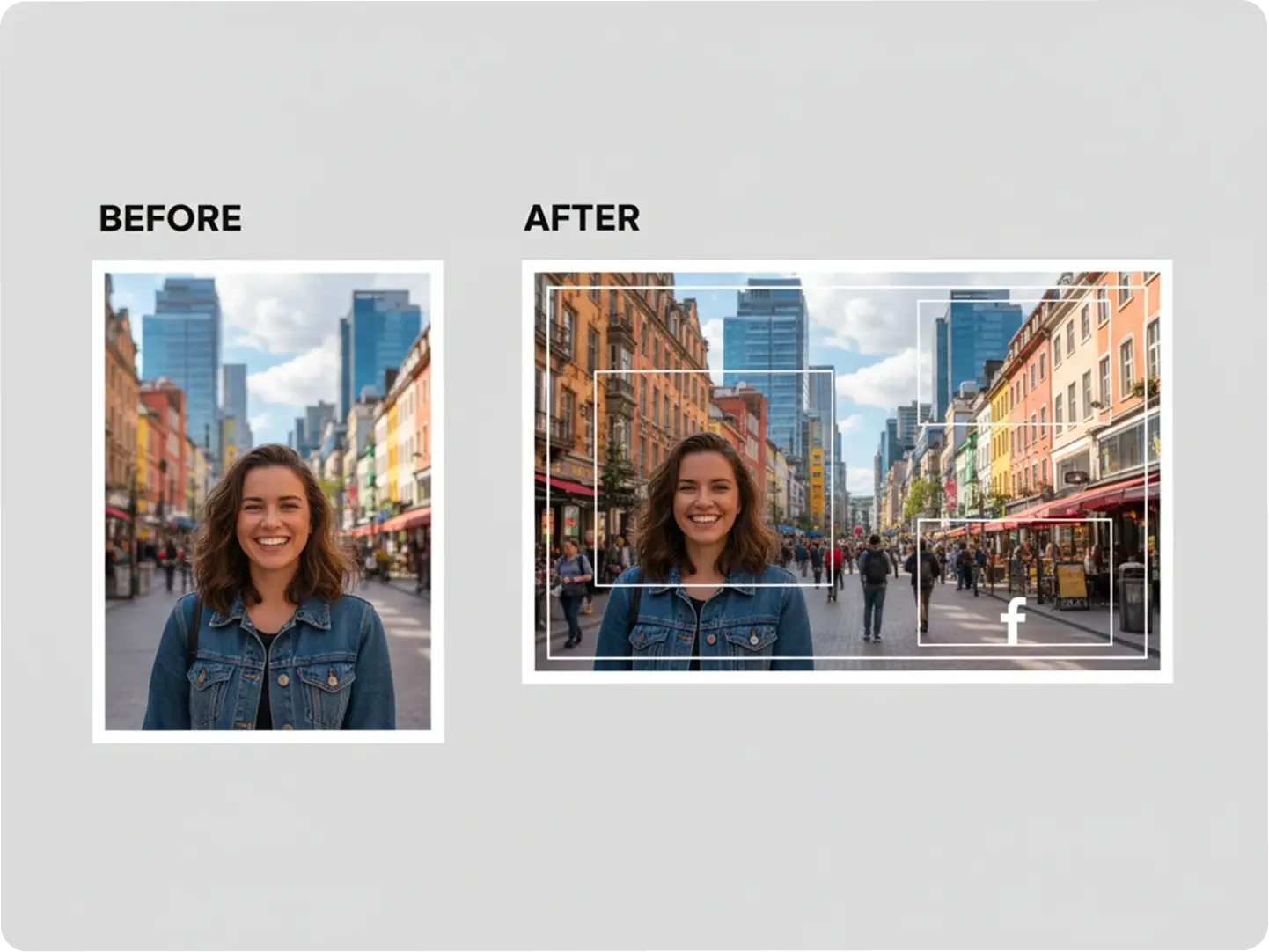
Optimize Portrait Photos for Social Media Landscape Formats
Make portrait photo landscape to fit Instagram feed posts, Facebook covers, and Twitter (X) headers perfectly. Our AI ensures your converted image in landscape aligns with platform guidelines, boosting engagement and visibility. Integrate with our AI Meme Generator to add text and humor to your landscape social media content.
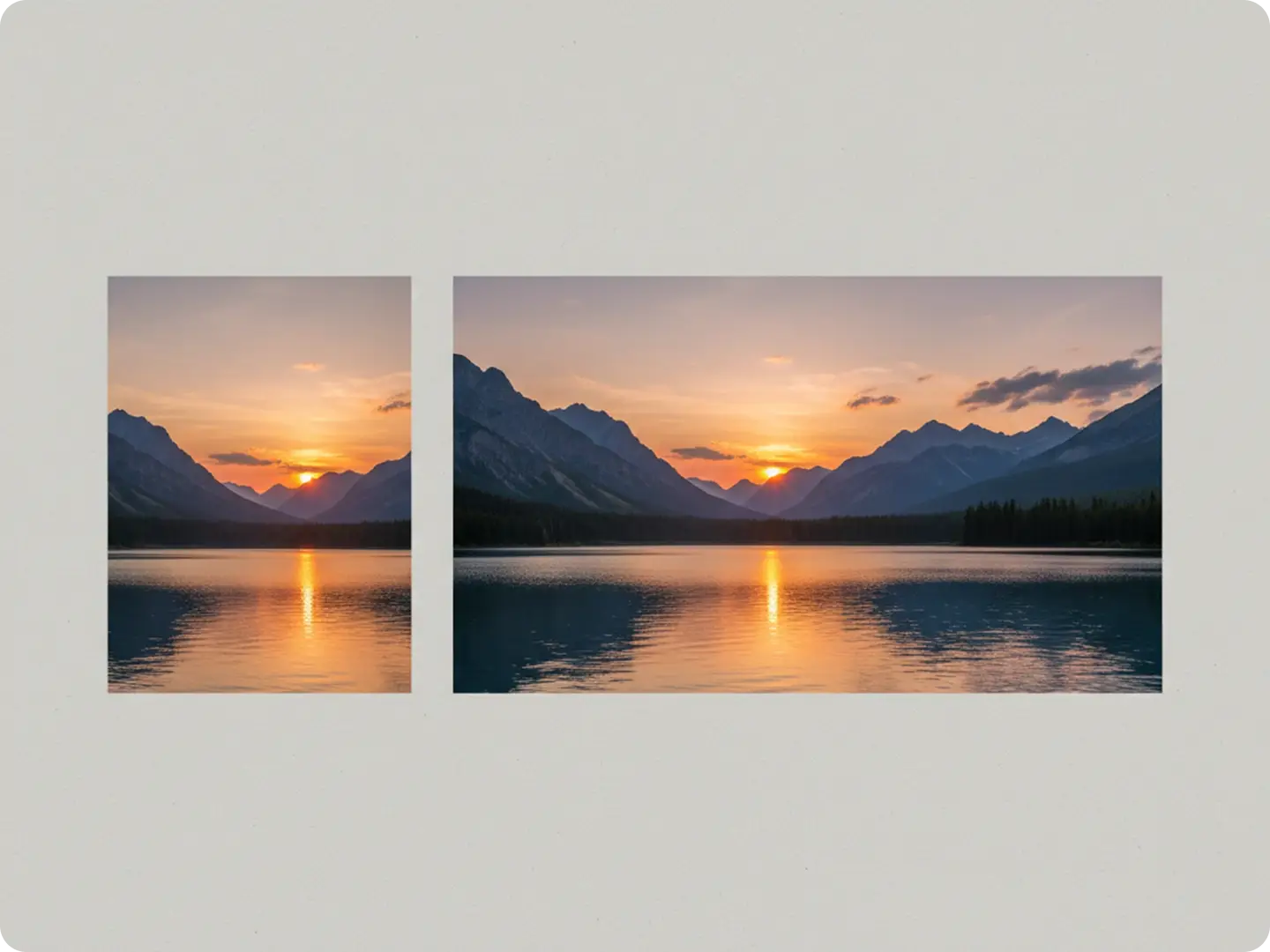
Create Print-Ready Landscape Wall Art from Portrait Photos
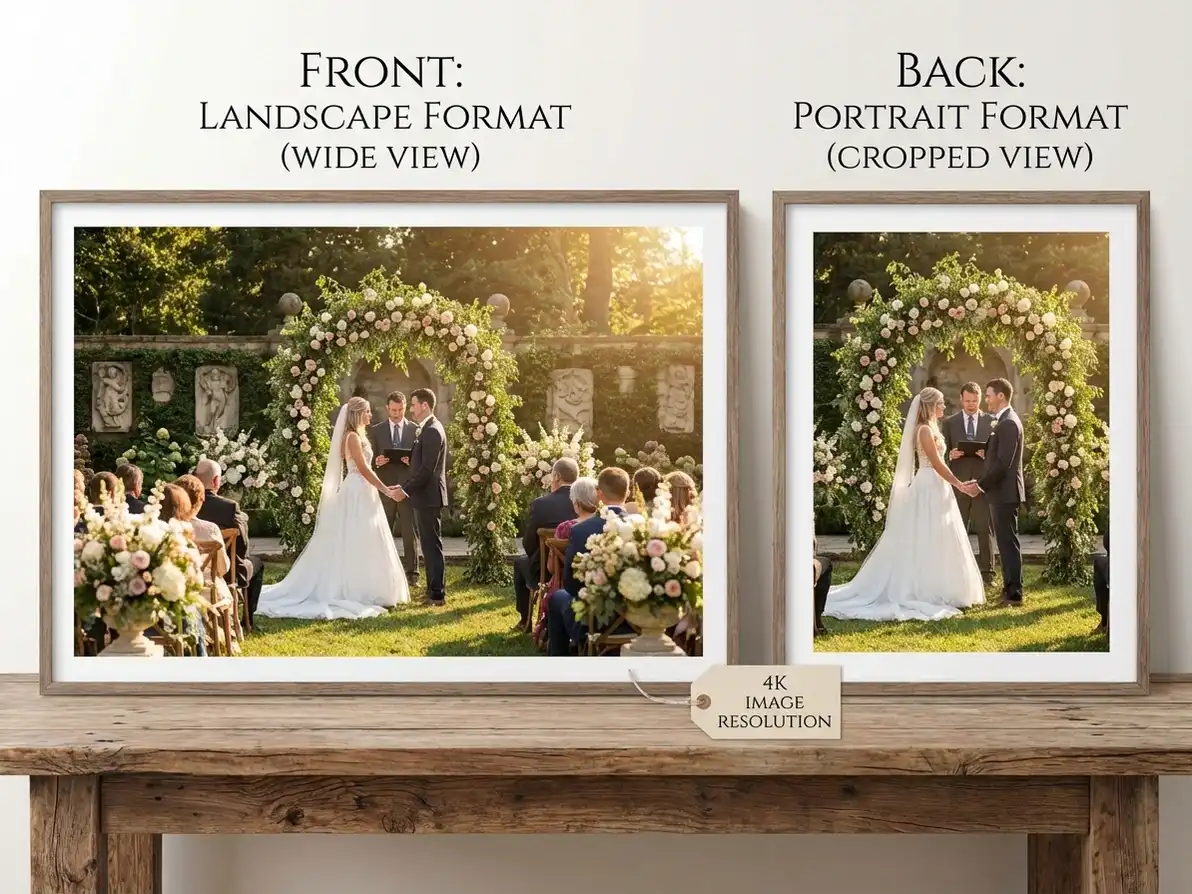
Convert portrait photo to landscape for stunning wall art, canvas prints, or photo albums. Our tool preserves high resolution and color accuracy, so your landscape image looks crisp and vibrant when printed—perfect for home decor or gifting. Pair with our 2D to 3D Converter to add depth to your landscape prints.
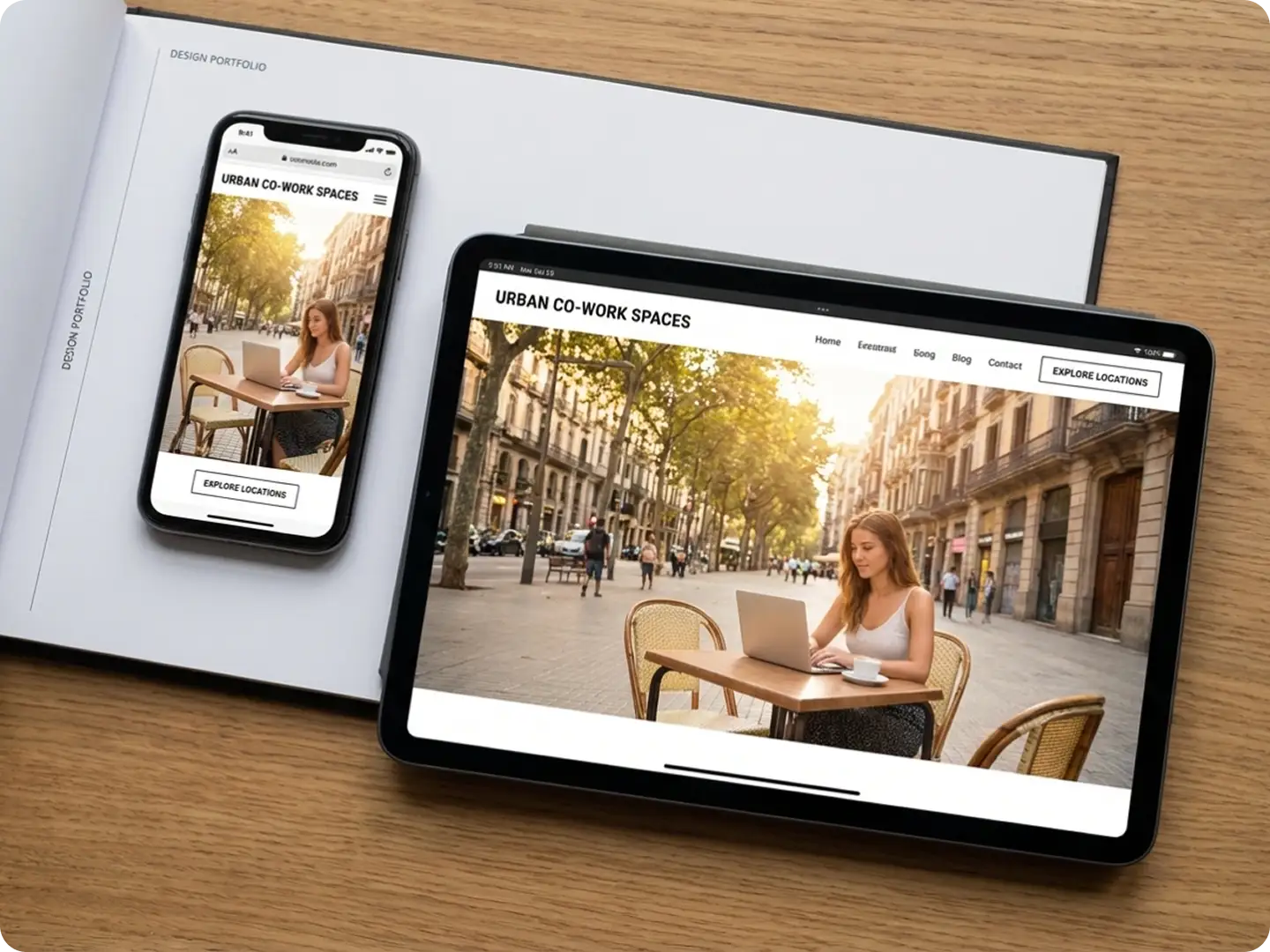
Design Professional Website Banners from Portrait Photos
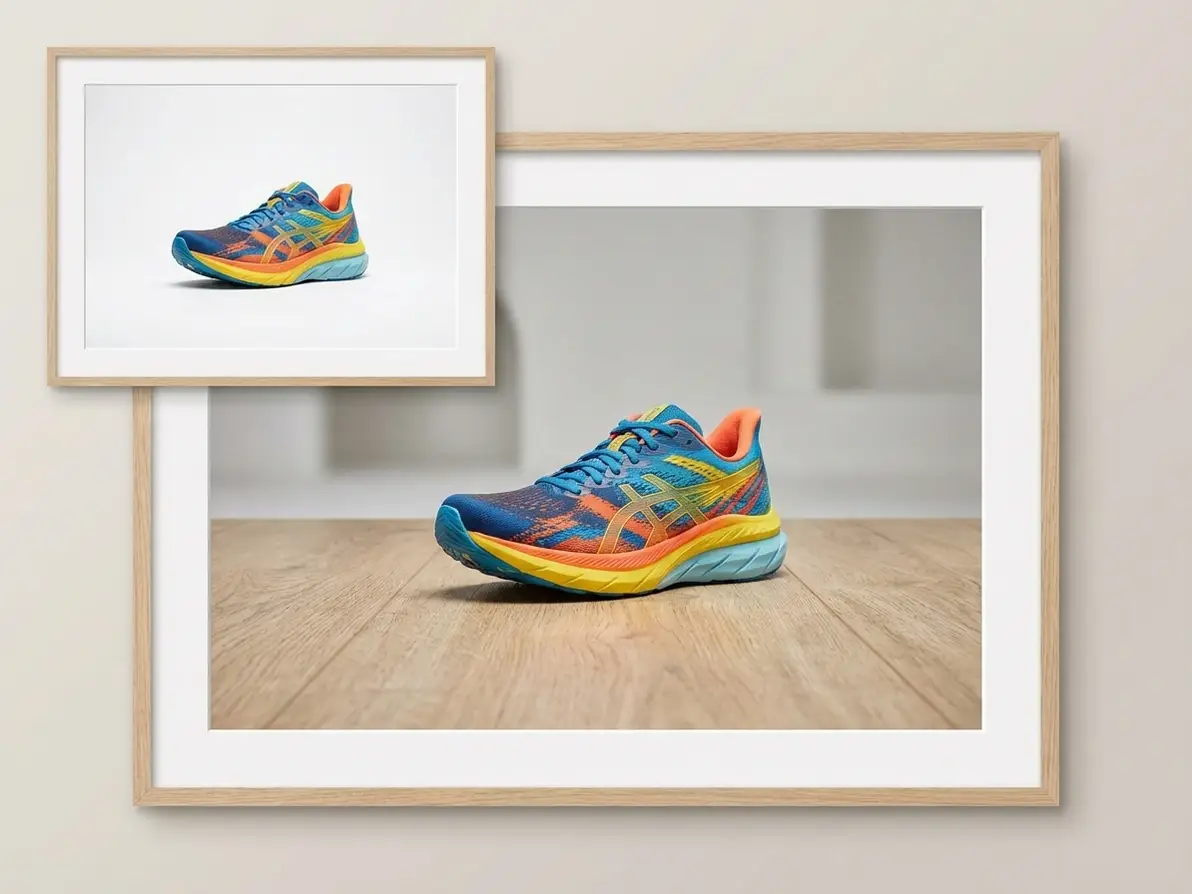
Make portrait photo landscape to create eye-catching website headers, blog banners, or e-commerce product images. Our AI fills in background details to match your brand aesthetic, ensuring your landscape image aligns with your website’s design language. Use our AI Video Editor to turn converted landscape images into engaging website videos.
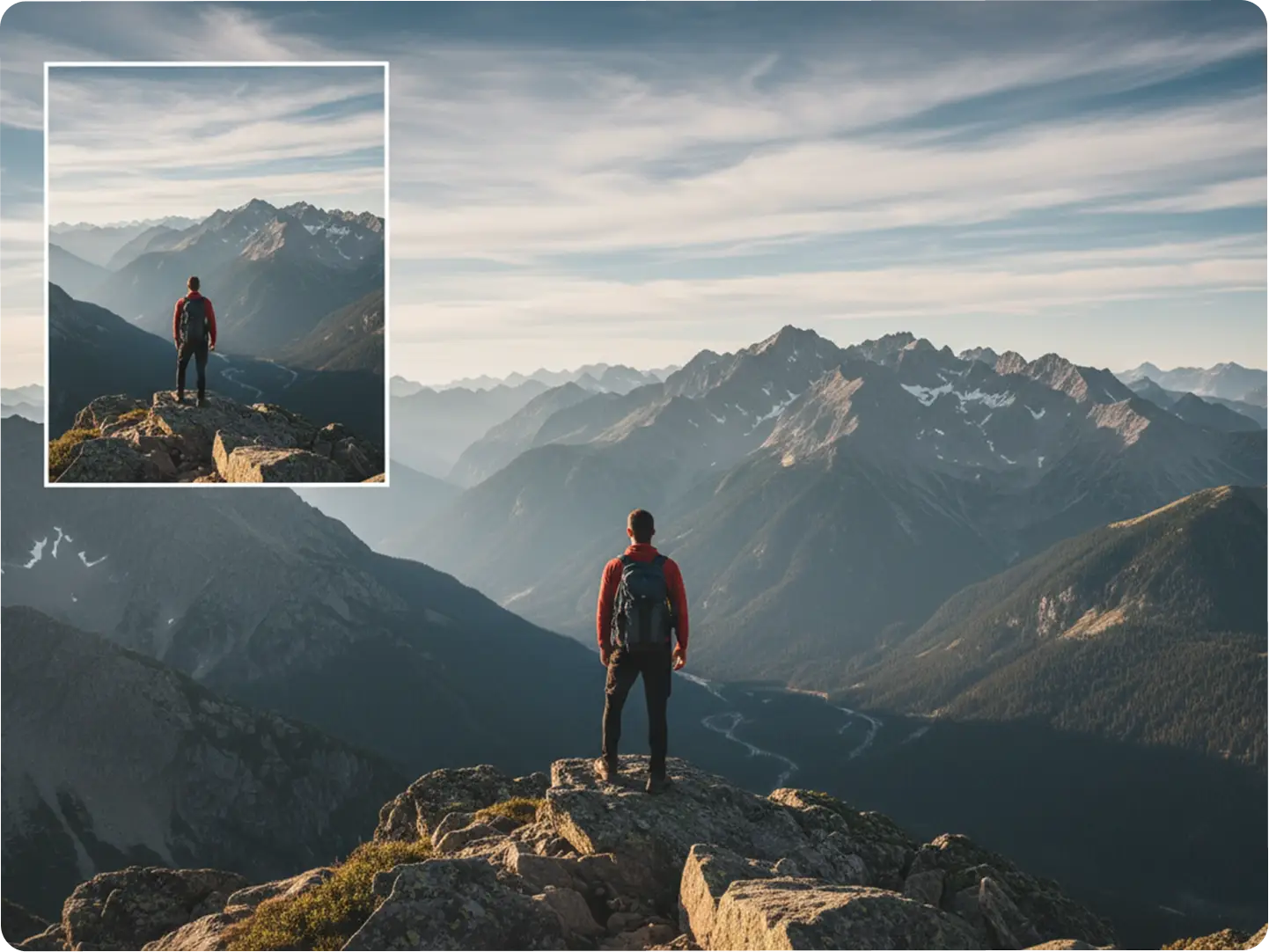
Enhance Travel Portrait Photos with Landscape Format
Convert portrait travel photos to landscape to capture the full beauty of your destinations—whether it’s a mountain view, city skyline, or beach scene. Our AI intelligently expands the background to include more of the scenery, making your image in landscape feel immersive and vibrant. Share your converted travel photos on Pinterest with our AI Influencer Generator to boost reach.
Explore Unlimited Portrait to Landscape Cases
Dzine’s portrait to landscape converter adapts to every need, from personal projects to professional campaigns. Our AI ensures your converted image in landscape always fits the moment and purpose perfectly.
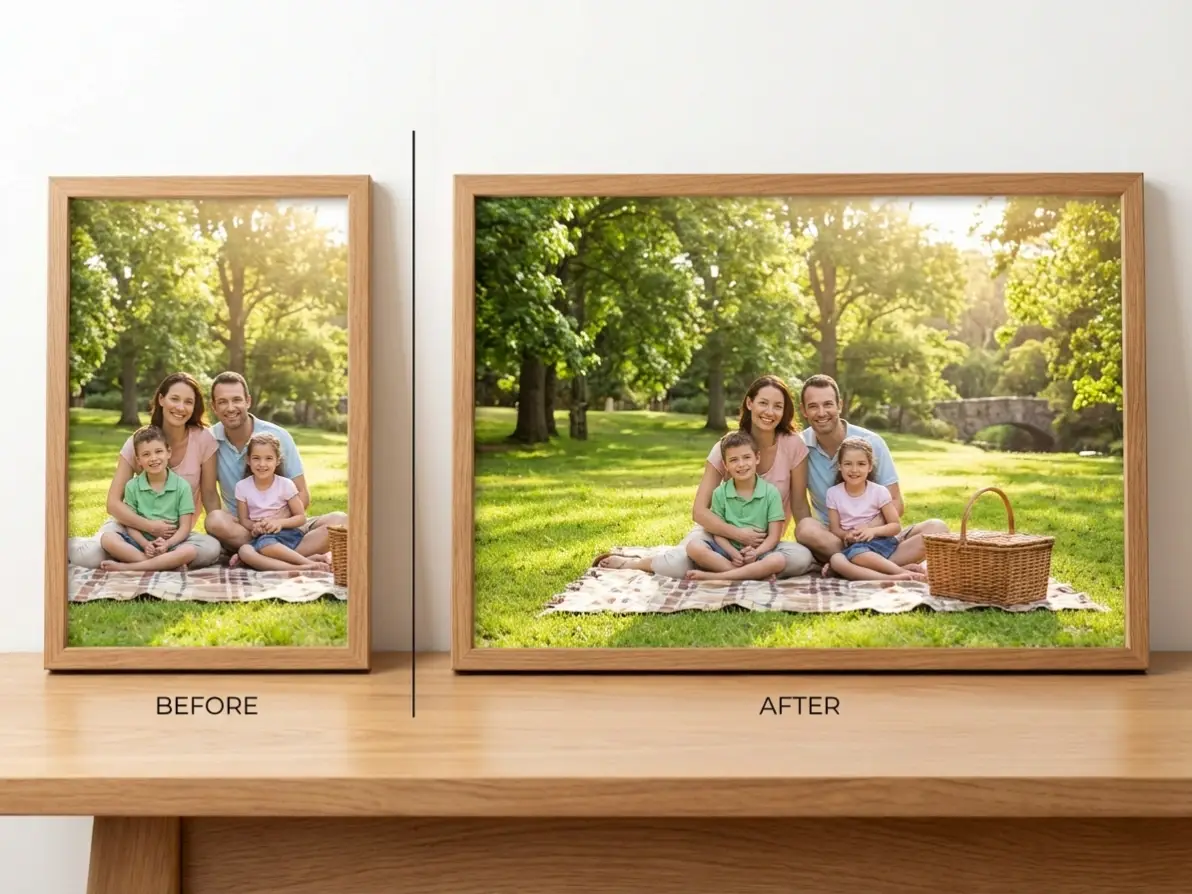
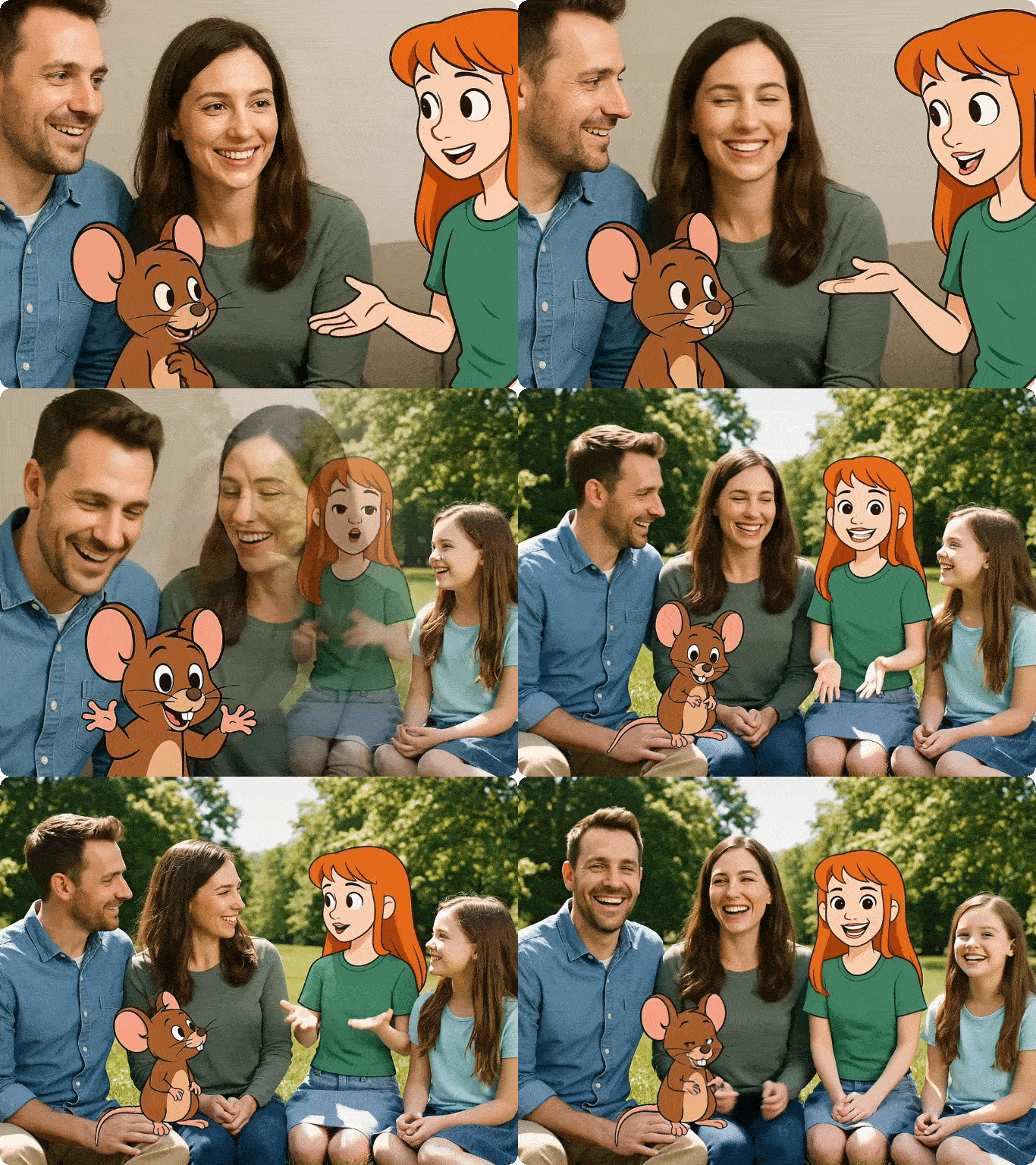
Perfect Landscape Family Photos for Albums & Prints
Convert portrait family photos to landscape to fit traditional photo albums—preserve precious memories in a format that works for physical and digital keepsakes.
Try now for free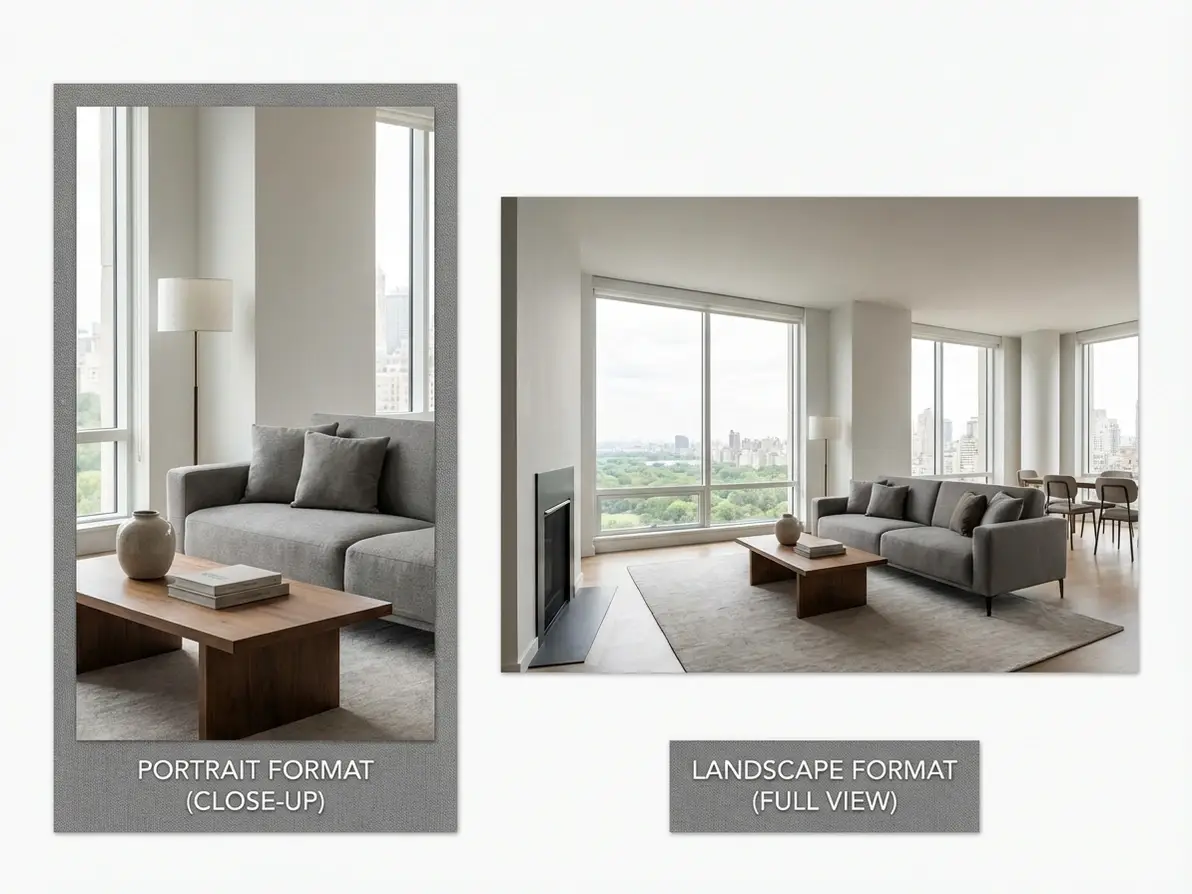
Why Dzine’s Portrait to Landscape Converter Is the Best Choice

AI-Powered Natural Background Filling
Our AI doesn’t just stretch your photo— it intelligently generates contextually relevant background details to make your portrait to landscape conversion look 100% organic.

High-Resolution Outputs (Up to 4K)
Convert portrait photo to landscape without losing quality—our tool preserves sharpness and detail, perfect for prints, large displays, or professional use.

100% Free (No Watermarks or Limits)
Make portrait photo landscape unlimited times with free downloads—no subscriptions, hidden fees, or watermarks on your final landscape images.

Ultra-Fast Conversion (5 Seconds or Less)
Skip long wait times—our AI converts portrait to landscape in seconds, so you can use your image in landscape instantly for time-sensitive projects.

Customizable Landscape Prompts
Guide the AI with specific prompts (e.g., 'mountain landscape' or 'urban skyline') to tailor your converted image to your exact vision and use case.

GDPR-Compliant & Private
We never store your portrait photos or converted landscape images—all processing is local, and files are deleted after your session ends.
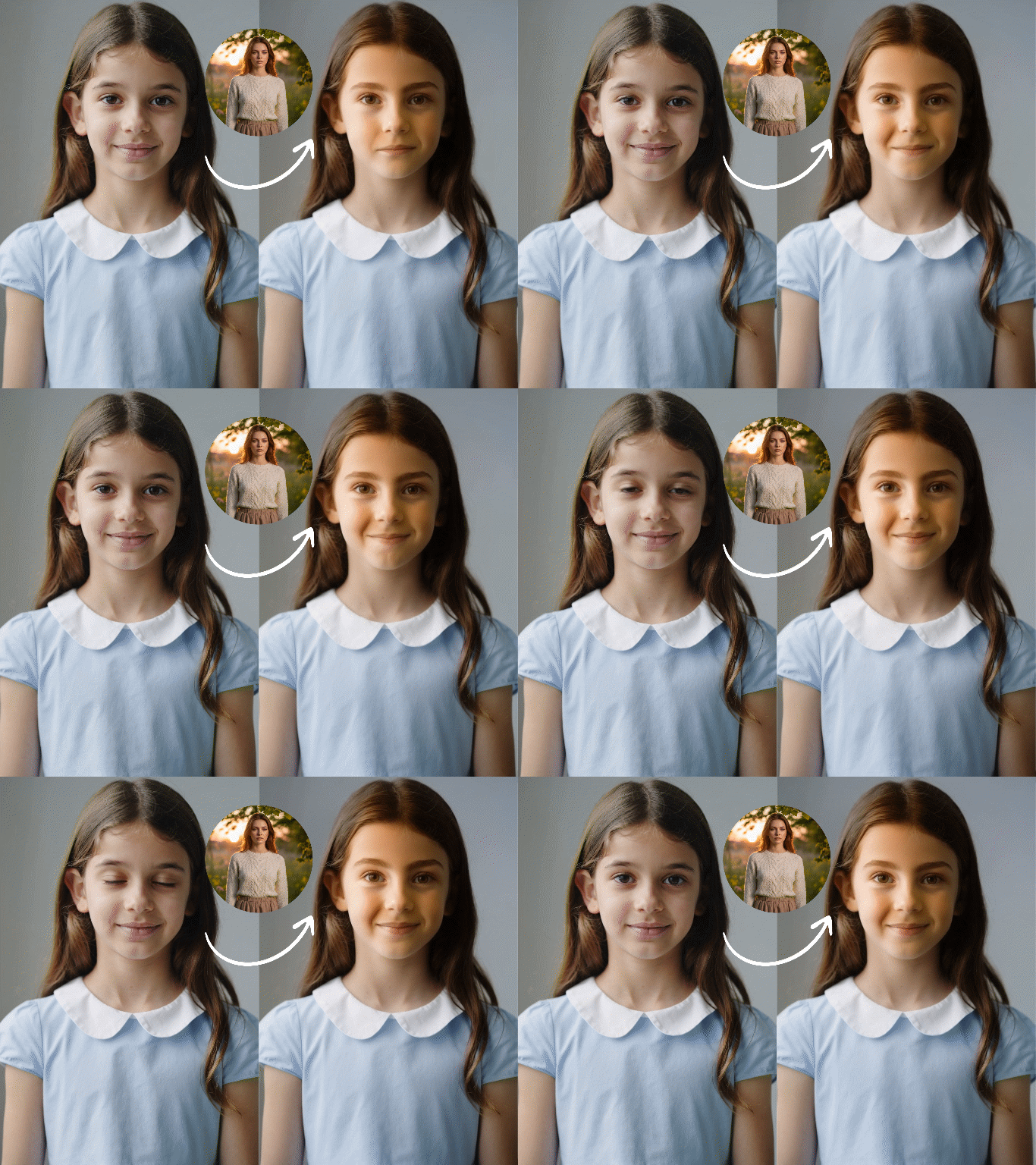
More AI Tools to Elevate Your Creation


What Our Users Said
Finally a Tool That Makes Portrait to Landscape Look Natural
I’ve tried dozens of tools to convert portrait photo to landscape, but Dzine’s AI is the only one that fills in the background naturally—no weird stretching or pixelation. Perfect for my photography portfolio!
Sarah JohnsonProfessional Photographer
Fast & Easy for Social Media Content
I use Dzine to make portrait photo landscape for my Instagram feed, and it takes 5 seconds flat. The high-res output looks great on my grid, and engagement has gone up 30%!
Jake MillerSocial Media Manager
Ideal for Printable Wall Art
I converted my wedding portrait to landscape using Dzine, and the print looks amazing—no loss of quality, and the background extension matches perfectly. It’s now my favorite piece of wall decor!
Emily ChenDIY Enthusiast
FAQ
What is a Portrait to Landscape Converter?
Dzine’s Portrait to Landscape Converter is an AI-powered tool that transforms portrait-oriented photos into natural-looking landscape format. Unlike cropping, our AI intelligently fills in background details to create a seamless image in landscape.
Is Dzine’s portrait to landscape tool free to use?
Yes! Our tool is 100% free with unlimited conversions, high-resolution downloads, and no watermarks—no subscriptions or hidden fees required to convert portrait photo to landscape.
Will my converted landscape image lose quality?
No. Dzine’s AI preserves the original resolution of your portrait photo and generates high-quality background details, so your image in landscape is crisp and clear (up to 4K resolution).
Can I customize the background of my landscape image?
Absolutely. When you convert portrait photo to landscape, you can input prompts to guide the AI (e.g., "forest background" or "city skyline") to create a landscape image that matches your vision.
What file formats do you support for uploads?
We support all major image formats: JPG, PNG, WebP, and TIFF. You can upload any portrait photo in these formats to convert to landscape with ease.
Can I use the converted landscape images for commercial purposes?
Yes! You can use images created with our portrait to landscape converter for personal or commercial use (e.g., advertising, social media, print products) as long as you comply with our terms of service.