- Tools
- Resources
- Pricing
- API
- Contact Sales
- Book a Demo


Free Photo Collage Generator
At Dzine, we make it effortless to create beautiful, high-quality photo collages using AI. Whether you’re designing a photoshoot collage, social media post, or a creative mood board, our free picture collage tool helps you combine images, customize layouts, and generate professional results instantly — no design skills needed.

Click or drag here to upload images
Try one of them for amazing creation
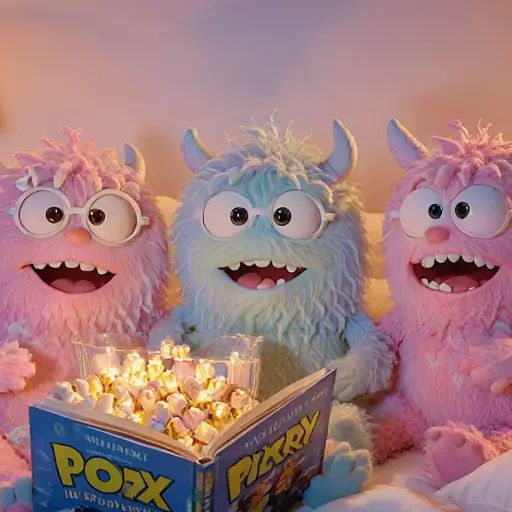
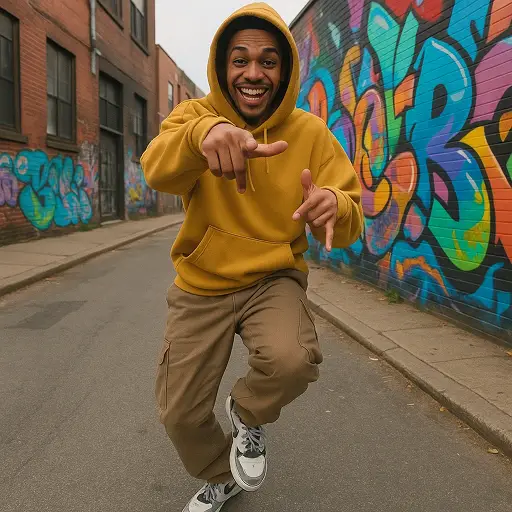
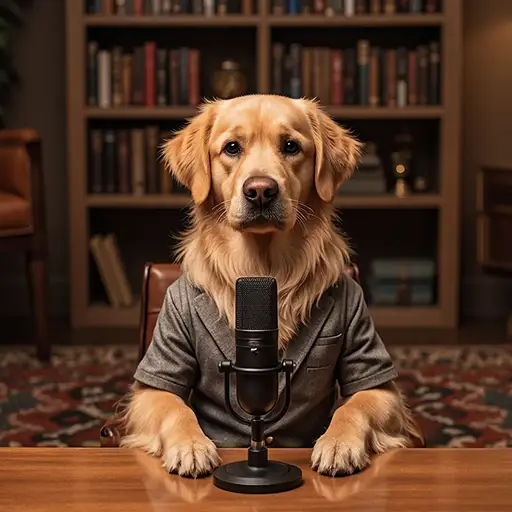
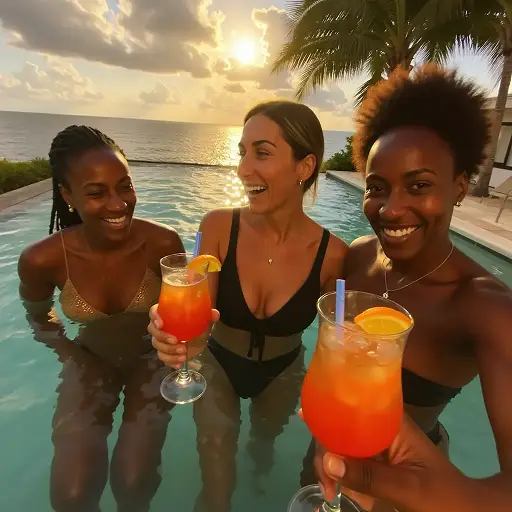
Create Professional Photo Collages for Any Moment or Idea
Design smarter, not harder—Dzine transforms your photos into polished collages instantly. From personal memories to professional visuals, our collage generator adapts to your needs. Create family albums, Instagram-ready grids, brand mood boards, or even marketing creatives with ease. Compared to a typical Fotor collage alternative, Dzine leverages AI to automate layout, spacing, and styling — saving you time while delivering better visual balance.
You can also enhance your images beforehand using our AI-powered tools like Grok AI Image Generatorto create unique visuals before combining them into a collage.
How to Make a Photo Collage
Step 1: Upload Your Images & Input Collage Goals
Head to Dzine’s "AI Image" tool and upload the photos you want to combine—we support JPG, PNG, WebP, and TIFF. Type in your prompt (e.g., "create a free picture collage of a family photoshoot" or "design a 4x4 grid collage for Instagram with a white background").
Step 2: Set Generation Parameters
Choose from our AI models Nano Banana Pro or Seedream 5.0, then configure image size (up to 4K), resolution, and collage style (grid, heart-shaped, freeform, photoshoot-themed).
Step 3: Generate & Download Your Collage
Click the Generate button to create your custom photo collage instantly. Download the high-resolution result—no watermarks or limits on usage.
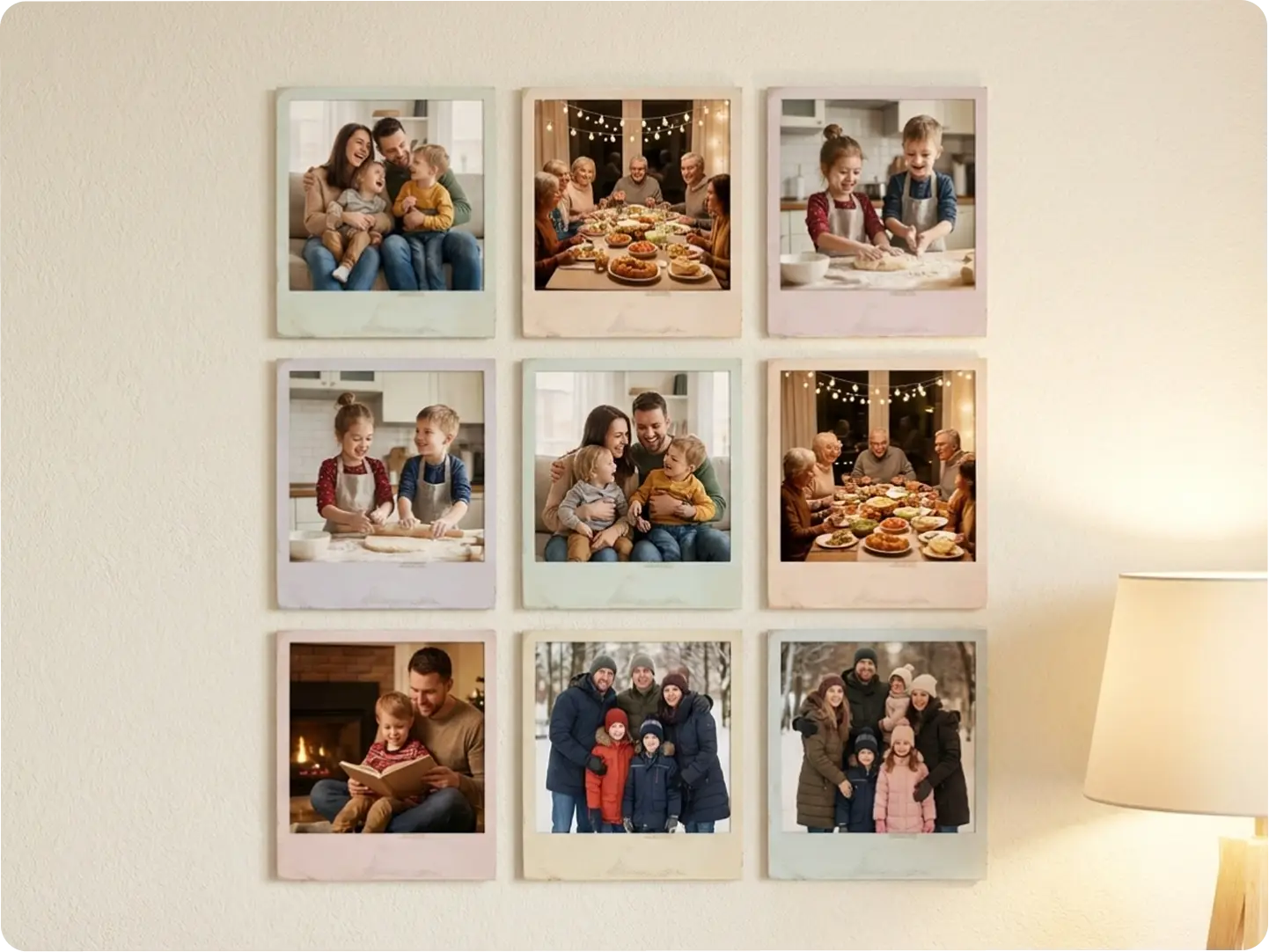
Craft Sentimental Family Photo Collages
Turn cherished family moments into a cohesive free picture collage for wall art, holiday gifts, or digital albums. Our AI aligns photos perfectly and preserves high resolution, ensuring every memory shines. Pair with our AI Polaroid Photo Generator to add vintage flair to your collages.
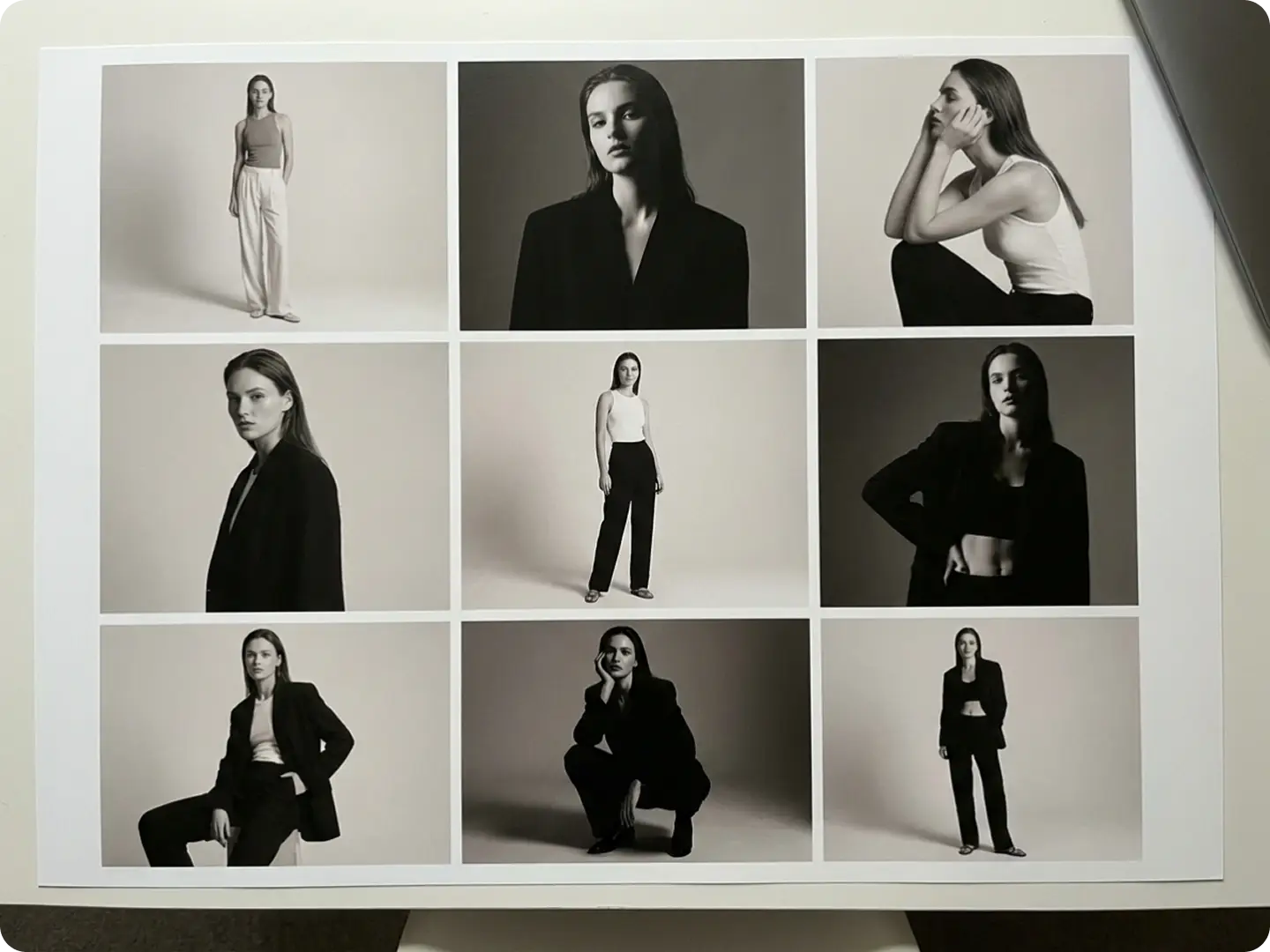
Design Professional Photoshoot Collages for Portfolios
Present your best shots in one cohesive visual with ease. Dzine allows photographers, creators, and brands to combine multiple photos into a polished photoshoot collage — perfect for showcasing different angles, lighting setups, or edits in a single frame. For even better results, you can enhance portraits beforehand using our Portrait Generator to ensure visual consistency across your collage.
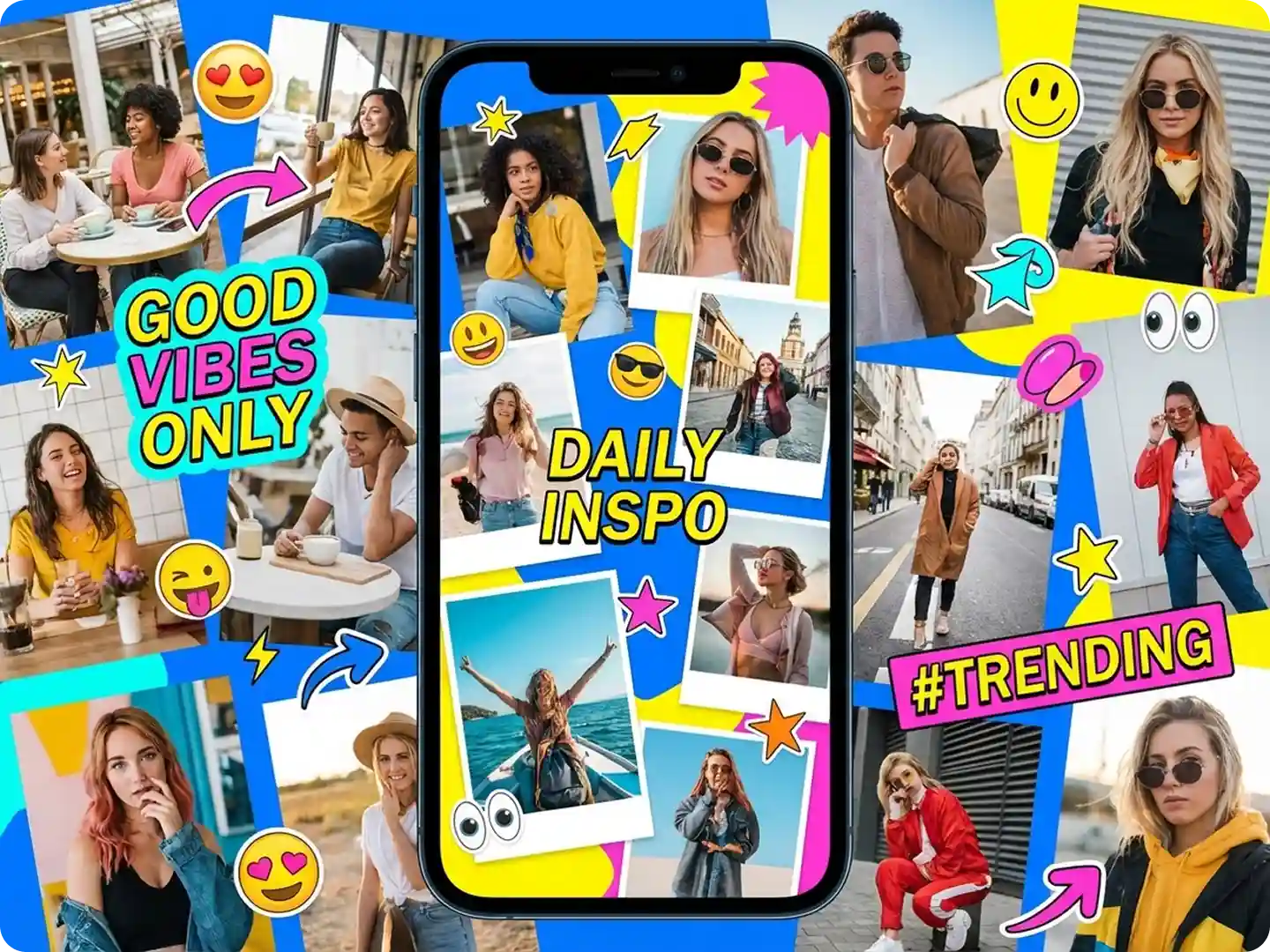
Build Eye-Catching Social Media Collages
Elevate your Instagram, TikTok, or Pinterest content with custom collages that stand out in feeds. Our AI adapts layouts to platform specs (e.g., Instagram story dimensions) and lets you add text/stickers for extra engagement. Try our AI Meme Generator to add playful elements to your collages.
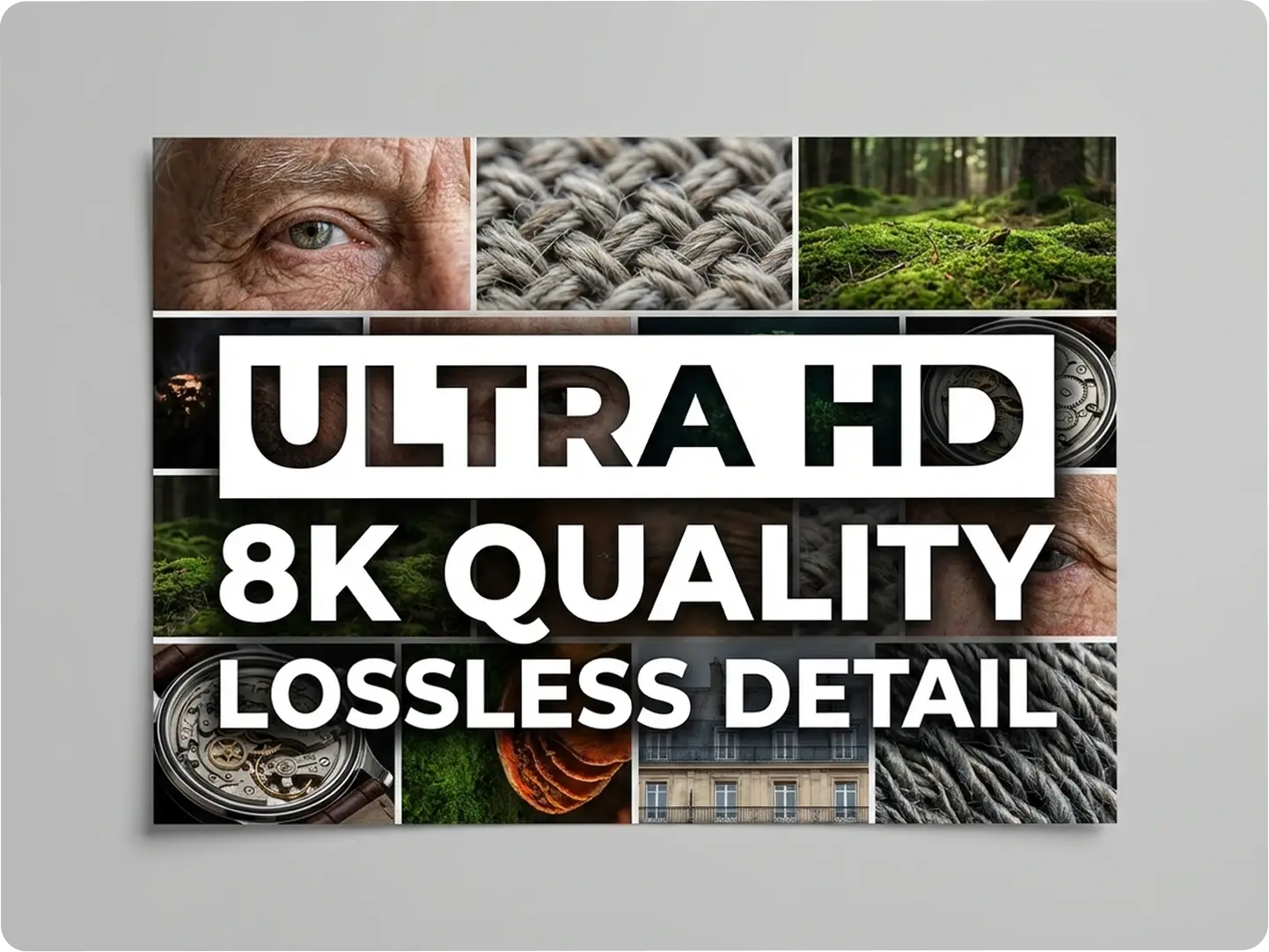
Build High-Quality Collages Without Losing Image Detail
Maintain sharpness and clarity across every image. Dzine ensures your final collage remains high-resolution and print-ready, even when combining multiple photos — making it ideal for posters, client work, or digital publishing. You can use Dzine Image Enhancer to improve your photos before making collages.
Explore Real-World Ways to Use Our Photo Collage Generator
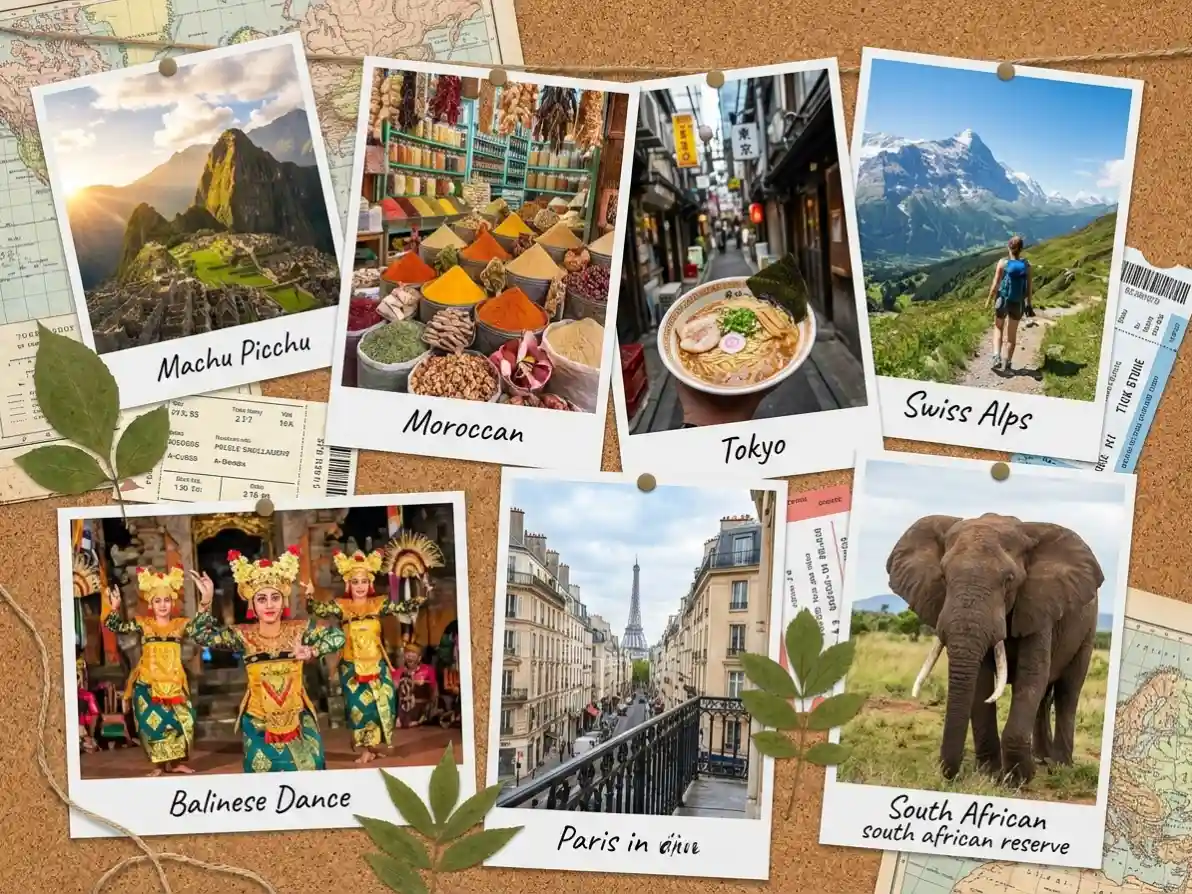
Dzine’s Collage Generator adapts to every need, from personal memories to professional branding. As a top fotor collage alternative, we make it easy to create free picture collages, photoshoot collages, and custom grids that fit your unique workflow.
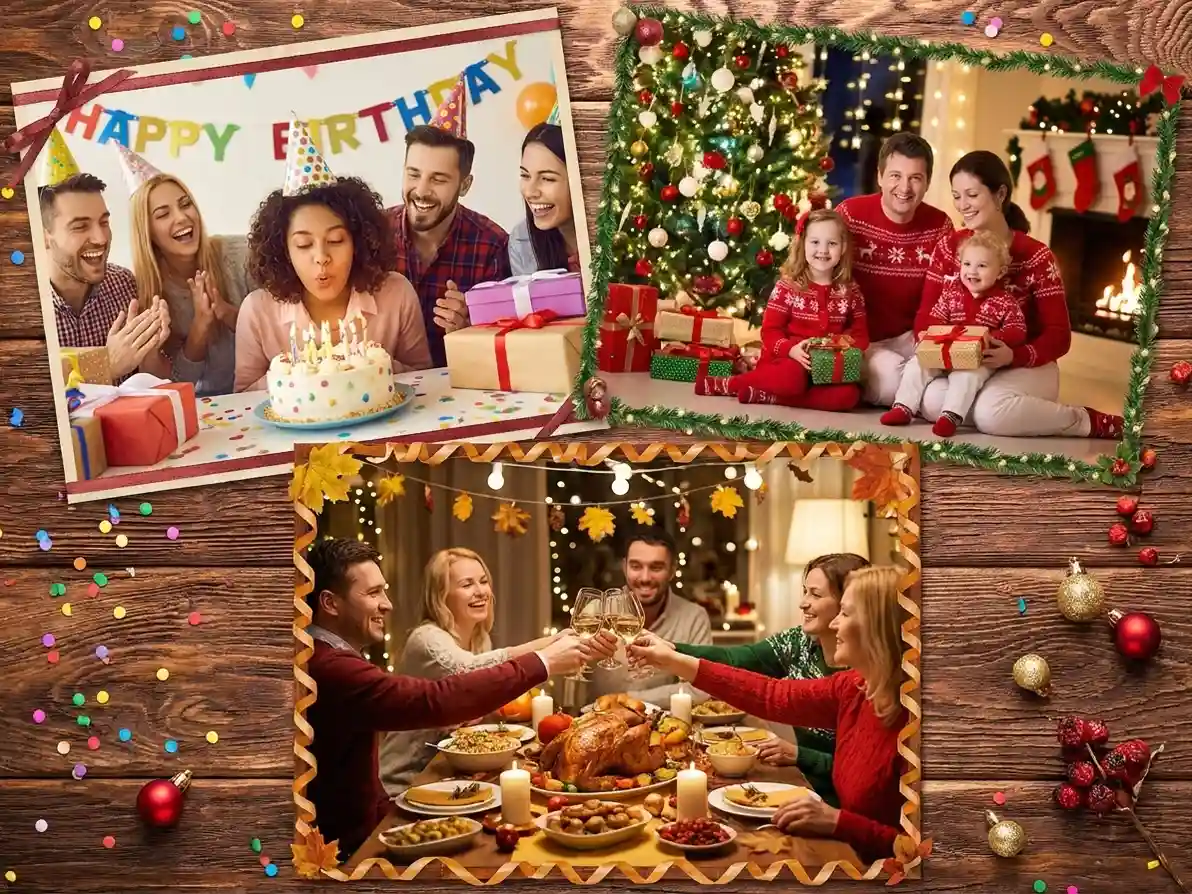
Create Festive Holiday Photo Collages
Capture the spirit of birthdays, Christmas, or Thanksgiving with a free picture collage of celebrations. Our AI offers themed templates and custom backgrounds to match the occasion.
Try now for free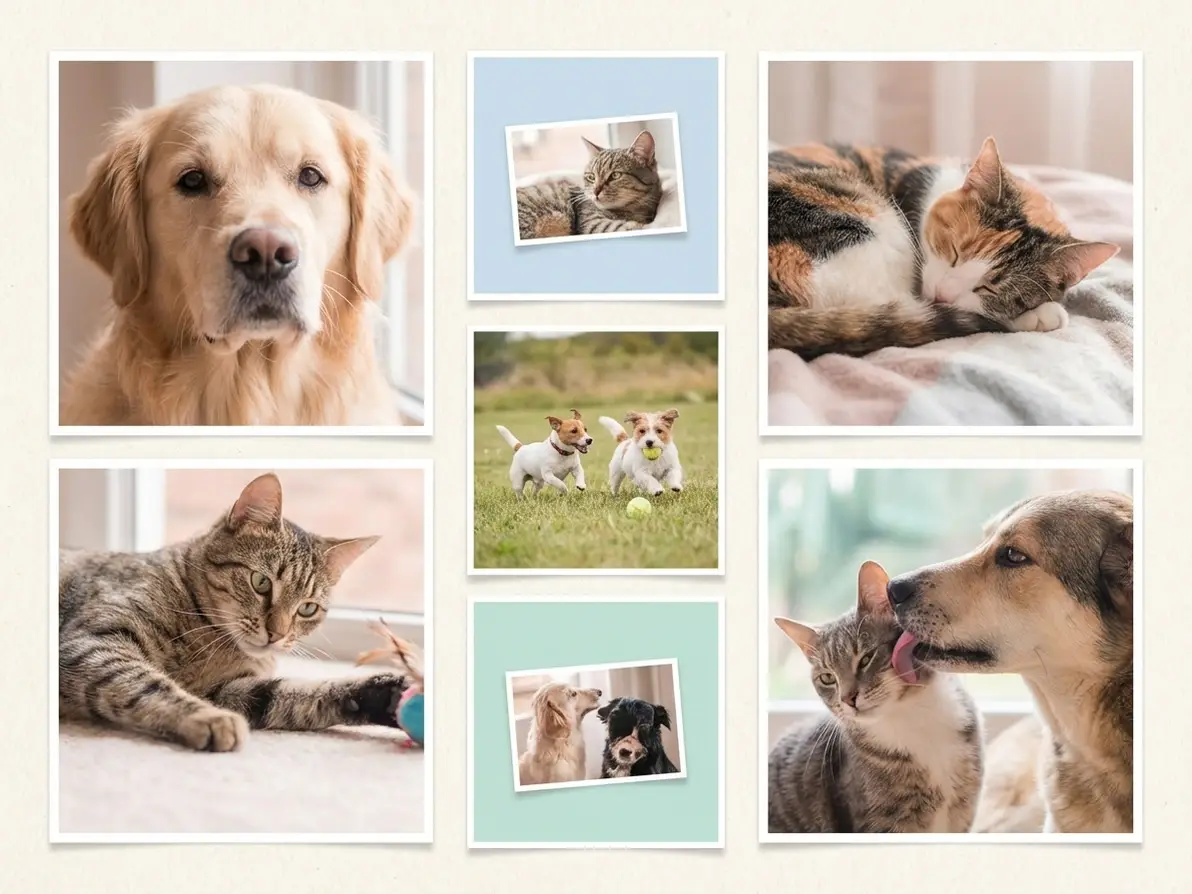
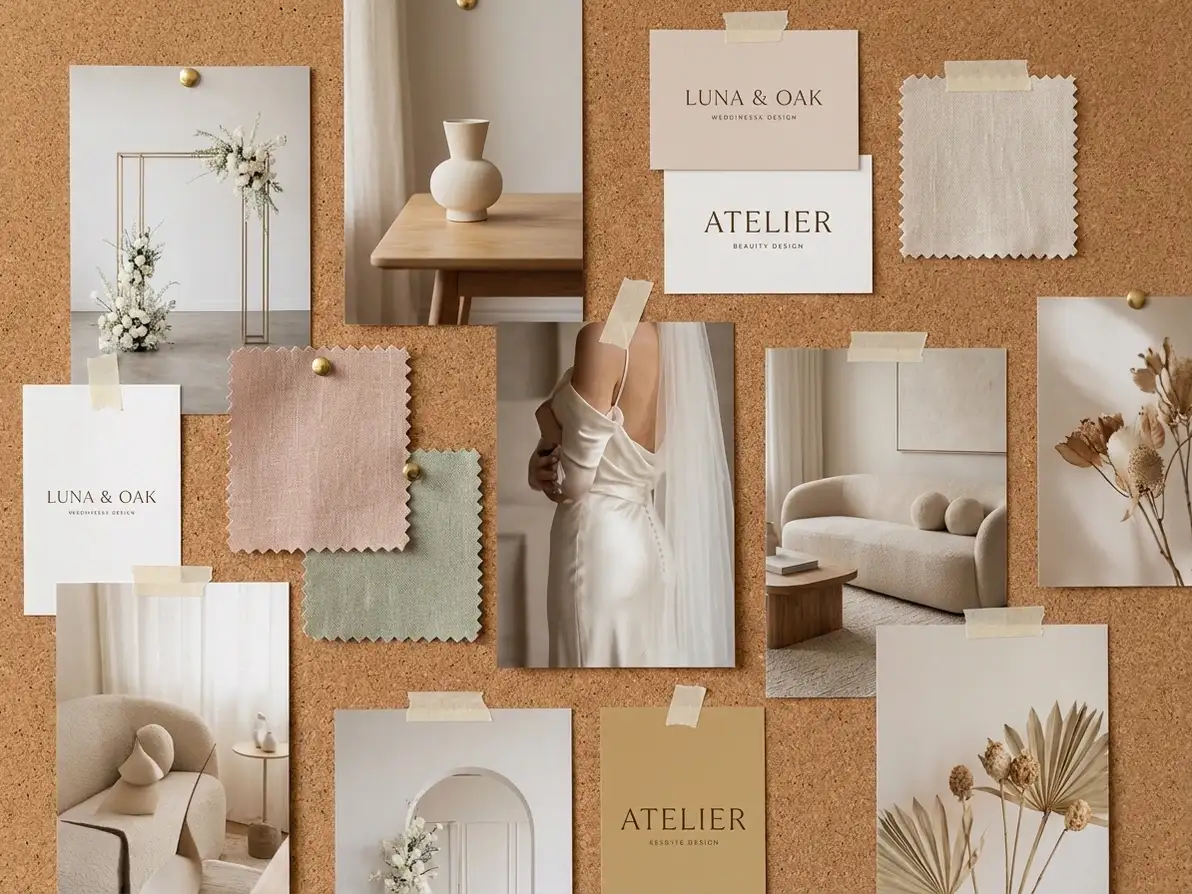
Why Dzine’s Photo Collage Generator Is the Best Choice

AI-Powered Smart Layout Optimization
Our AI automatically arranges photos for balanced, visually appealing collages—no manual resizing or aligning, even for photoshoot collages with varying image sizes.

4K High-Resolution Outputs
Create free picture collages without losing quality—our tool preserves sharpness, perfect for print, large wall art, or professional branding materials.

100% Free (No Watermarks/Limits)
Make unlimited collages with free downloads—no subscriptions, hidden fees, or watermarks on your final photo collages, unlike other paid tools.

Ultra-Fast Generation (3 Seconds)
Skip long editing sessions—our AI creates collages in seconds, ideal for time-sensitive projects like event decor or social media posts.

Customizable Styles & Templates
Choose from grid, heart-shaped, freeform, or photoshoot-themed templates—adjust backgrounds, borders, and spacing to match your vision.

GDPR-Compliant & Private
We never store your original photos or collages—all processing is local, protecting your personal and professional content.
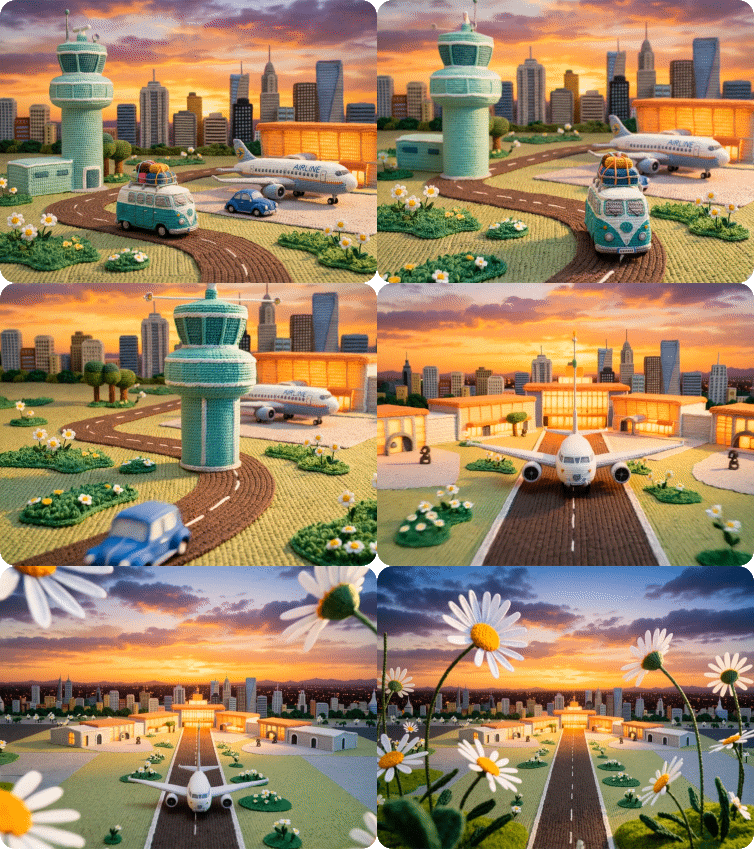
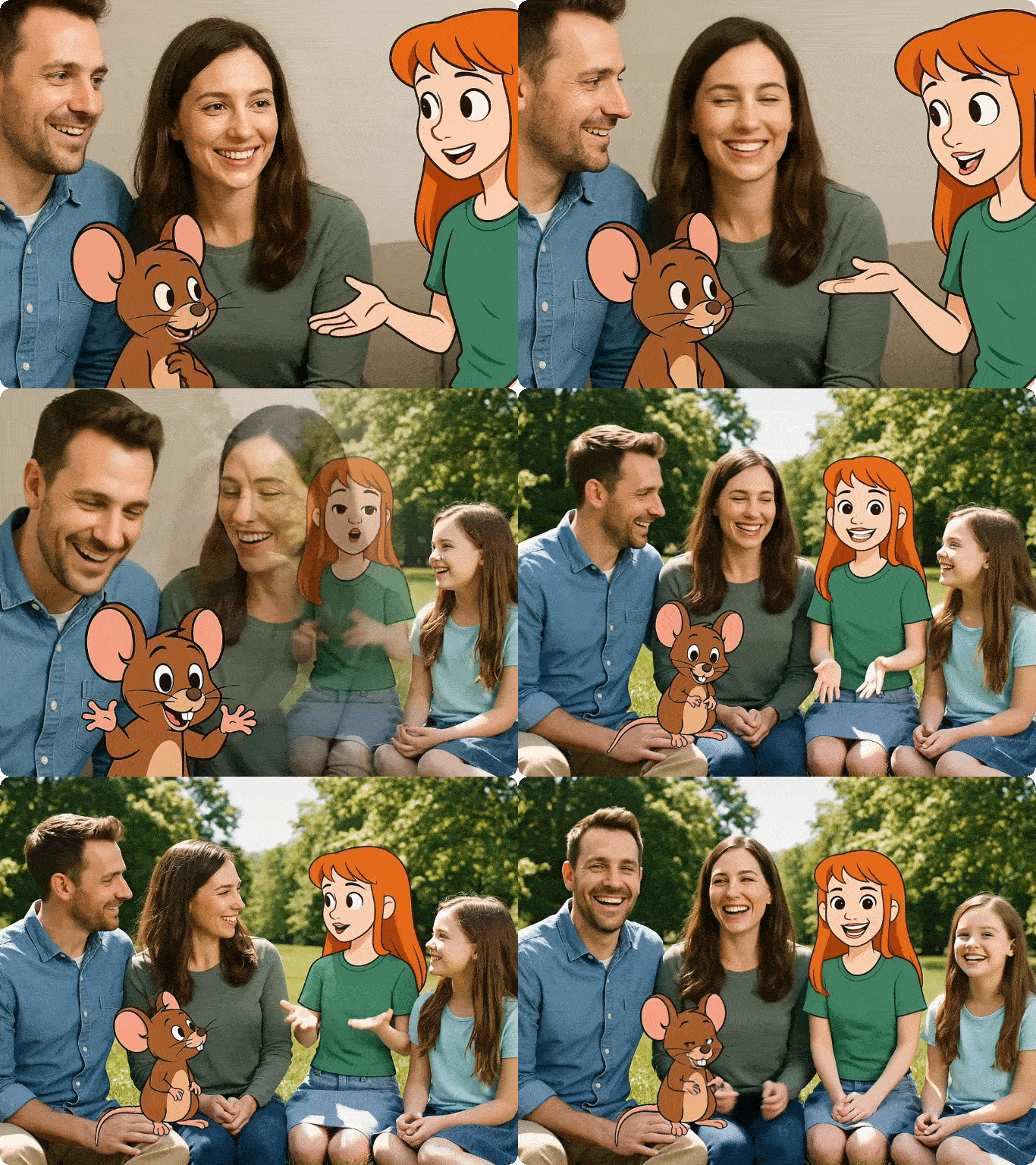
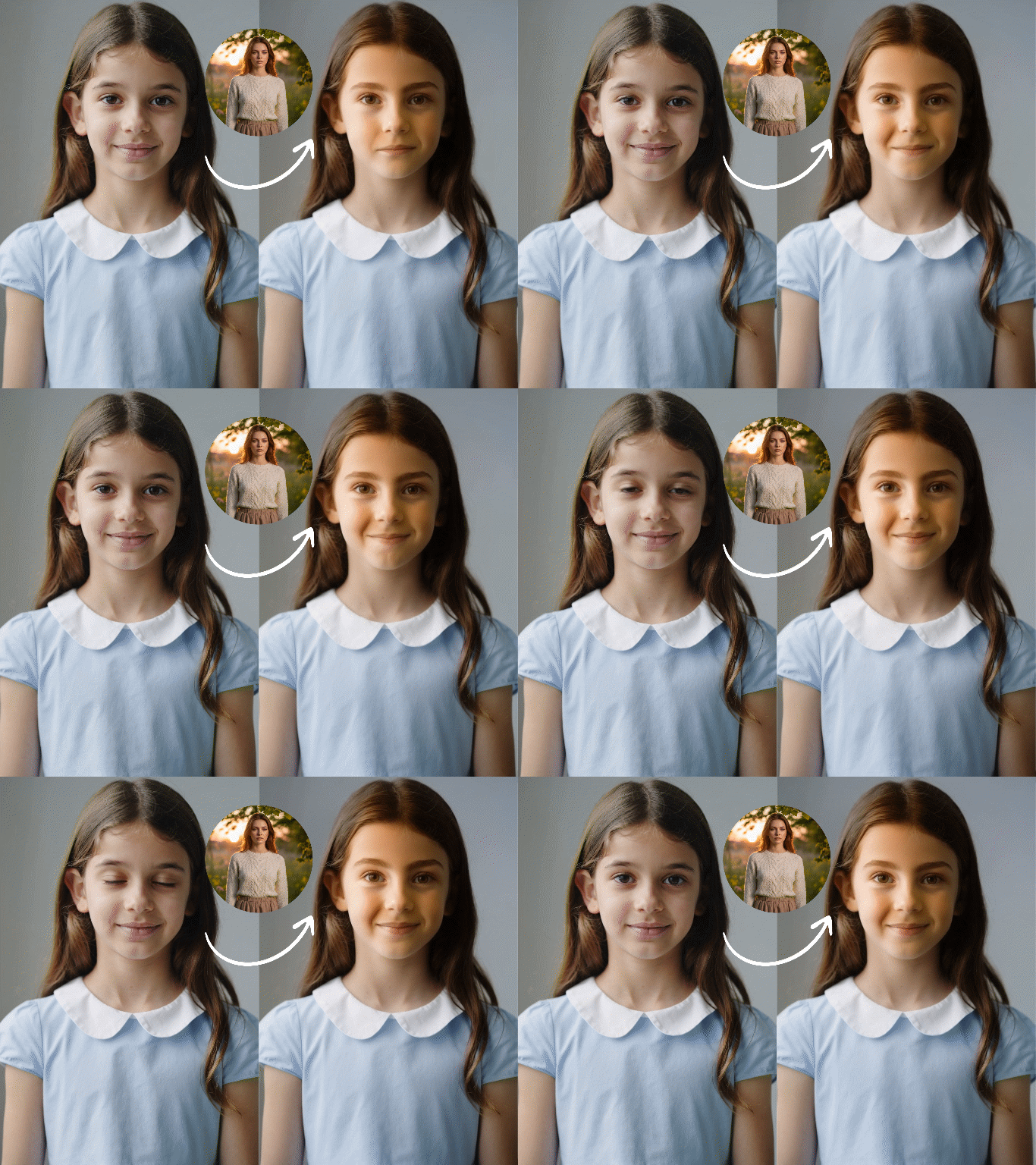
More AI Tools to Elevate Your Creations


What Our Users Said
The Best Fotor Collage Alternative for Personal Use
I use Dzine to create free picture collages of my kids for holiday gifts, and the AI layout tool makes it so easy—no more struggling with misaligned photos. The 4K resolution makes prints look professional, and it’s totally free!
Sarah JohnsonStay-at-Home Parent
Game-Changer for My Photography Business
I needed a fast way to create photoshoot collages for client portfolios, and Dzine delivers in seconds. The custom templates match my brand aesthetic, and my clients love the high-res downloads—bookings are up 40%!
Marcus LeeProfessional Photographer
Perfect for Small Business Social Media
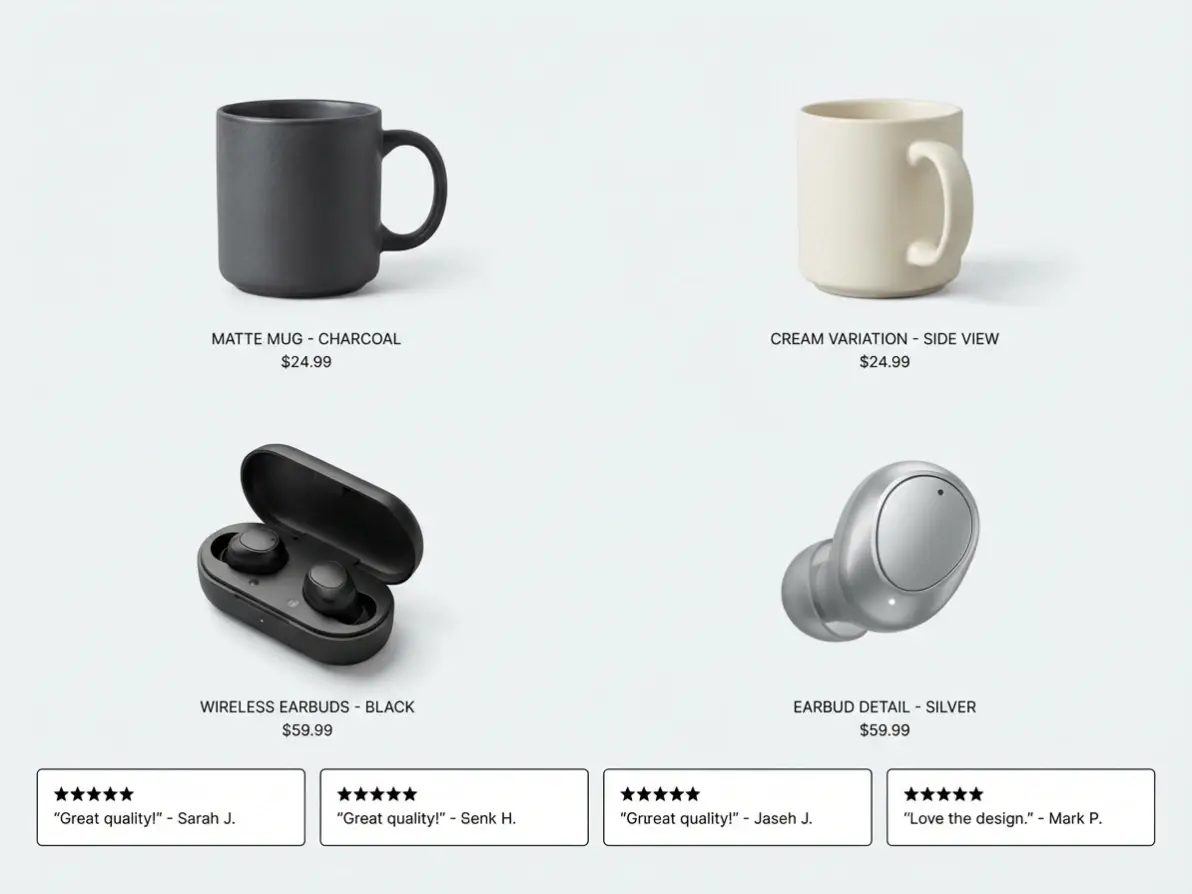
As a boutique owner, I use Dzine to make product collages for Instagram, and it’s way better than other tools. The AI optimizes layouts for mobile, and integrating with the AI Image Editor lets me add text and filters seamlessly.
Elena GarciaBoutique Owner
FAQ
What is Dzine’s Photo Collage Generator?
Dzine’s Photo Collage Generator is an AI-powered tool that lets you easily create photo collages, free picture collages, and photoshoot collages online—as a top fotor collage alternative, it requires zero design skills and delivers professional results in seconds.
Is Dzine’s Photo Collage Generator free to use?
Yes! Our tool is 100% free with unlimited collage creation, high-resolution downloads, and no watermarks—no subscriptions or hidden fees to make photo collages.
Can I customize the style of my collage?
Absolutely. You can choose from grid, heart-shaped, freeform, or photoshoot-themed templates, adjust backgrounds, borders, spacing, and resize images to fit your vision.
What file formats do you support for collage creation?
We support all major formats: JPG, PNG, WebP, and TIFF. Upload any photos in these formats to create free picture collages or photoshoot collages with ease.
Can I use my collages for commercial purposes?
Yes! You can use collages created with our tool for personal or commercial use (e.g., branding, e-commerce, advertising) as long as you comply with our terms of service.
How is Dzine better than Fotor’s collage maker?
Dzine is a superior fotor collage alternative—we offer AI-powered layout optimization, 4K resolution, faster generation (3 seconds), and 100% free use with no watermarks, unlike Fotor’s limited free tier.