
- Tools
- Resources
- Pricing
- API
- Contact Sales
- Book a Demo


Kling 2.1 Video Generator
Kling 2.1 on Dzine AI creates smooth, consistent 1080P videos from text prompts or images. Our Kling AI 2.1 model delivers reliable results for social, marketing, and educational content - no editing skills required. Try Kling 2.1/Kling 2.1 Master free on Dzine today

Click or drag here to upload images
Try Kling 2.1 with one of these
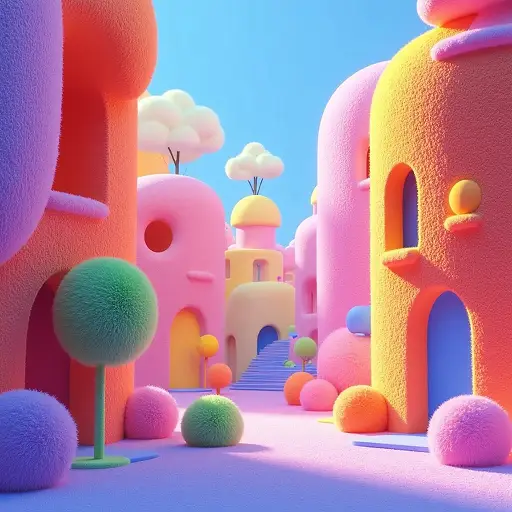
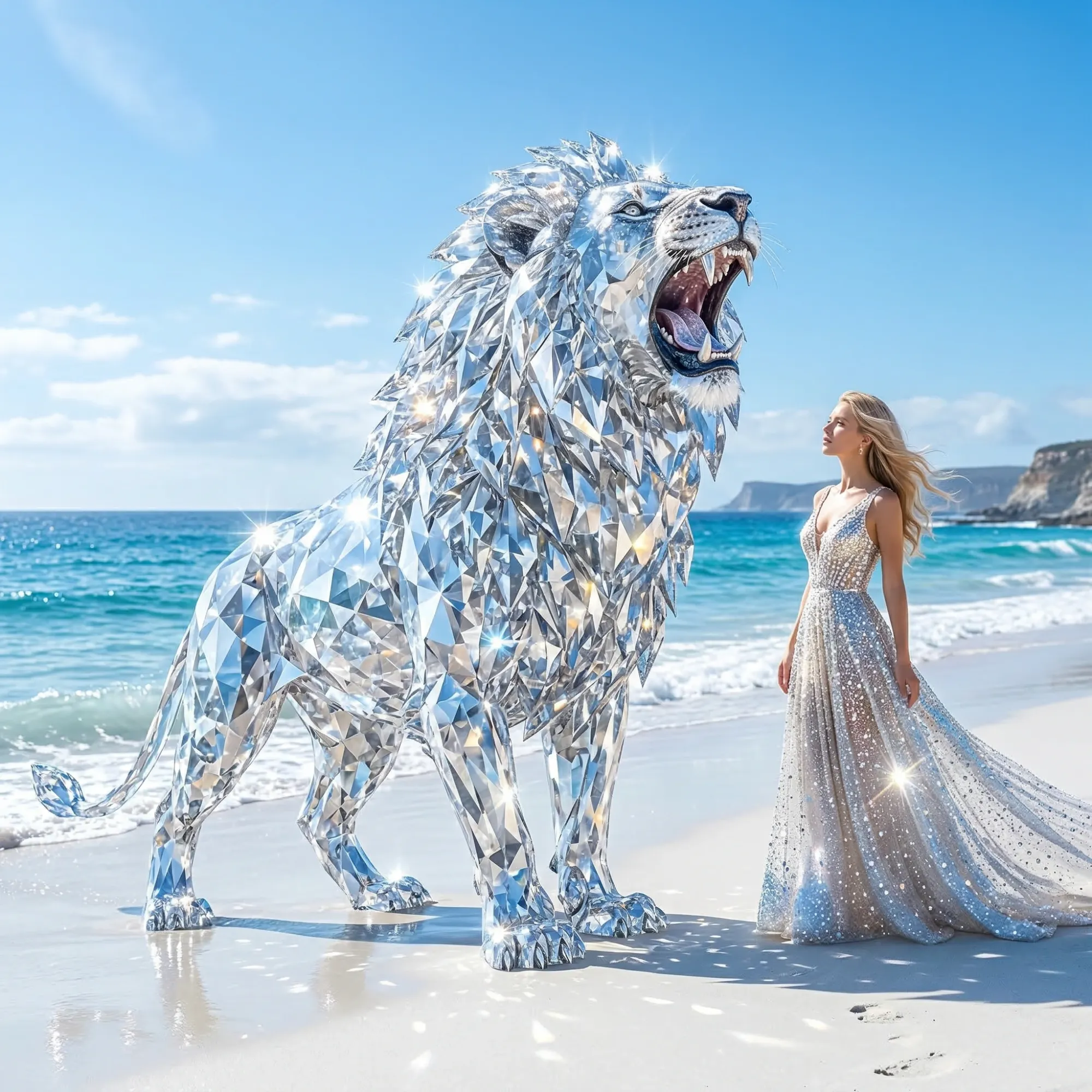
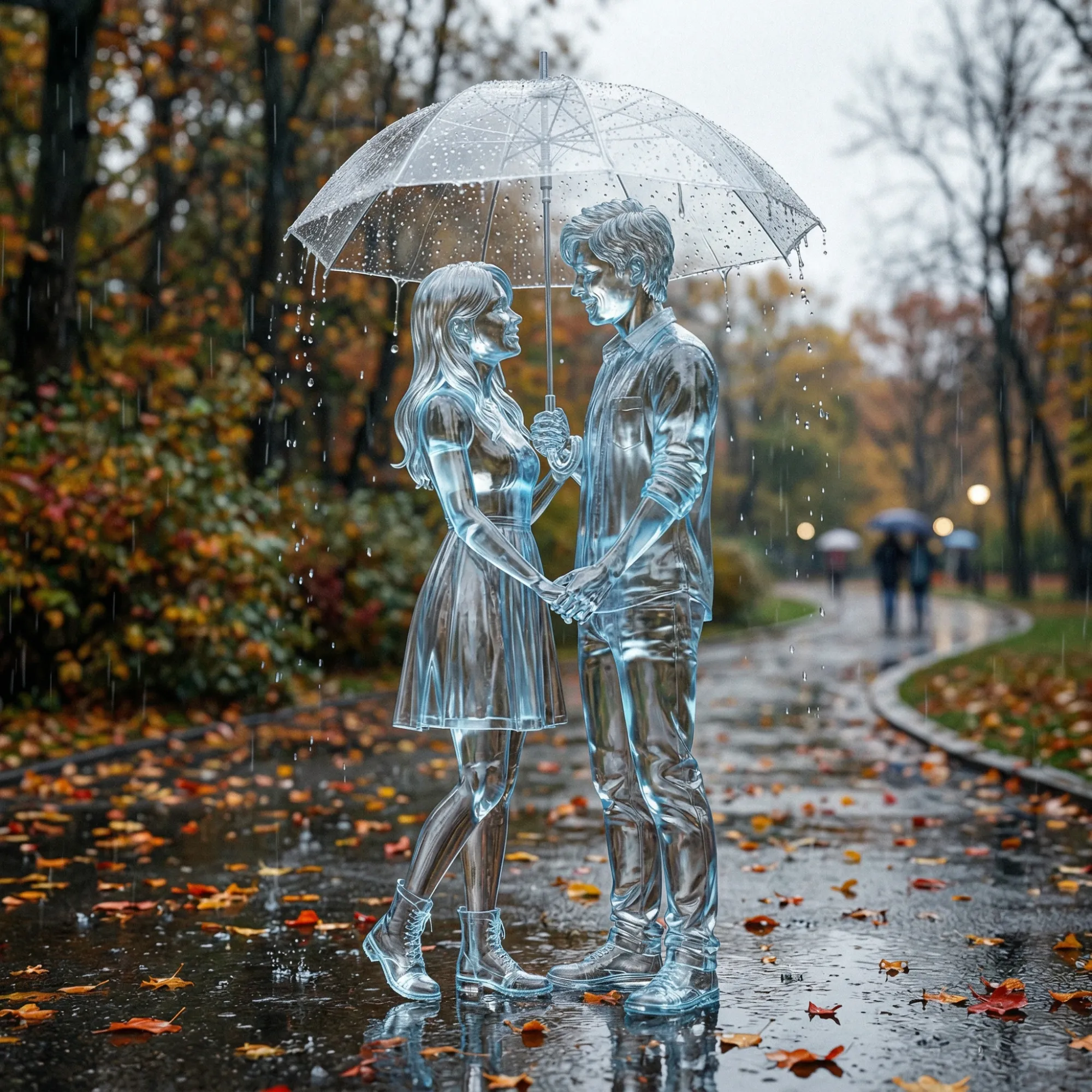
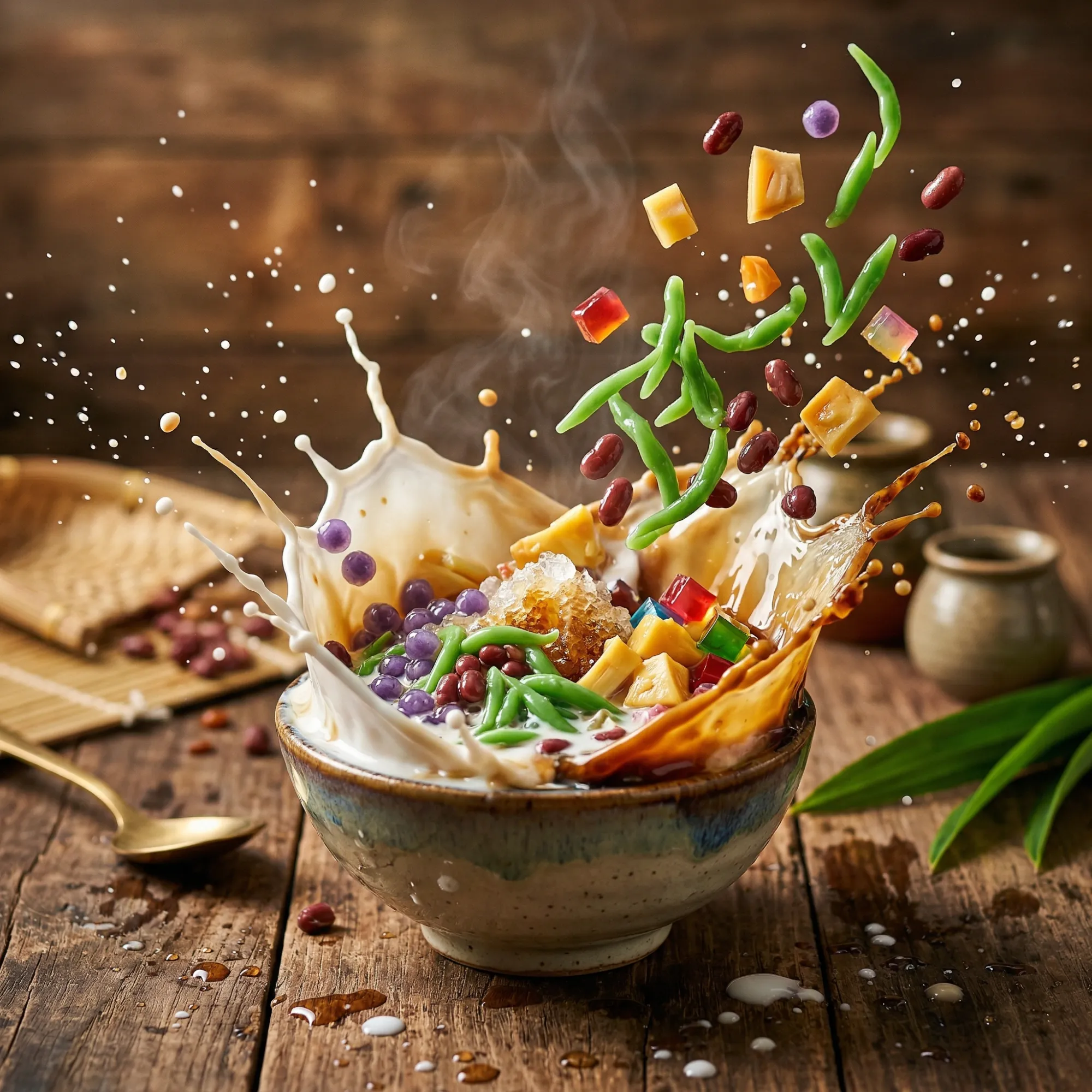
Kling 2.1 Delivers Stable, Professional 1080P AI Videos Every Time
Most AI video tools lack consistency in character and scene. Kling 2.1 fixes this with advanced spatiotemporal attention technology. Every frame maintains character identity, lighting, and motion flow - critical for polished content.
On Dzine, Kling 2.1 Master is optimized for speed and quality. It generates 1080P 30FPS videos in seconds, ideal for social media posts, product demos, and short explainers. You get full control over motion, frames, and audio sync without technical setup.
How to Use Kling 2.1 on Dzine AI
Step 1: Upload Image or Enter Prompt
Open Dzine and navigate to AI video generator. Upload an image or type a detailed text prompt for your video.
Step 2: Choose Kling 2.1 Model
Select Kling 2.1 from the model list. Set aspect ratio, duration, and motion preferences as needed.
Step 3: Generate and Download Your Video
Click Generate and preview your video. Download the final 1080P file - ready for immediate use.
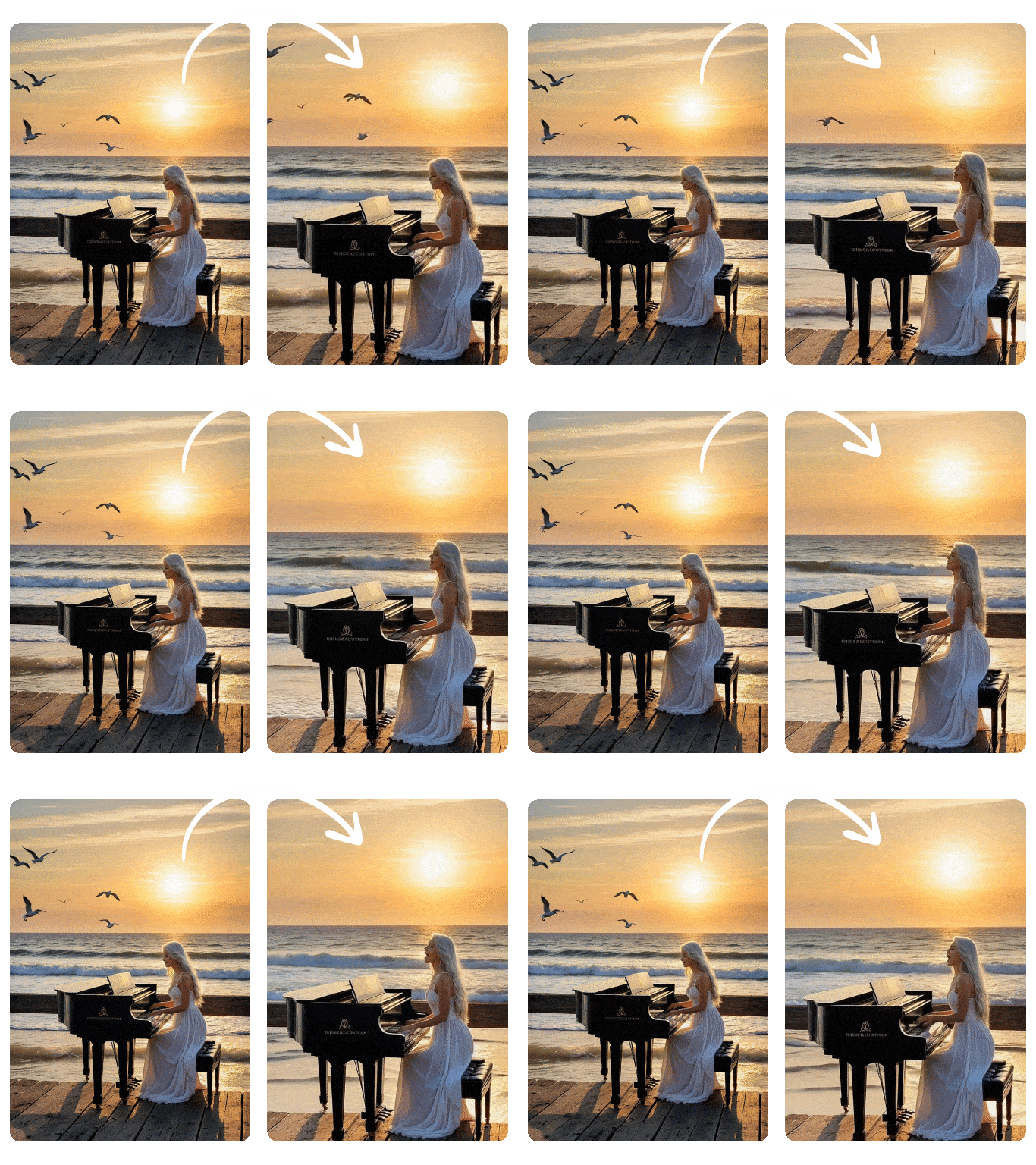
Kling AI Image to Video: Dynamic Visuals from a Single Frame
With just one image and a guiding prompt, Kling 2.1 generates highly realistic video clips, featuring fluid motion and expressive details. Whether animating a portrait or transforming a scenic landscape, the model ensures cinematic quality from a single frame, eliminating the need for complex editing.
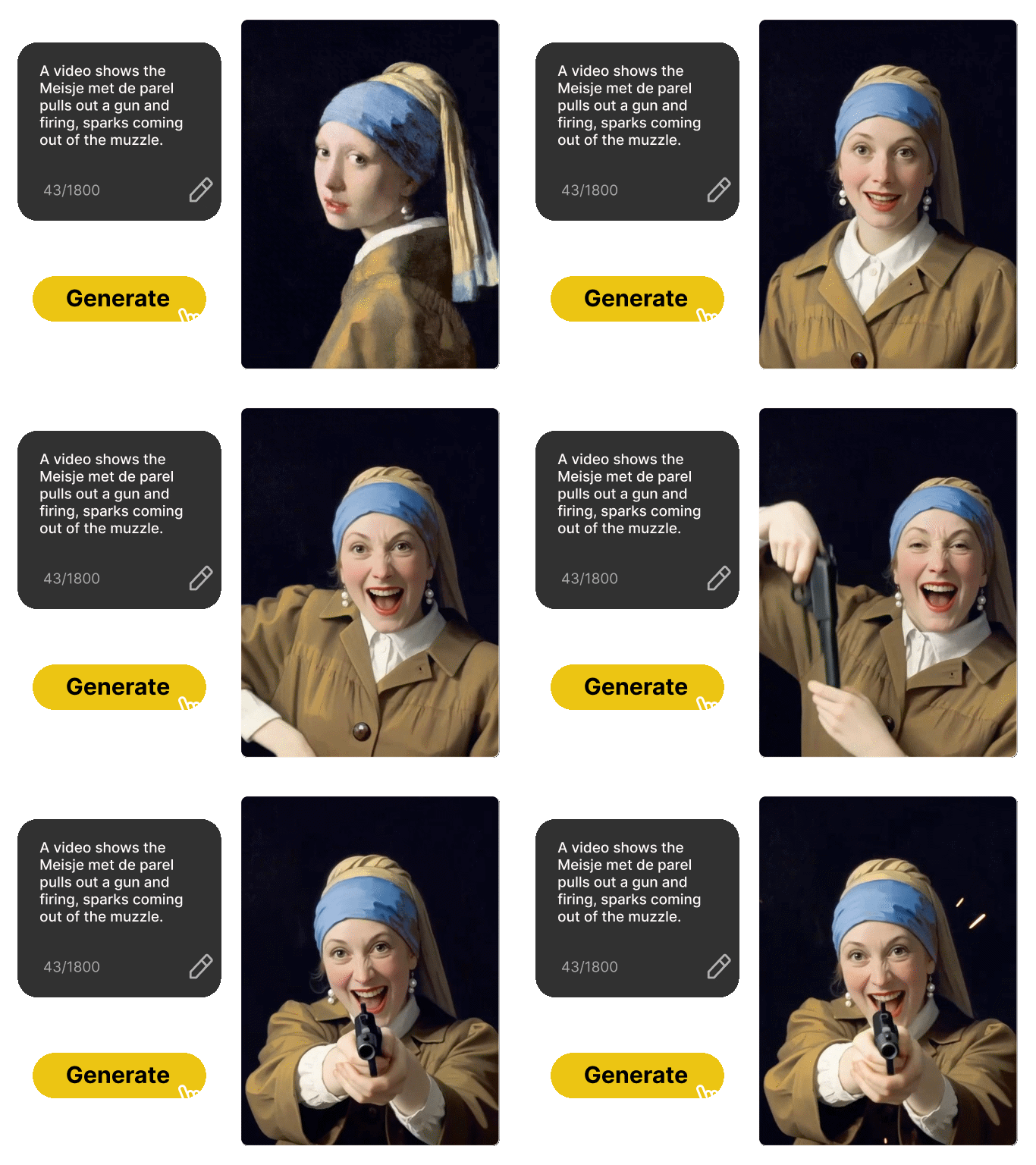
Text to Video: Unleash Your Imagination
Kling AI 2.1 offers robust text-to-video capabilities, allowing you to generate stunning visual narratives purely from descriptive text. Simply articulate your vision, and our advanced Kling AI will craft a compelling video, complete with intricate details and dynamic scenes.
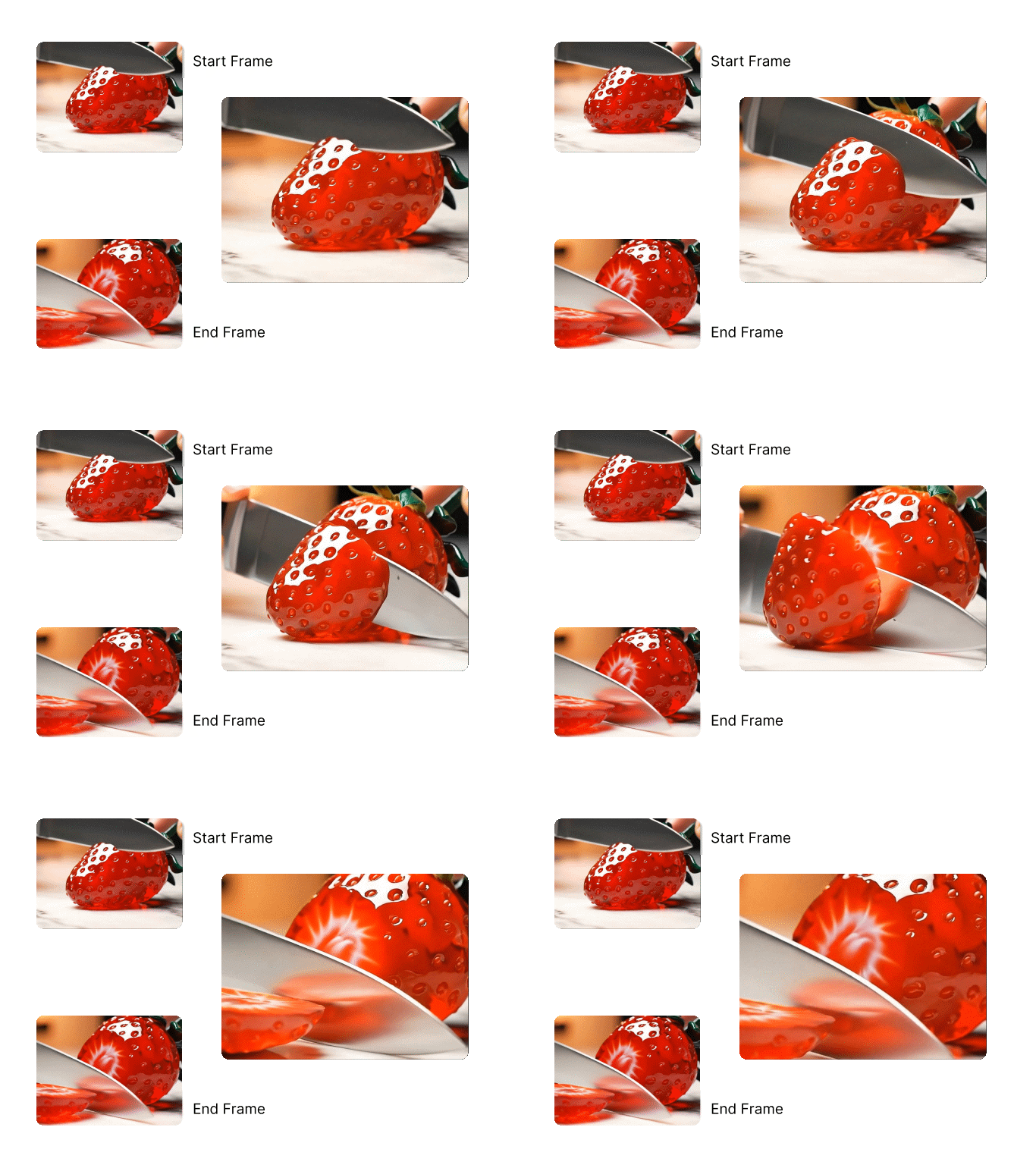
Define Start and End Frames for Perfect Narrative Flow
Gain unparalleled control over your video's narrative with Kling 2.1's Start/End Frame feature. This allows you to precisely specify the initial and final moments of your video, ensuring seamless transitions and narrative accuracy.

Cinematic Camera Movements
Infuse depth and emotion into your visuals using Kling 2.1's dynamic camera control. Simulate professional cinematography with effortless pans, zooms, tilts, and tracking shots. This powerful capability guides your viewer's attention, amplifies drama, and adds a polished, cinematic flair to your videos, all with minimal effort.
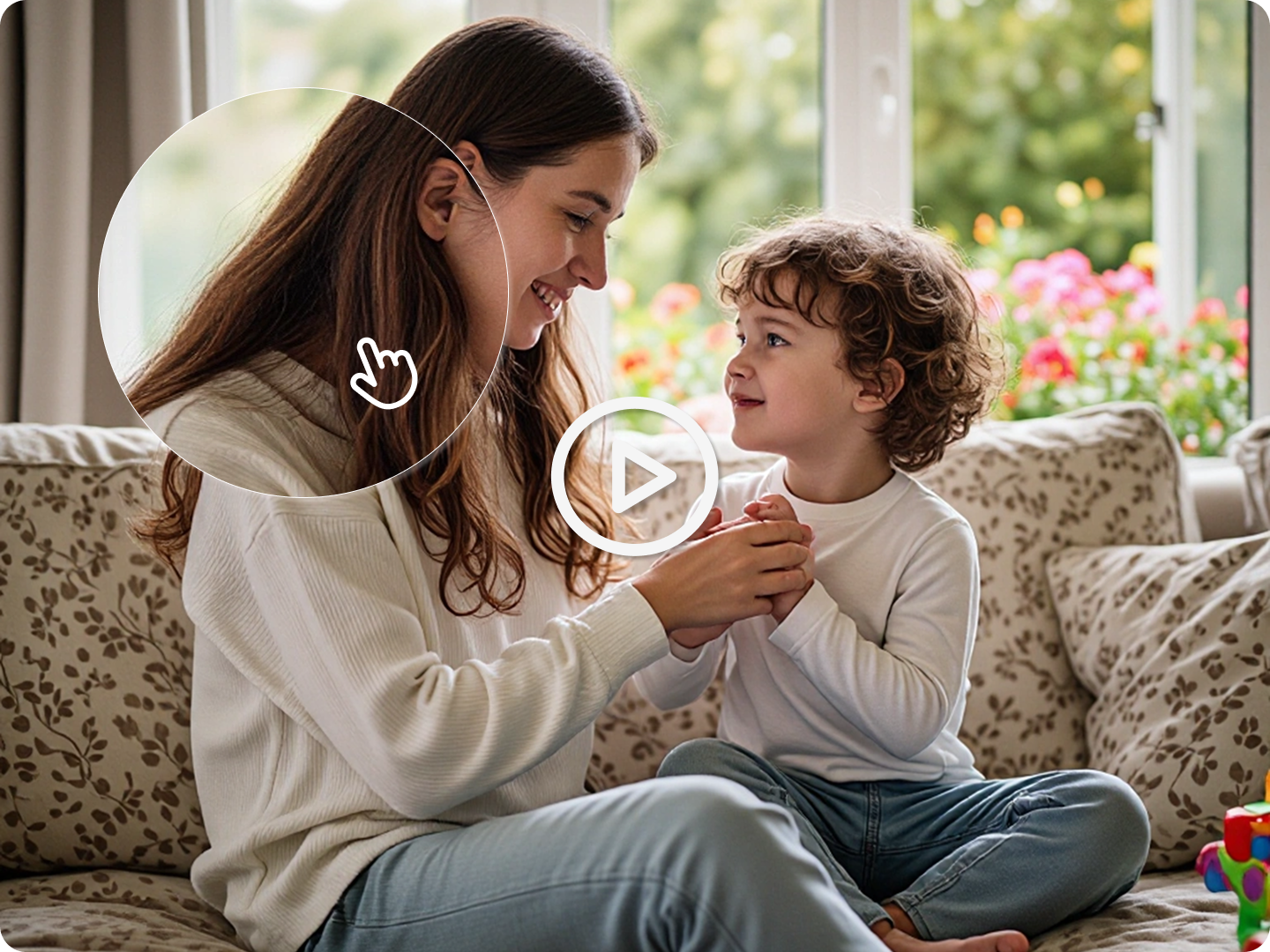
Hyper-Realistic Detail and Consistency
Kling 2.1 is engineered to produce videos with exceptional detail and consistency, addressing common challenges in AI video generation. Our model maintains character realism, object integrity, and environmental coherence throughout the video sequence, minimizing distortions and unnatural movements.
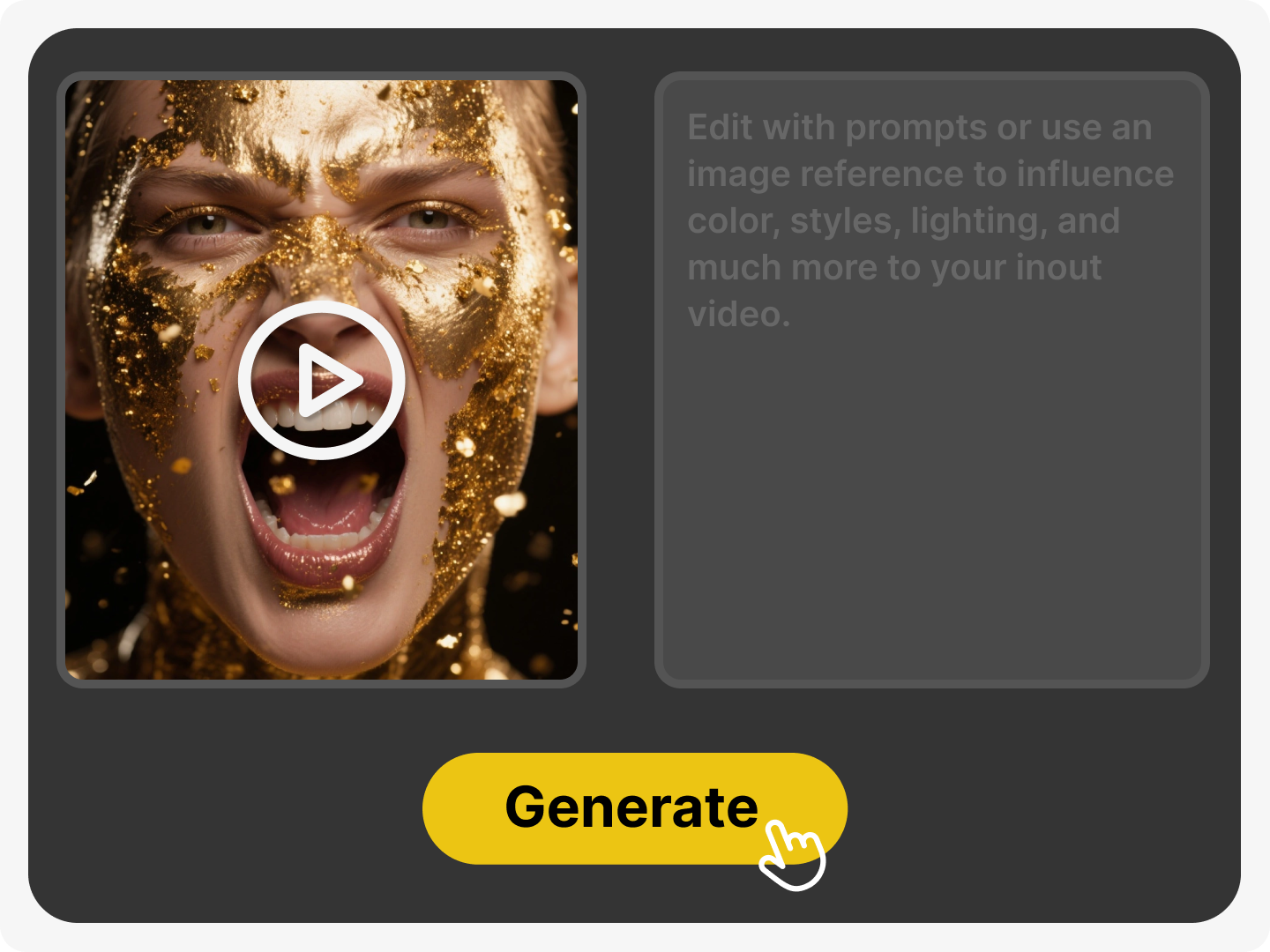
Advanced Video Detail Editing: Refine Every Element
Beyond initial generation, Kling 2.1 integrates seamlessly with Dzine's AI Video Editor, allowing for meticulous refinement of your video details. Adjust lighting, color grading, add effects, or fine-tune motion paths to achieve your precise artistic vision.
Why Choose Kling 2.1 on Dzine AI?

Consistent Character & Scene
Kling 2.1 maintains character identity across all frames. No drifting faces or inconsistent lighting - critical for professional brand content.

No Technical Skills Needed
Upload an image or type a prompt. Kling 2.1 generates a polished video - no editing software or camera experience required.

7-Day Kling 2.1 Free Trial
Test all Kling 2.1 features on Dzine for free. No credit card required - full access to motion control and avatar tools.

Watermark-Free Exports on Paid Plans
Kling 2.1 pricing plans include clean exports. Use videos for commercial campaigns, client work, or social media without branding overlays.

1080P 30FPS Native Output
Kling 2.1 delivers broadcast-quality 1080P video. Ideal for Instagram, YouTube Shorts, and Facebook Reels content.

Browser-Based Access
Use Kling 2.1 on Dzine from any device. No downloads or GPU requirements - generate videos anywhere, anytime.
What Our Users Said
Unlocking New Creative Horizons
Kling 2.1 has completely revolutionized my content creation process. The ability to transform a single image into a dynamic, cinematic video with such ease is simply incredible. It's intuitive, powerful, and has added a new dimension to my storytelling. Dzine has truly delivered a game-changer with Kling AI.
Ava ChenContent Creator
Professional Quality, Effortless Production
As a marketing strategist, I'm always looking for tools that deliver high impact with minimal effort. Kling 2.1 on Dzine does exactly that. I can now create stunning video ads from product photos in minutes, achieving a professional look that used to require a full production team. The Kling AI image to video feature is a must-have for any marketer.
Liam TorresMarketing Strategist
Bridging Imagination and Reality
I've been experimenting with AI animation for a while, and Kling AI 2.1 stands out. The realism and fluidity it brings to generated videos are remarkable. It doesn't just animate; it breathes life into my concepts. It's an invaluable tool for quick prototypes and exploring complex motion ideas, making Kling AI 2.1 a staple in my creative toolkit.
Sophie NakamuraAnimator & Illustrator
Master Kling AI Video Creation | Dzine AI Tutorial
You May Also Be Interested in




FAQ
What is Kling 2.1 and how does it enhance my creative workflow?
Kling 2.1 is Dzine's cutting-edge AI video generation model, significantly upgraded from previous versions. It offers superior prompt adherence, smoother motion dynamics, and enhanced character realism. It streamlines your workflow by allowing you to transform images or text into high-quality, cinematic videos quickly, saving time and resources on traditional video production. You can even try Kling AI free with our introductory offers.
Can I use Kling 2.1 to generate videos from both images and text?
Absolutely. Kling 2.1 supports both image-to-video and text-to-video generation. You can upload a static image and provide a prompt to animate it, or simply describe your desired video scene in text, and Kling AI will bring it to life. This dual functionality provides immense flexibility for all your creative projects.
Is Kling 2.1 suitable for beginners or do I need advanced video editing skills?
Kling 2.1 is designed for creators of all skill levels. Its intuitive interface and powerful AI handle the complex animation processes, meaning you don't need prior video editing experience. Simply follow our easy 3-step process: select the model, upload your image/text with a prompt, and generate your video. You can even try Kling AI free to get started.
How does Kling 2.1 ensure the realism and consistency of generated videos?
Kling 2.1 leverages advanced deep learning algorithms to analyze your input and generate videos with exceptional realism. It focuses on maintaining frame consistency, natural motion, and accurate character representation throughout the video. Features like Start/End Frame control and precise camera movements further enhance visual coherence and quality, ensuring your Kling AI videos look professional.
What kind of creative control do I have over the video generation process?
Kling 2.1 offers extensive creative control. You can define specific prompts, adjust camera movements (pans, zooms, tilts), and set precise start and end frames for your videos. This allows you to guide the AI to achieve your exact artistic vision, from subtle animations to dramatic cinematic sequences. Explore Kling AI 2.1's capabilities to fine-tune every aspect of your creation.