
- Tools
- Resources
- Pricing
- API
- Contact Sales
- Book a Demo


Kling 1.6/Kling 1.6 Pro
Kling 1.6 is a high-performance AI video model developed by Kuaishou. It converts text prompts and images into 1080P videos with upgraded motion dynamics, multi-reference character consistency, and a built-in special effects library. Now, you can try it on Dzine.

Click or drag here to upload images
Try Kling 1.6 with one of these
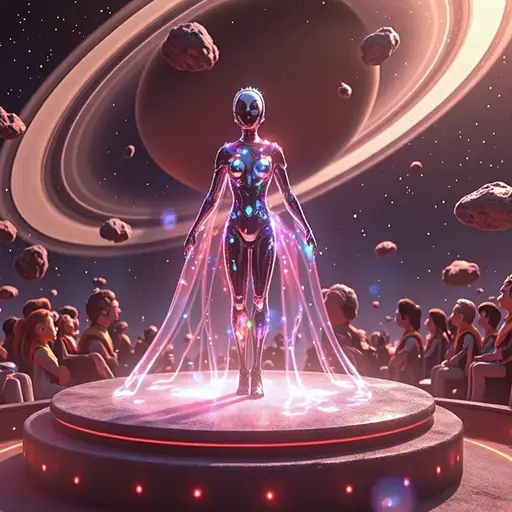



Kling 1.6 Delivers Better Image-to-Video Quality
Released in December 2024, Kling 1.6 introduced the Elements feature for multi-reference consistency, DeepSeek-powered prompt understanding, and upgraded physics rendering for water, fire, and human motion. It supports Standard and Pro modes — giving solo creators and professional teams a single model that scales with their needs.
On Dzine, you access Kling 1.6 alongside Kling 2.1, Kling 3.0, and other leading models. You get a clean browser interface, watermark-free exports on paid plans, and a 7-day free trial to test everything before committing. Whether you're making a text to video clip or animating a product photo, Kling 1.6 on Dzine gets it done in minutes.
How to Use Kling 1.6 on Dzine
Step 1: Upload Image or Enter Prompt
Open Chat Editor and go to the AI Video section. Upload the reference image and enter the prompt to animate a photo.
Step 2: Select Kling 1.6 as Your Model
Pick Kling 1.6 or Kling 1.6 Pro from the model list. Set your aspect ratio, duration (5–10 seconds), and choose Standard or Professional mode based on your quality needs.
Step 3: Generate and Download Your Video
Click Generate and preview the output. Click Download to export a watermark-free video ready to share or publish.
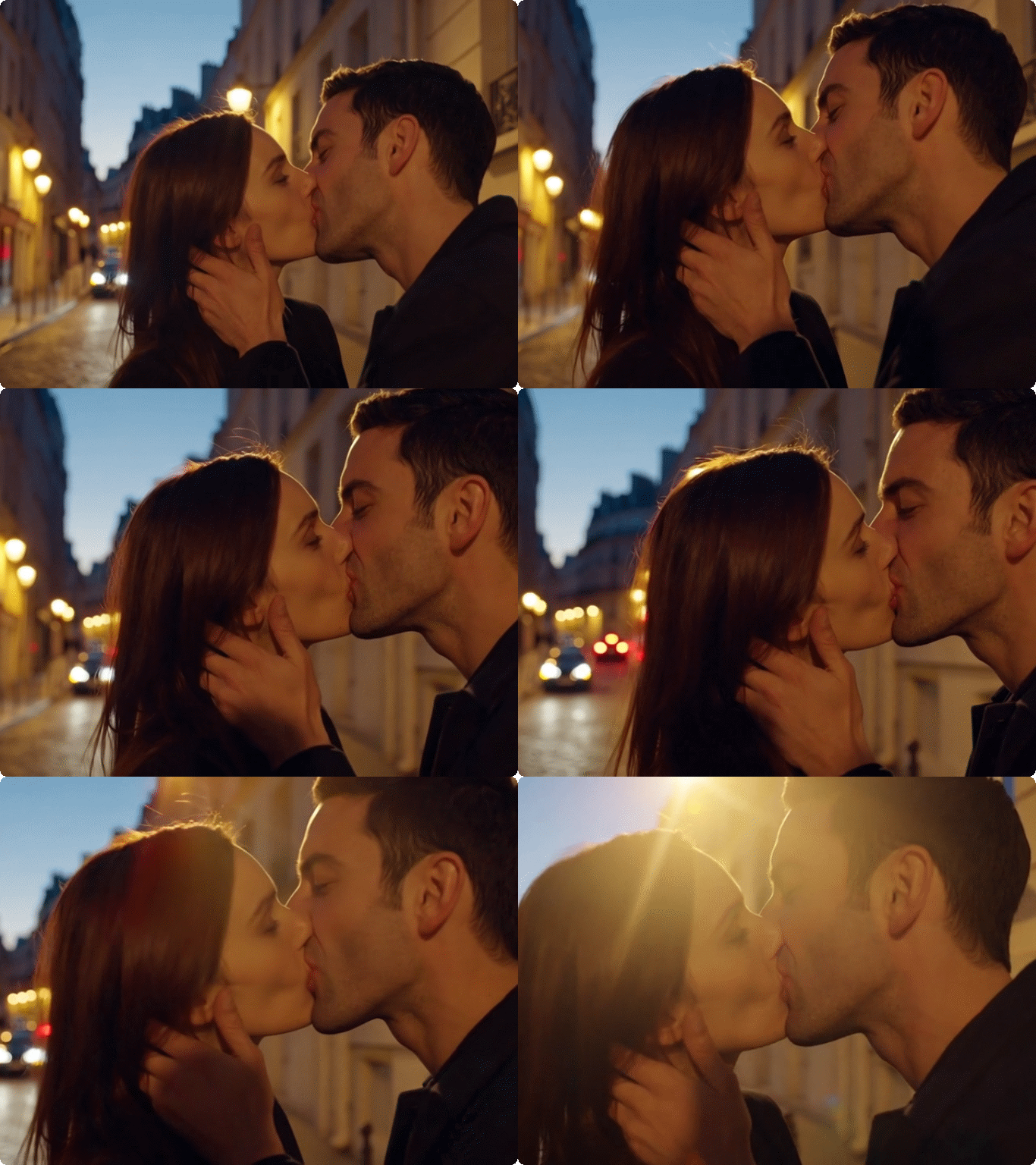
Hug, Kiss, and Cinematic Transitions
Kling 1.6 includes a built-in library of interaction effects that other models don't offer at this quality level. Generate two characters sharing a hug, a cinematic slow-motion kiss, a dramatic handshake, or a crowd reacting in unison. These effects are physically grounded - characters maintain correct spatial relationships throughout the interaction.

Elements Consistency - Use Up to 4 Reference Images
Kling 1.6 introduced the Elements feature, which lets you upload up to 4 reference images - characters, products, environments, or objects - and lock them into your generated video. The model keeps each element visually stable across every frame. This is the feature that made Kling 1.6 competitive with professional production workflows.
Upgraded Physics - Water, Fire, and Human Motion
Earlier models often produced stiff, unnatural movement - especially for hands, faces, and physical materials. Kling 1.6 rebuilt its physics engine from the ground up. Water ripples react to impact. Fire spreads with variable intensity. The model also refined facial expression rendering, capturing subtle emotions that earlier versions missed.
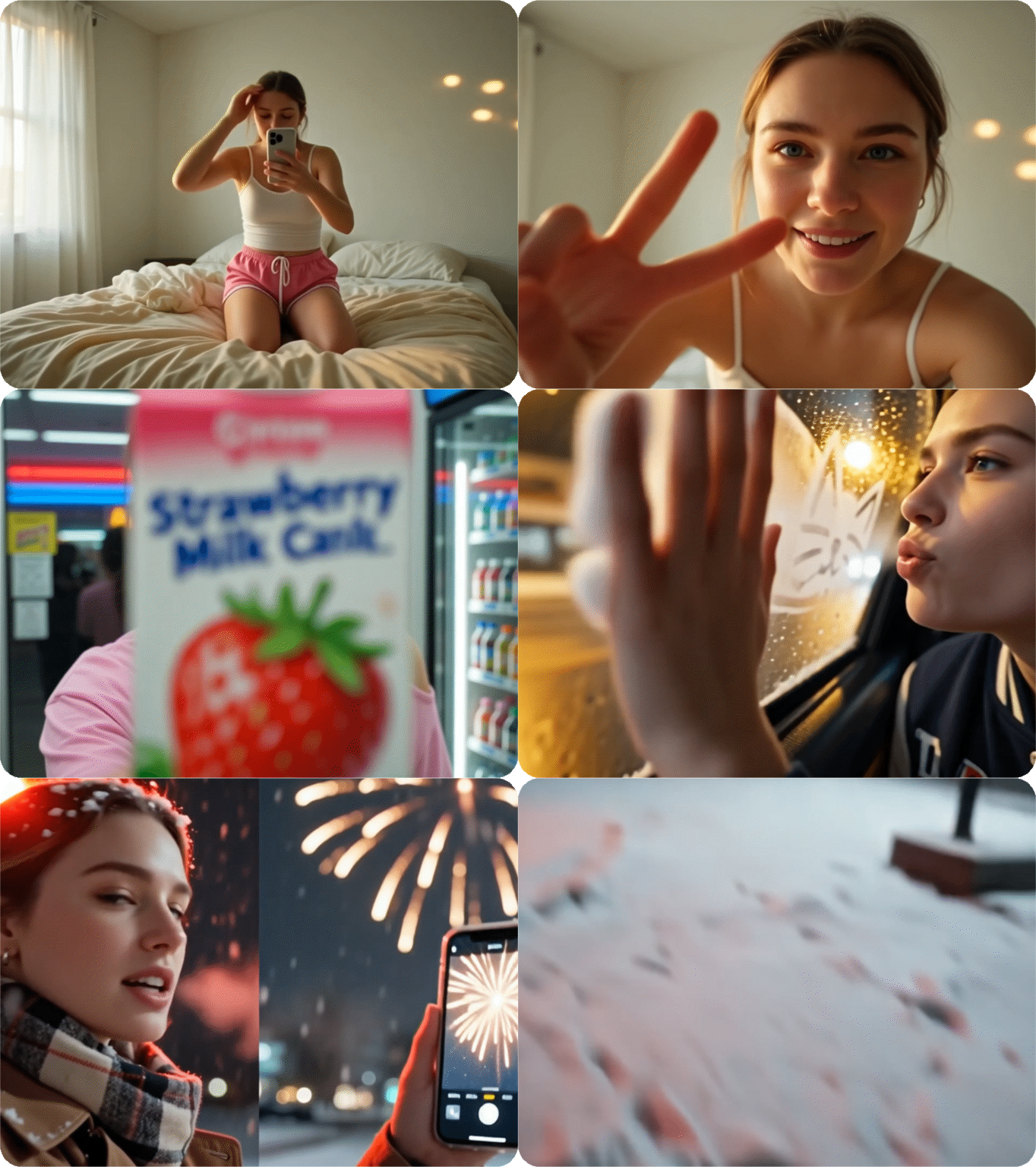
1080p High-Resolution Output
Kling 1.6 outputs at 1080P resolution with 30 frames per second on both Standard and Pro modes. Sharpness improved significantly over Kling 1.5 - fine details like hair strands, fabric texture, and background architecture stay crisp throughout the full clip. Color accuracy and dynamic lighting also received targeted upgrades, so outdoor scenes have realistic sun behavior and indoor shots handle shadow gradients correctly.
Kling 1.6 Built for Every Creative Industry
Whether you're producing a short film, launching a commercial campaign, creating educational content, or building an anime series - Kling 1.6 delivers the motion quality, visual consistency, and output resolution your project demands.

Cinematic Vision Without a Film Crew
Generate sweeping establishing shots, dramatic close-ups, and seamless scene transitions with Kling 1.6's upgraded motion engine. Turn your screenplay into a visual proof-of-concept or a full short film — no camera, no crew, no budget ceiling.

Why Try Kling 1.6 on Dzine AI?

Advanced AI Models
Adcaned AI image and vidoe models such as Google Veo 3.1 and Nano Banana Pro to deliver high-quality, varied video content that makes your work truly distinctive.

One Click to Generate
Produce polished visuals instantly, apply styles auto-magically, or refine designs without pro skills.

Free Trial
Access core AI tools for free trial, experiment with creations freely, or test features before committing.

High Quality Results Export
Export high-res visuals in multiple formats, preserve every fine detail, or use them for print & digital.

Watermark Free
Get clean, watermark-free outputs, use visuals for commercial campaigns, or share them seamlessly.

Online Platform No Donwloading
Create on the web directly, skip software installation, or design anytime anywhere on any device.
What Our Users Said
Elements Changed My Entire Production Workflow
I run a small e-commerce brand and I was spending hours on product videos. Kling 1.6 on Dzine changed that. I upload my product image as an Element, add a background reference, and get a clean 1080p clip in under 5 minutes. The product stays consistent across every frame — no morphing, no distortion. I've used the AI video generator on Dzine almost daily since I tried it.
Sofia ReyesE-Commerce Brand Owner
Kling 1.6 Pro Is the Only Model I Use for Client Work
I deliver video content to three regular clients. Kling 1.6 Pro mode on Dzine gives me 1080p output that's sharp enough to hand over without any editing. The motion dynamics are the biggest upgrade — human gestures look natural, not robotic. I tested it side by side with other models and the difference in facial expression quality is obvious. The 7-day free trial gave me enough time to validate it before committing.
Marcus HoltFreelance Video Producer
Special Effects Library Saved My Music Video Project
I needed a romantic scene between two characters for a music video. Kling 1.6's interaction effects gave me exactly what I needed — a slow, cinematic moment that looked filmed, not generated. The characters stayed proportionally correct throughout, which is something I've never gotten from other AI tools. I ran the whole thing through Dzine and had the final clip ready in one afternoon.
Aiko TanakaIndependent Music Video Director
You May Also Be Interested in




FAQ
What is Kling 1.6?
Kling 1.6 is an AI video model by Kuaishou that converts text and images into 1080p videos at 30FPS. It introduced the elements consistency feature, upgraded motion physics, DeepSeek-powered prompt understanding, and a special effects library. On Dzine, it's available in Standard and Pro modes with no installation needed.
What is the difference between Kling 1.6 and Kling 1.6 Pro?
Standard mode is faster — clean 1080p output in 2 to 5 minutes, good for drafts and social content. Pro mode takes longer but delivers sharper detail and more precise prompt results. Use Standard for iteration, Pro for final deliverables.
How much does Kling 1.6 cost on Dzine?
Kling 1.6 is free to try on Dzine with a 7-day trial. No credit card required. Paid plans unlock watermark-free exports and higher generation limits. Check current Kling 1.6 pricing in your Dzine account settings.
How do I use Kling 1.6 on Dzine?
Three steps: open Dzine and go to AI Video, then choose Image to Video or Text to Video. Select Kling 1.6 or Kling 1.6 Pro, set your aspect ratio and duration. Click Generate, preview, and download your video.
What is the Elements feature in Kling 1.6?
Elements lets you upload up to 4 reference images - a character, product, background, or object - and locks them into your video. Every frame keeps those elements visually stable. It's useful for product demos, brand content, and recurring characters.
Can Kling 1.6 generate interaction effects like hugging or kissing?
Yes. Kling 1.6 includes a special effects library with hugs, kisses, handshakes, and other character interactions. The model keeps both subjects proportionally correct throughout the clip.
How does Kling 1.6 compare to Kling 2.1?
Kling 1.6 introduced Elements, the special effects library, and dual Standard/Pro modes. Kling 2.1 builds on this with stronger instruction following and better character stability for complex prompts. Both are available on Dzine.