
- Tools
- Resources
- Pricing
- API
- Contact Sales
- Book a Demo


Kling Image O1
The new Kling Image O1 model is a powerful tool for creating and editing images. It can process text and multiple images at once, letting you adjust pictures with simple commands. This model supports various inputs, including text and images, giving you exact control over your final image. Create amazing visuals with ease. Try it for free on Dzine.

Click or drag here to upload images
Try Kling Image O1 with one of these
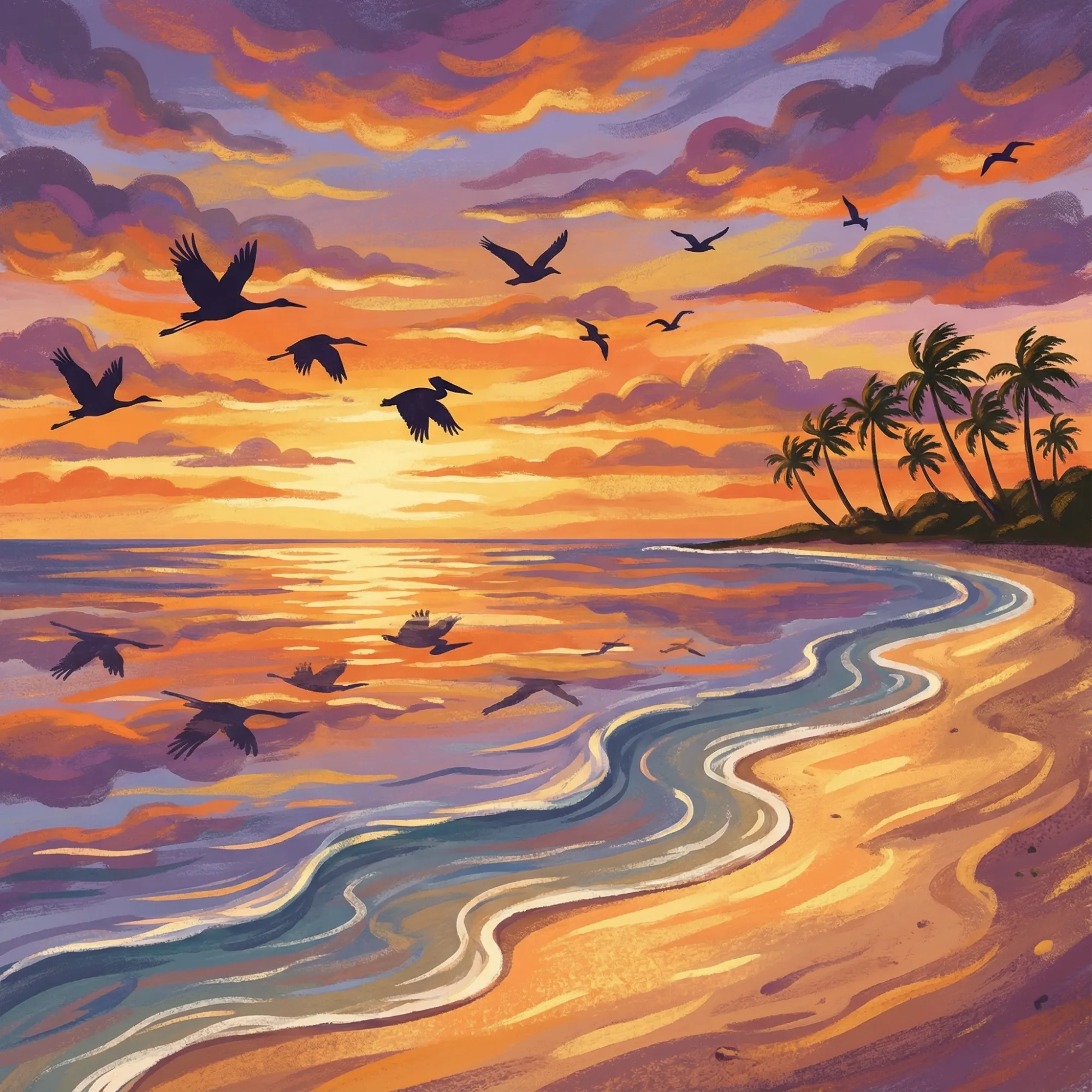
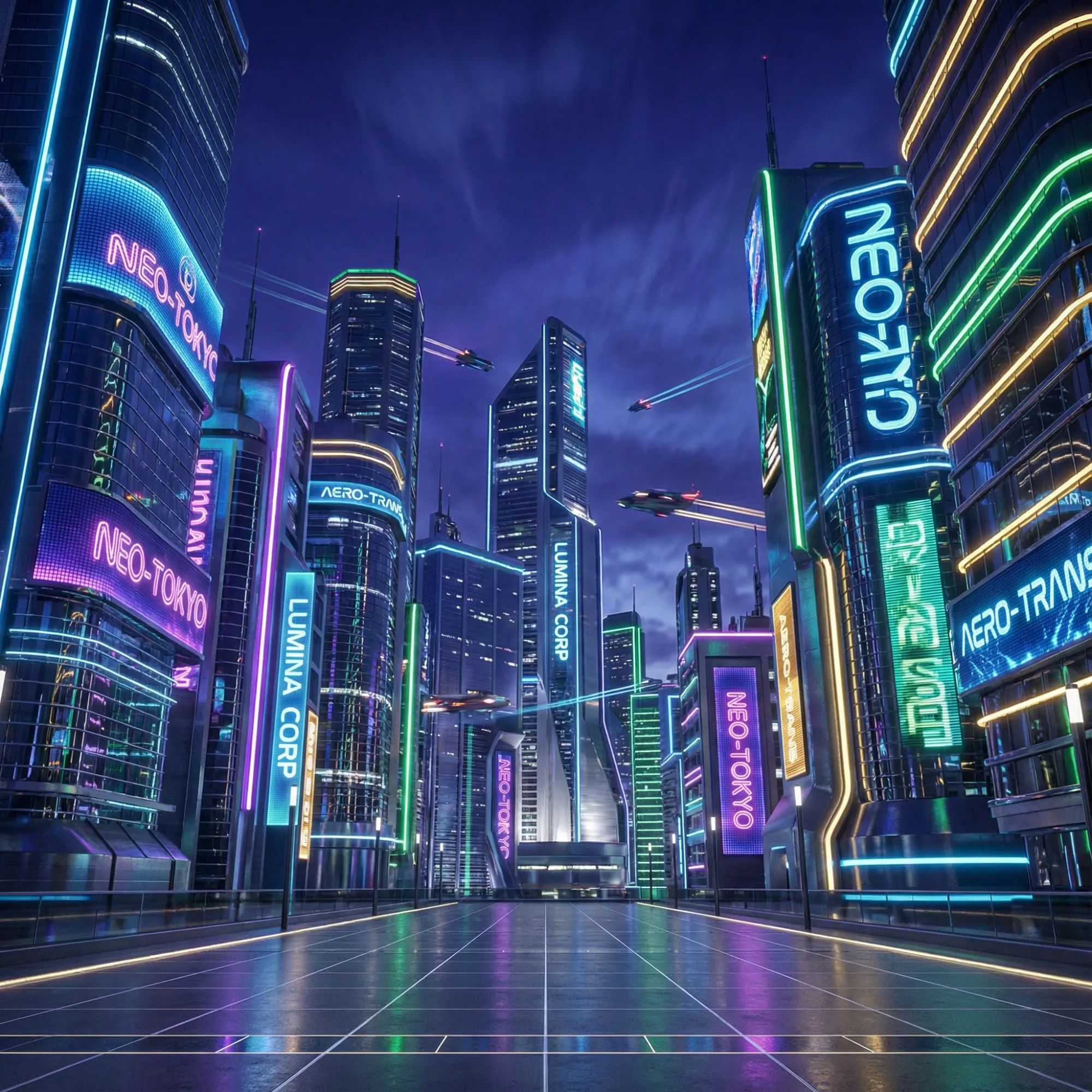
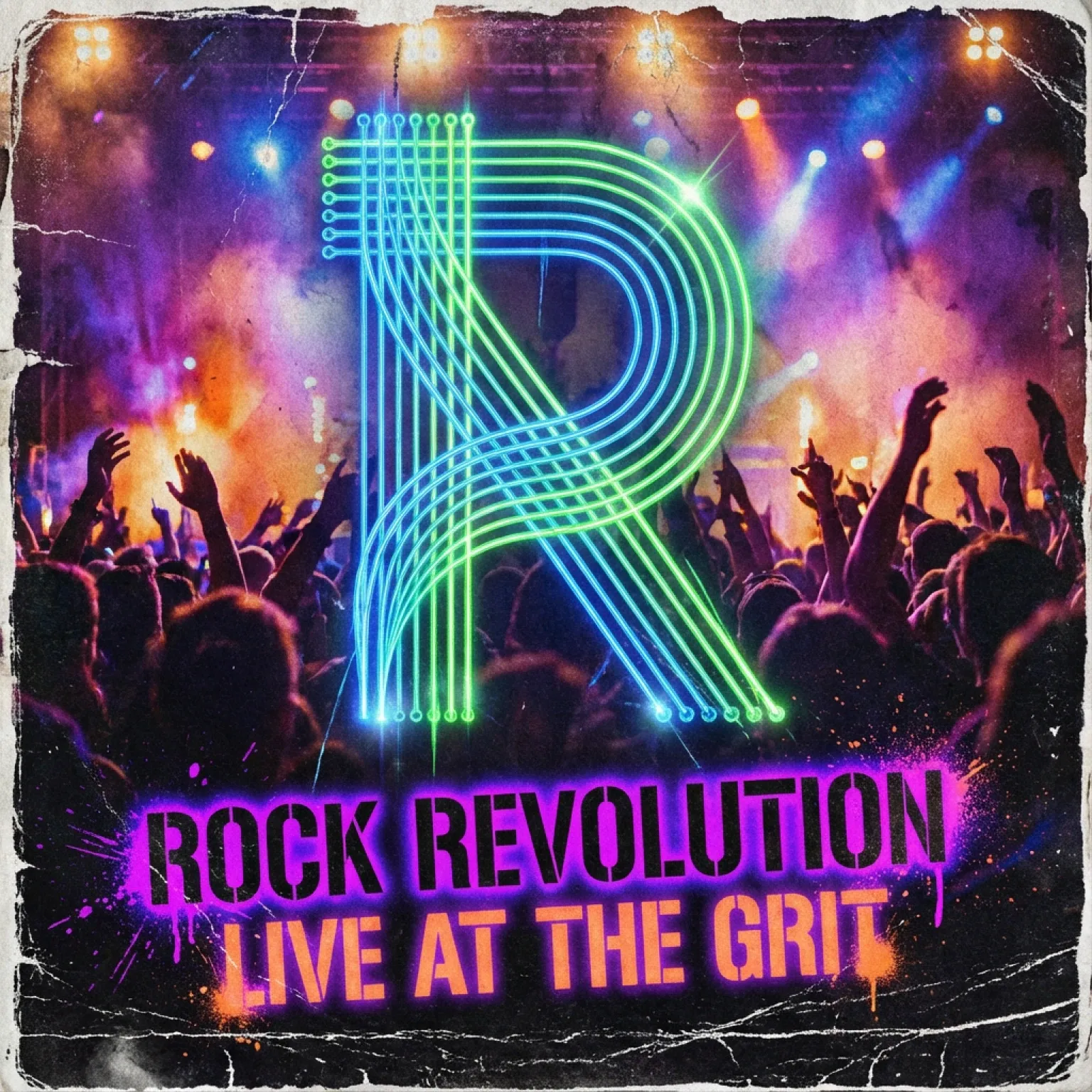
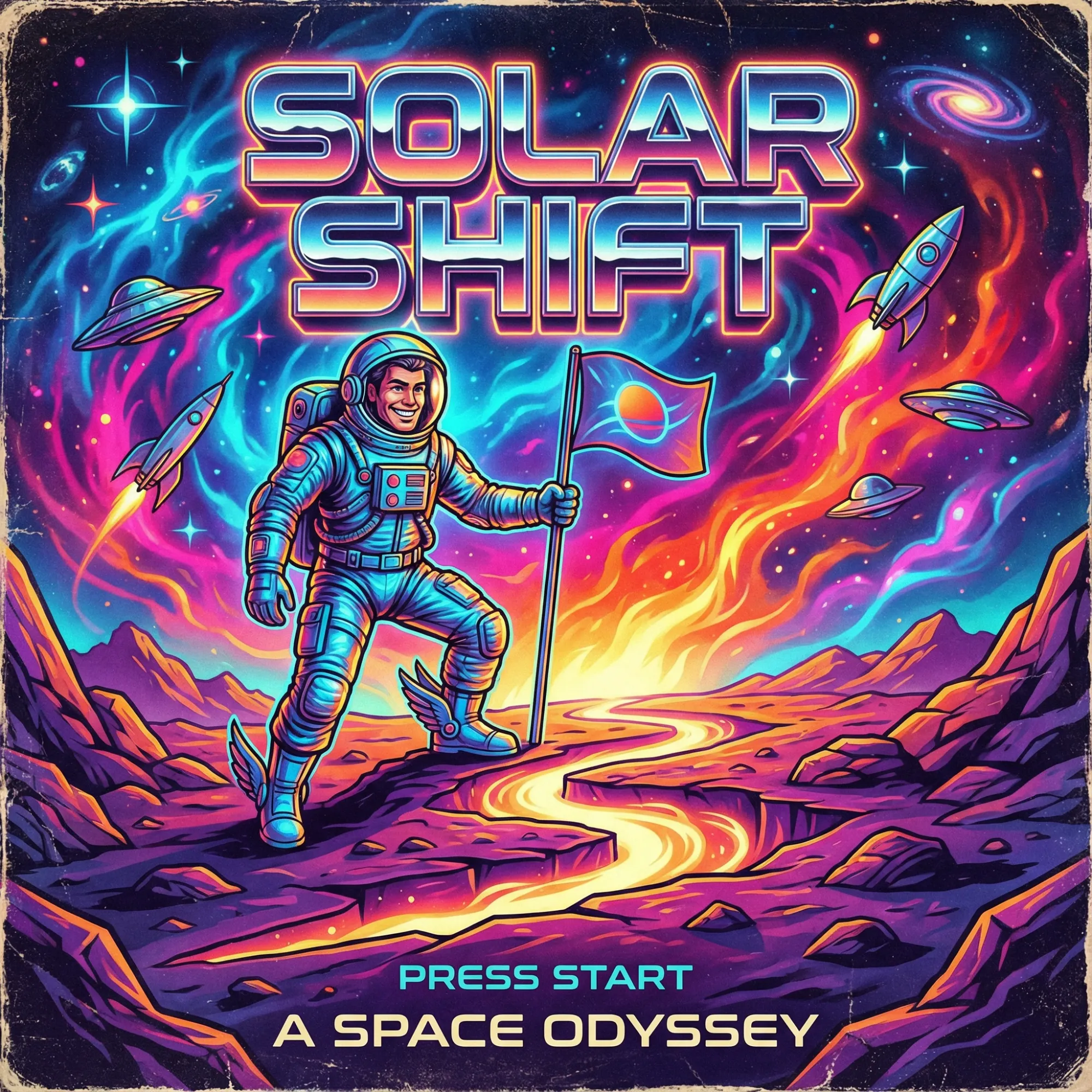
Kling Image O1: Your Tool for Creative Image Generation
Kling Image O1 is a new image generation model that lets you create and edit visuals with precision. Its main strength is blending multiple reference images while keeping the unique details of each. You can use AI Photo Editor" to make changes, or combine different elements with a text prompt. The Kling O1 image model makes it easy to produce exactly the image you imagine.
How to Use Kling Image O1 on Dzine
Step 1: Input a Prompt or Image
Start by typing a description of the image you want to create, or upload an existing image to edit.
Step 2: Choose Your Model
Select Kling O1 from the list of available AI models on Dzine.
Step 3: Generate Your Image
Click the Generate button and watch as the Kling O1 AI image generator brings your concept to life.
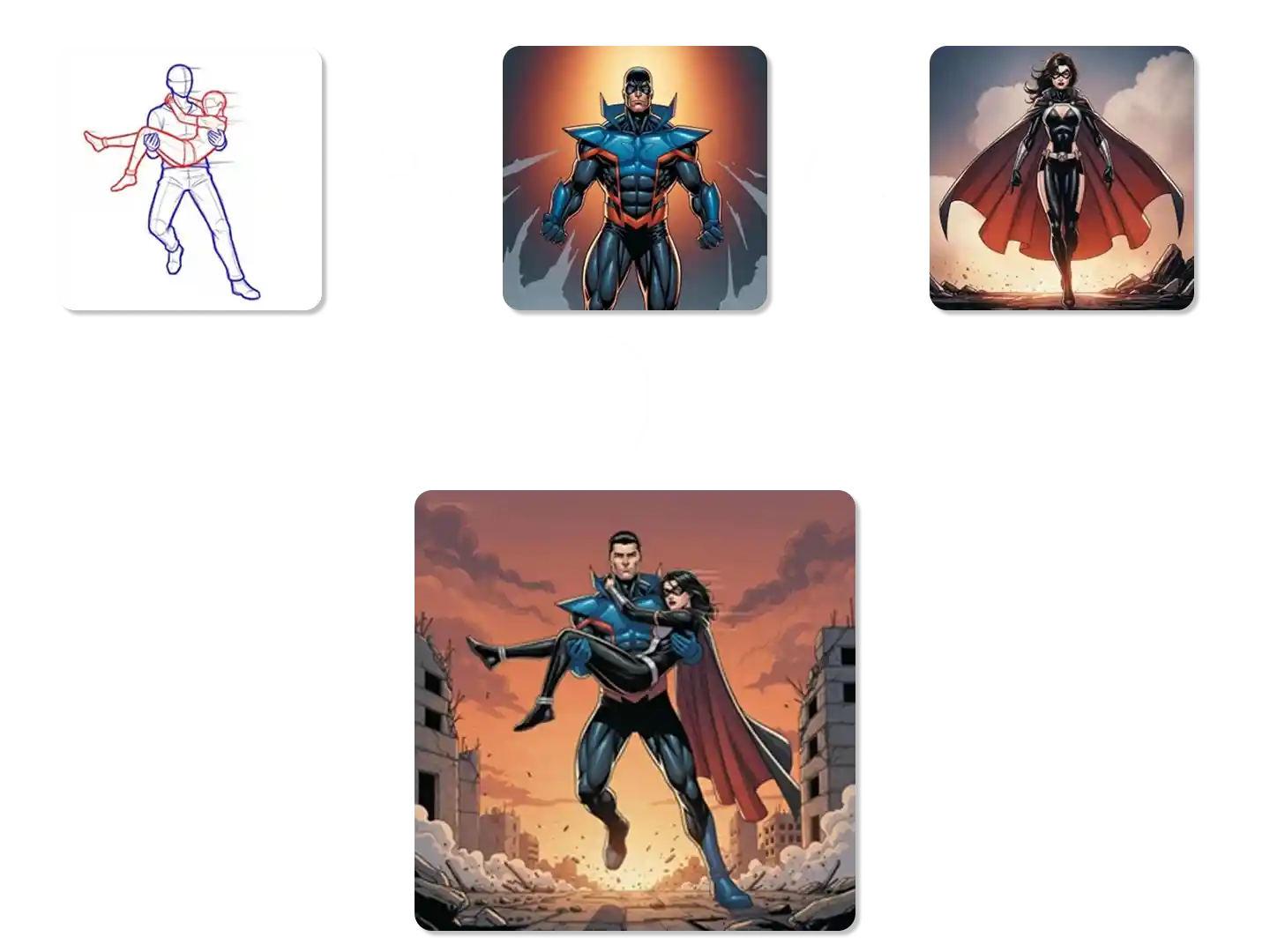
Create Detailed Scenes with Multi-Image Fusion
The Kling Image O1 model excels at blending multiple images into one. You can combine a character from one photo with a background from another, and the model will preserve the key features of both. This makes it easy to create complex and detailed scenes that look natural.
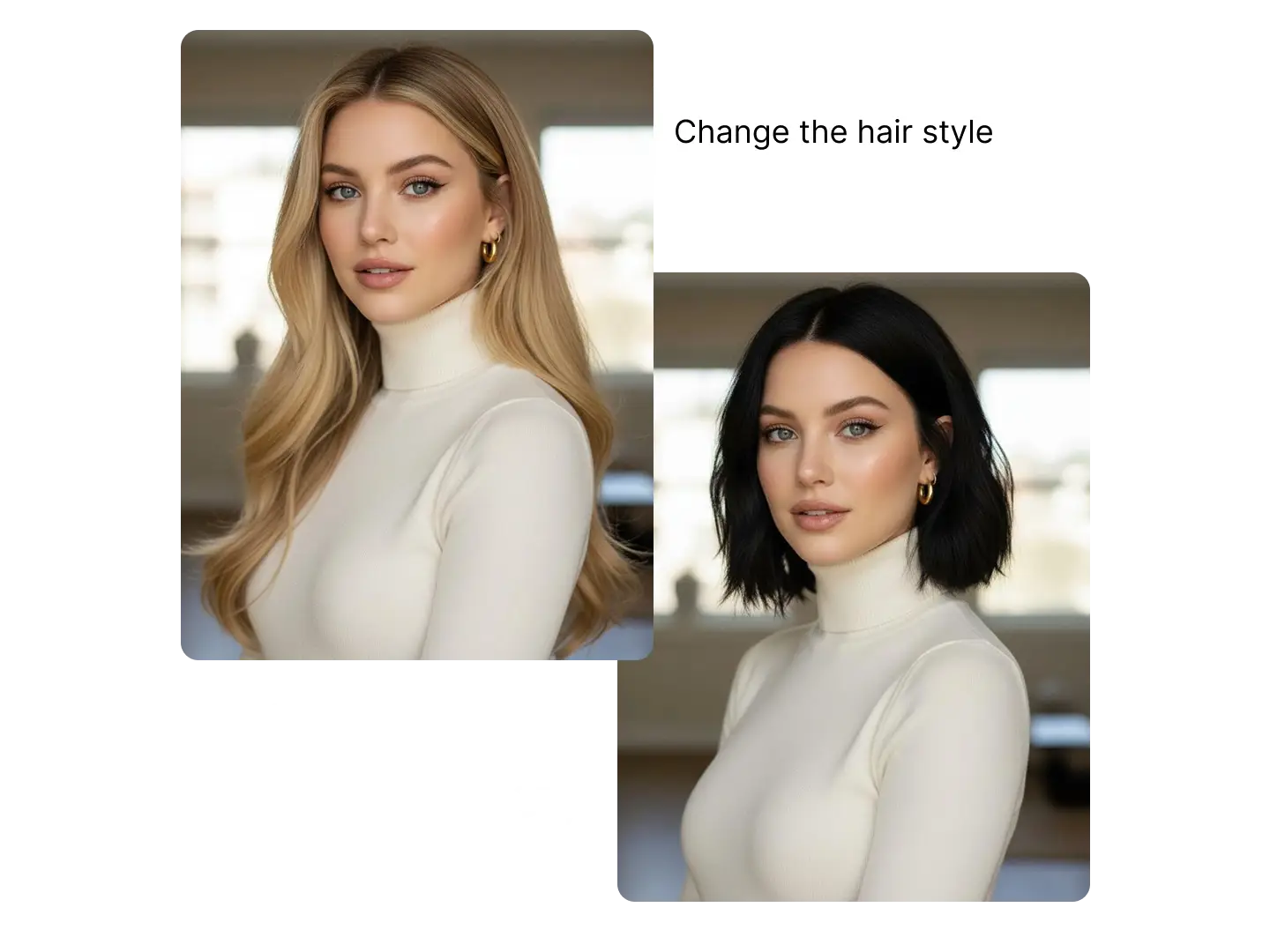
Edit Image with Simple Texts
Editing images is as easy as writing a sentence with the Kling O1 AI image generator. The model's smart prompt understanding allows you to make precise changes by describing what you want. For example, you can ask it to change the color of an object or add a new element to the scene, and it will follow your instructions accurately.
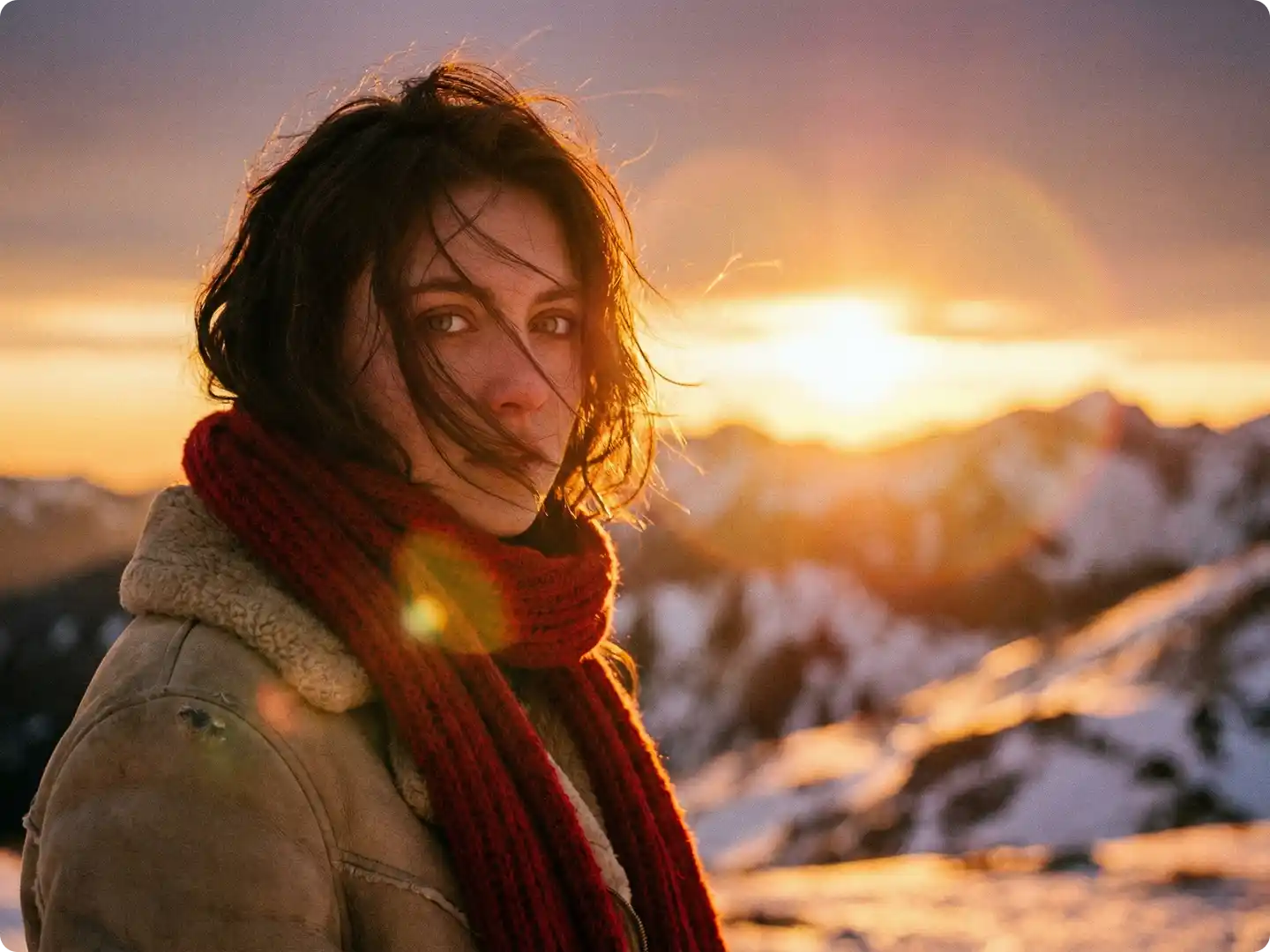
Produce High-Quality Visuals for Any Project
The Kling O1 image model generates images in high resolution, making them suitable for professional use. Whether you are creating content for a website, social media, or a marketing campaign, you can rely on the Kling O1 image model to produce sharp and clear visuals that will impress your audience.
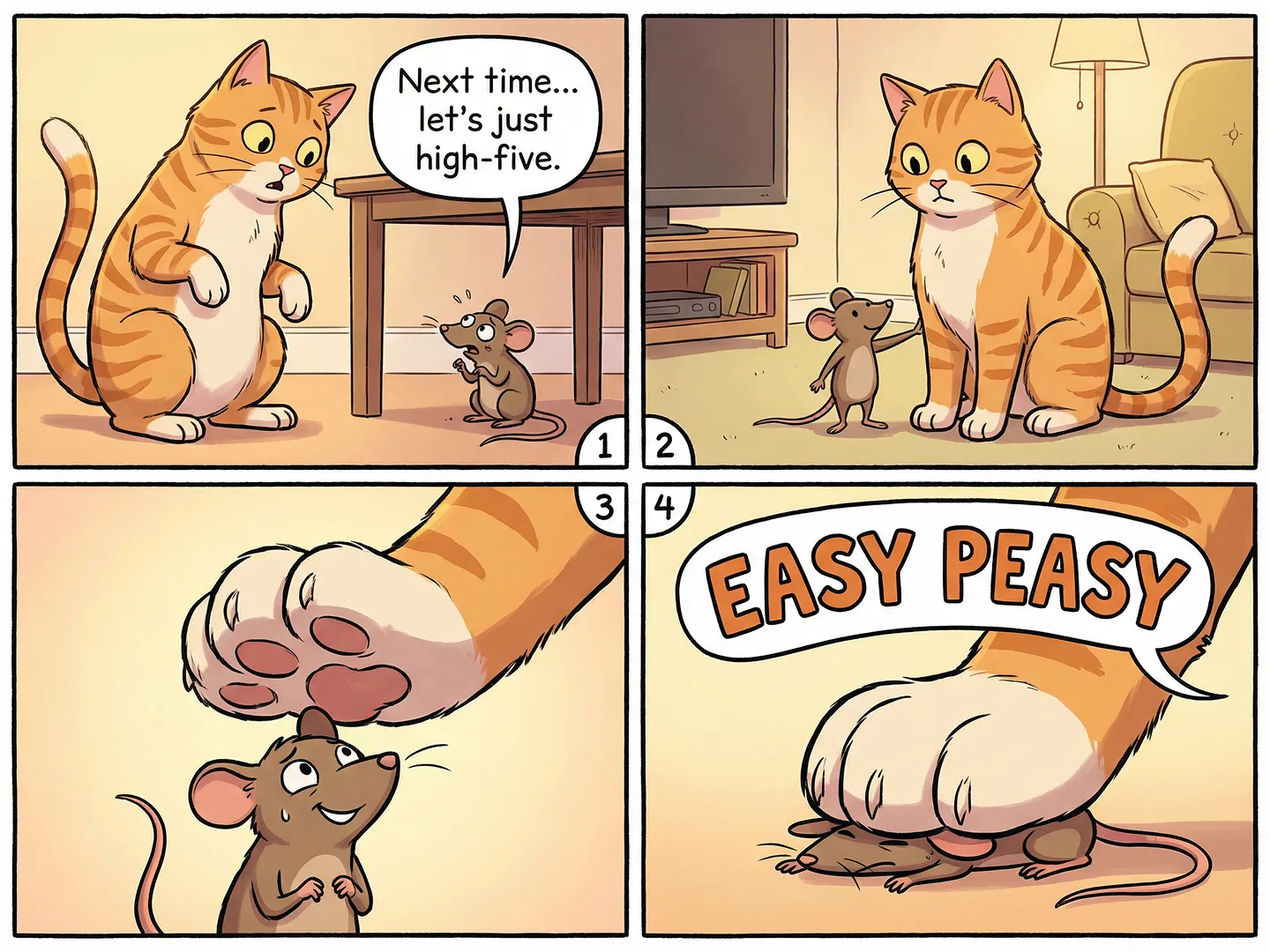
Perfect for Marketing and Social Media
The Kling O1 AI image generator is a great tool for creating engaging content for your brand. You can quickly generate multiple versions of an ad, create eye-catching visuals for your social media feeds, or design unique graphics for your blog. Its ability to maintain consistency makes it ideal for building a strong brand identity.
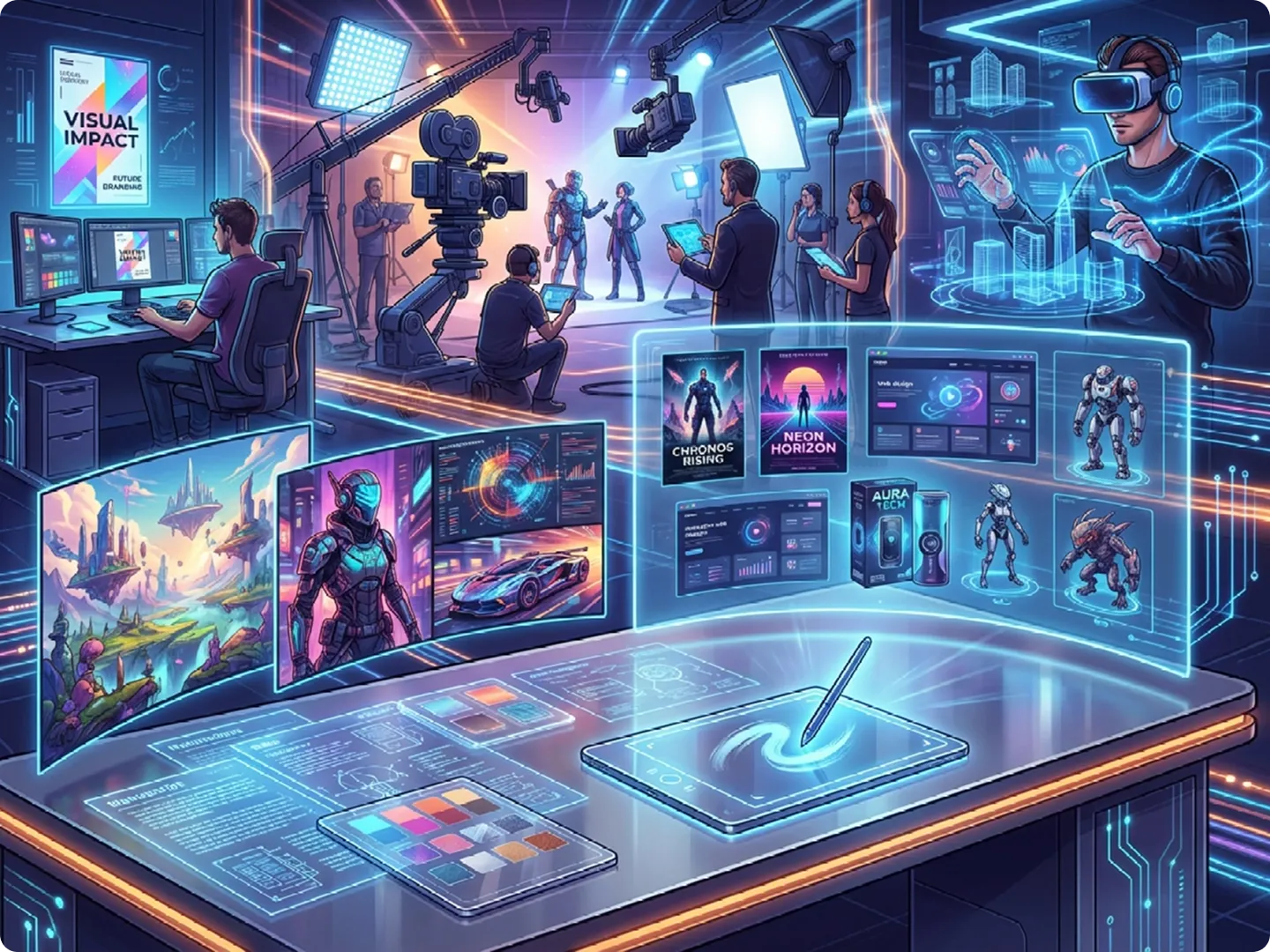
Adaptable Styles for Every Creative Vision
From photorealistic scenes to stylized animation, Kling Image O1 adapts to any aesthetic you require. The model's deep understanding of visual styles ensures that your output is always on-brand and visually compelling. Whether you need a simple image from text or a complex composition, the Kling O1 image model delivers. This flexibility makes it the ideal tool for diverse creative needs.
Why Try Kling Image O1 on Dzine AI?

Advanced AI Models
Adcaned AI image and vidoe models such as Google Veo 3.1 and Nano Banana Pro to deliver high-quality, varied video content that makes your work truly distinctive.

One Click to Generate
Produce polished visuals instantly, apply styles auto-magically, or refine designs without pro skills.

Free Trial
Access core AI tools for free trial, experiment with creations freely, or test features before committing.

High Quality Results Export
Export high-res visuals in multiple formats, preserve every fine detail, or use them for print & digital.

Watermark Free
Get clean, watermark-free outputs, use visuals for commercial campaigns, or share them seamlessly.

Online Platform No Donwloading
Create on the web directly, skip software installation, or design anytime anywhere on any device.
::
What Our Users Said
Made My Job So Much Easier
The Kling O1 AI image generator on Dzine AI has changed how I create content. I can now produce professional images from a simple idea in just a few minutes. The quality is fantastic, and it saves me so much time.
Alex G.Content Creator
A Fantastic Tool for Creativity
I always found image creation difficult, but Kling Image O1 made it simple. The AI understands what I want and produces beautiful graphics. Using the Kling O1 image model on Dzine AI has been a wonderful experience for my personal projects.
Brian C.Digital Artist
Perfect for Our Marketing Needs
Our team uses the Kling O1 image generator to produce quick and effective ad visuals. The quality is consistently high, and it helps our campaigns stand out. It's an incredibly valuable tool for any marketing department.
Olivia M.Marketing Manager
You May Also Be Interested in




FAQ
Is the Kling Image O1 generator free to use on Dzine AI?
Yes, Dzine AI provides a free trial for the Kling Image O1 generator. This lets you test its features and create amazing images without any cost.
What types of images can I make with Kling Image O1?
You can create many types of images with the Kling O1 image model, including marketing ads, social media graphics, custom illustrations, and unique digital art from either text or other images.
How good is Kling Image O1 at understanding complex ideas?
The Kling Image O1 model is built to understand complex ideas and turn them into accurate visuals. It can handle detailed descriptions to create images that match your vision.
Can I edit the images I create with Kling Image O1?
Yes, you can refine your results by adjusting your text prompts. For more advanced edits, you can use Dzine's other AI design tools to perfect your creation.
Do I need any special software to use the Kling O1 AI image generator?
No, you don't need any special software. The Kling O1 AI image generator runs directly in your web browser on the Dzine AI platform, making it easy to access from anywhere.
Can I use multiple images as a reference?
Yes, one of the biggest strengths of the Kling Image O1 model is its ability to combine multiple reference images while preserving the features of each.
What is the difference between Kling Image O1 and other Kling models?
Kling Image O1 is specifically designed for image generation and editing, while other Kling models, like Kling Video O1, are focused on video creation.