
- Tools
- Resources
- Pricing
- API
- Contact Sales
- Book a Demo


Kling AI Video Generator
Kling AI is a powerful AI video generator developed by Kuaishou, which has generated over 10 million videos. It converts text and images into high-quality videos up to 16 seconds long, with support for motion control, start/end frames, avatar creation, and audio sync. Now, you can try Kling AI video generator for free on Dzine.

Click or drag here to upload images
Try Kling AI Video with one of these
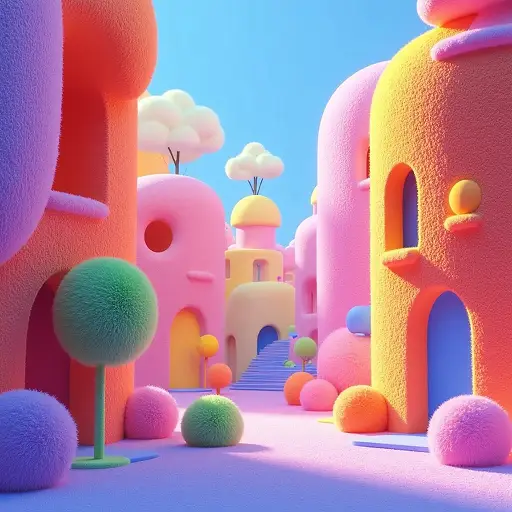

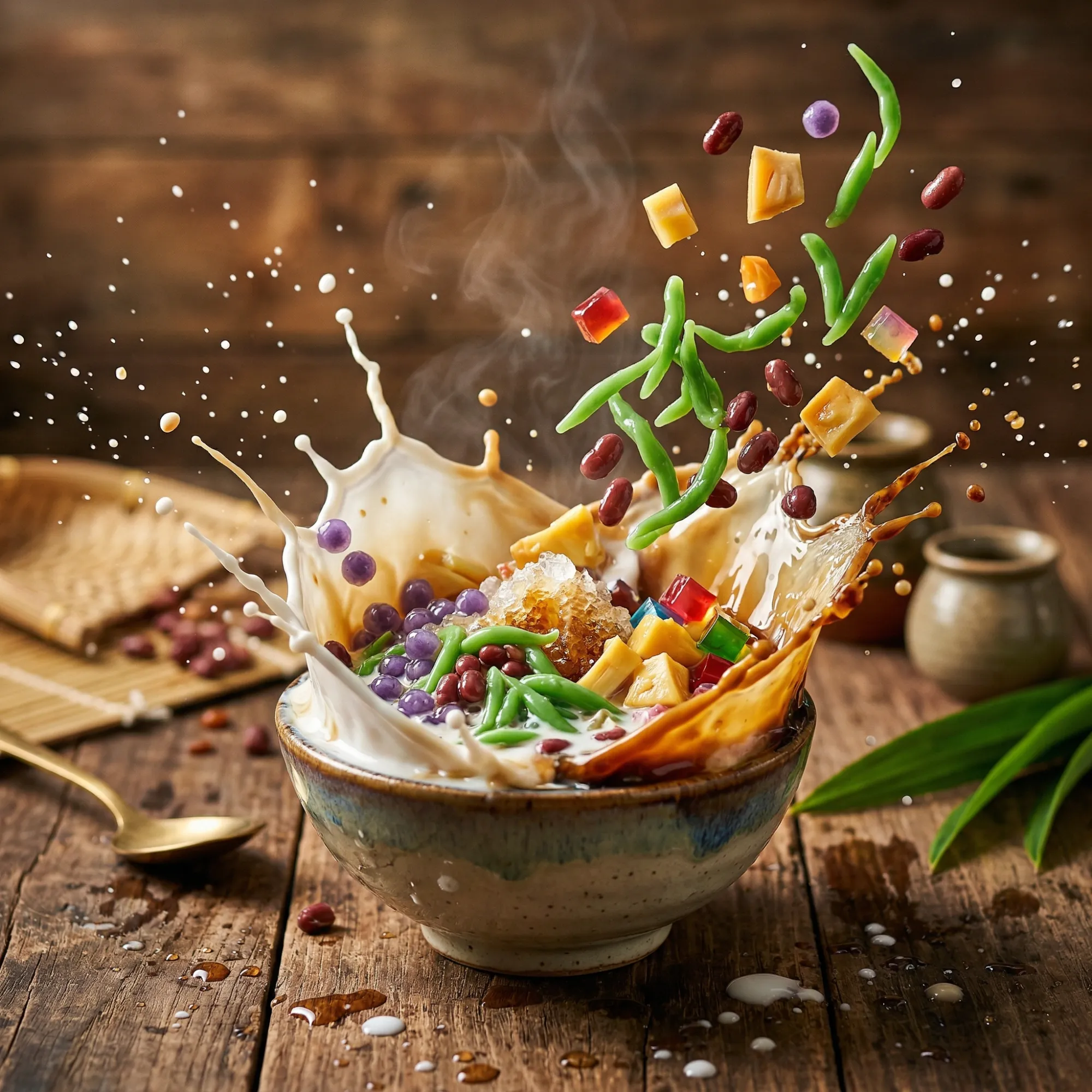
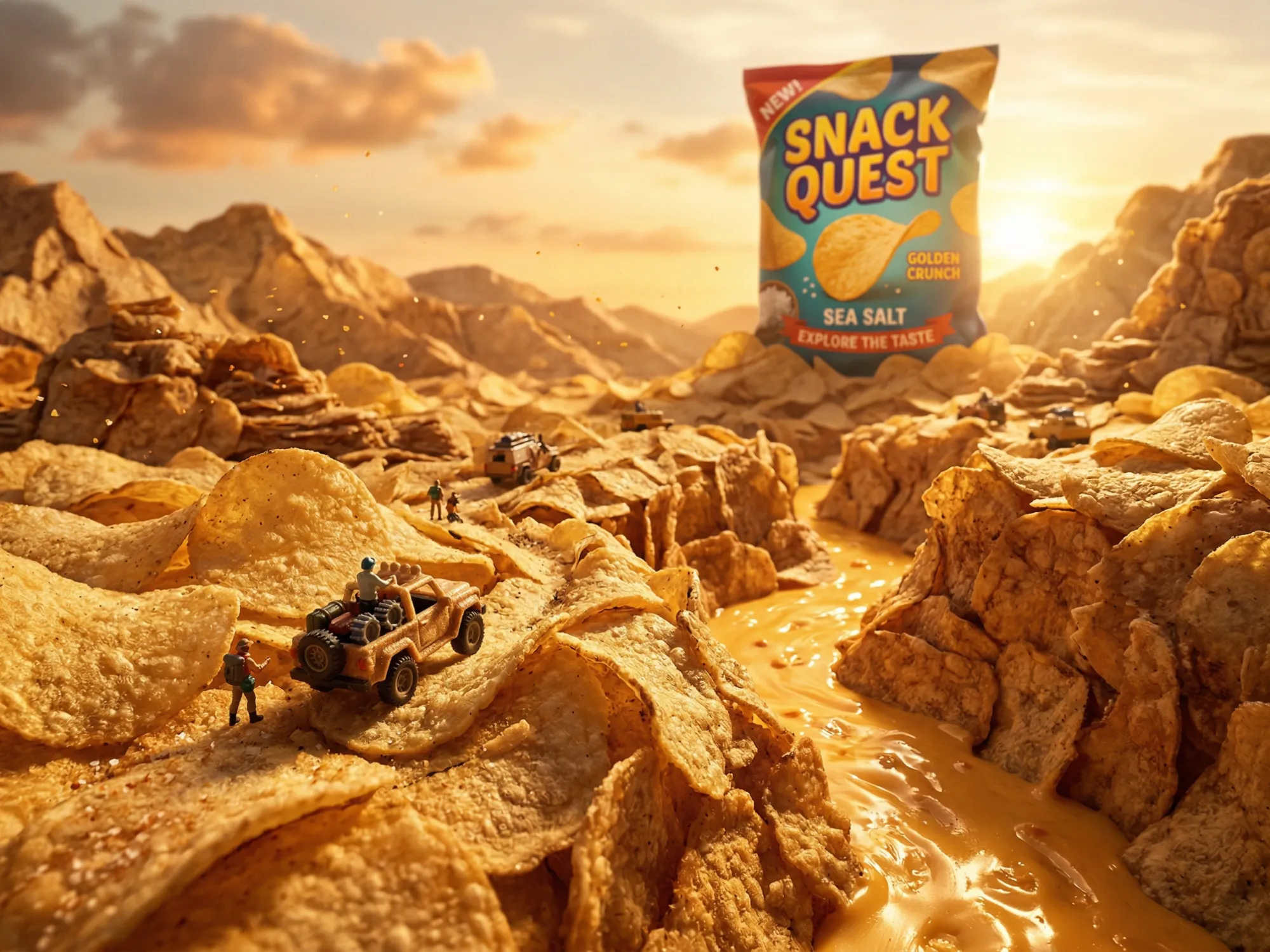
Kling AI Generates Cinematic Videos That Actually Look Real
Most AI video tools produce shaky motion, drifting characters, and flat output. Kling AI solves all three. Its physics simulation engine understands weight, momentum, and natural movement - so your videos look like they were filmed, not generated.
On Dzine, you get access to Kling AI 3.0, Kling O1, Kling 2.5, Kling AI 2.1, and Kling AI 1.6 in one place. Each model is built for different use cases: 4K output for broadcast-ready work, 1080P for social content, and motion-controlled sequences for cinematic storytelling. Whether you need a 15-second product demo or a long-form educational explainer up to 2 minutes, Kling handles both.
How to Use kling AI Video Generator on Dzine
Step 1: Upload Image or Enter Prompt
Open Dzine and go to the AI video part. Then, choose Image to Video or Text to Video based on your needs.
Step 2: Choose a Kling AI Model
Select Kling AI 3.0, Kling 2.1, or Kling 1.6 from the model list. Set your preferred aspect ratio, duration, and any motion or frame options.
Step 3: Generate and Download Your Video
Click Generate and preview the result. Click Download to export a watermark-free video ready for publishing.
Powerful Kling AI Features for Every Creator
From precise start/end frame control to cinematic camera movements, AI avatars, and seamless video extension - Kling AI on Dzine gives you professional-grade video tools with no setup required.
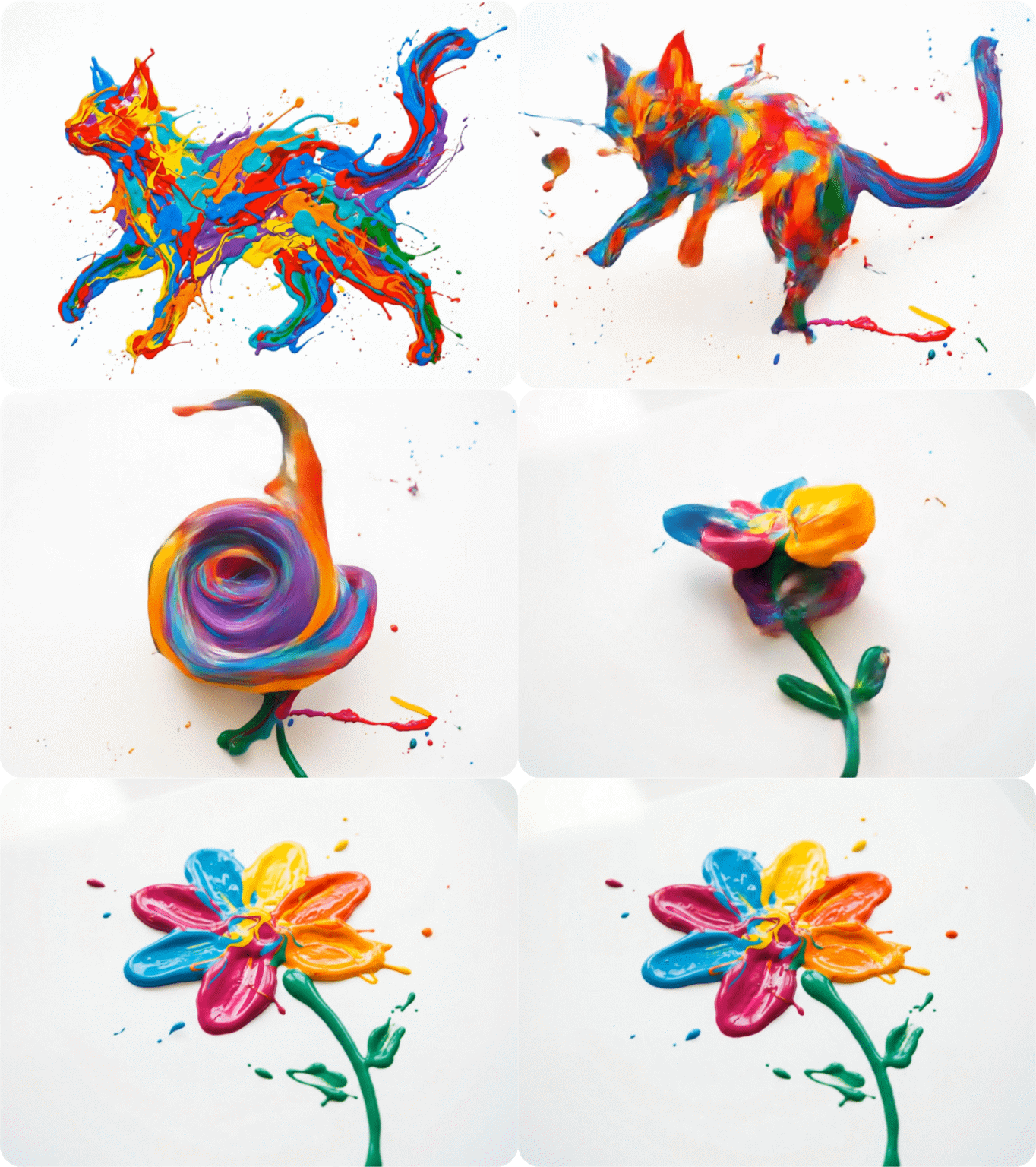
Kling Start/End Frame - Control Every Moment
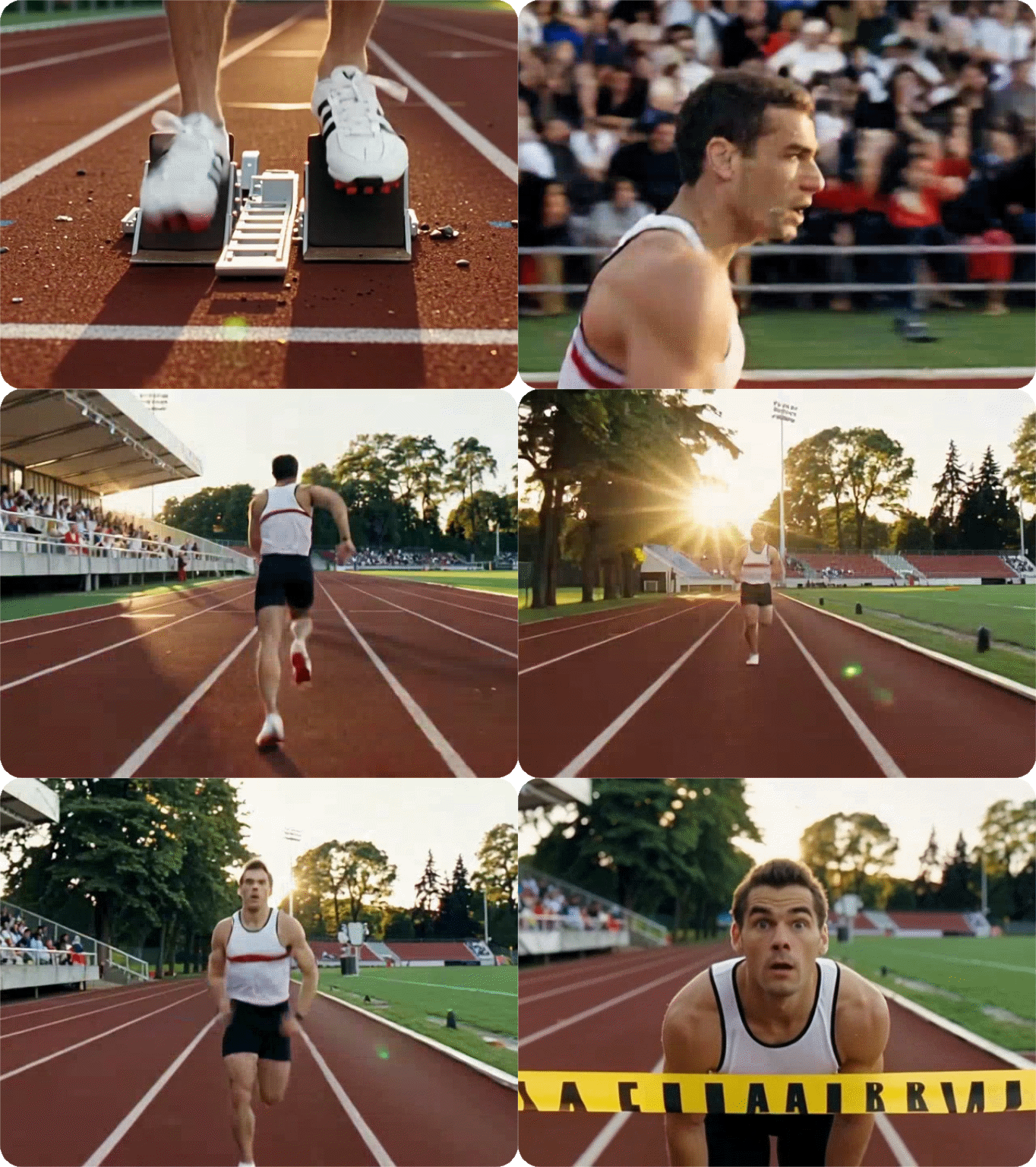
Define exactly where your video begins and ends. Upload a reference image for the first and last frame, and Kling AI generates everything in between with smooth, physically coherent motion.
Try now for free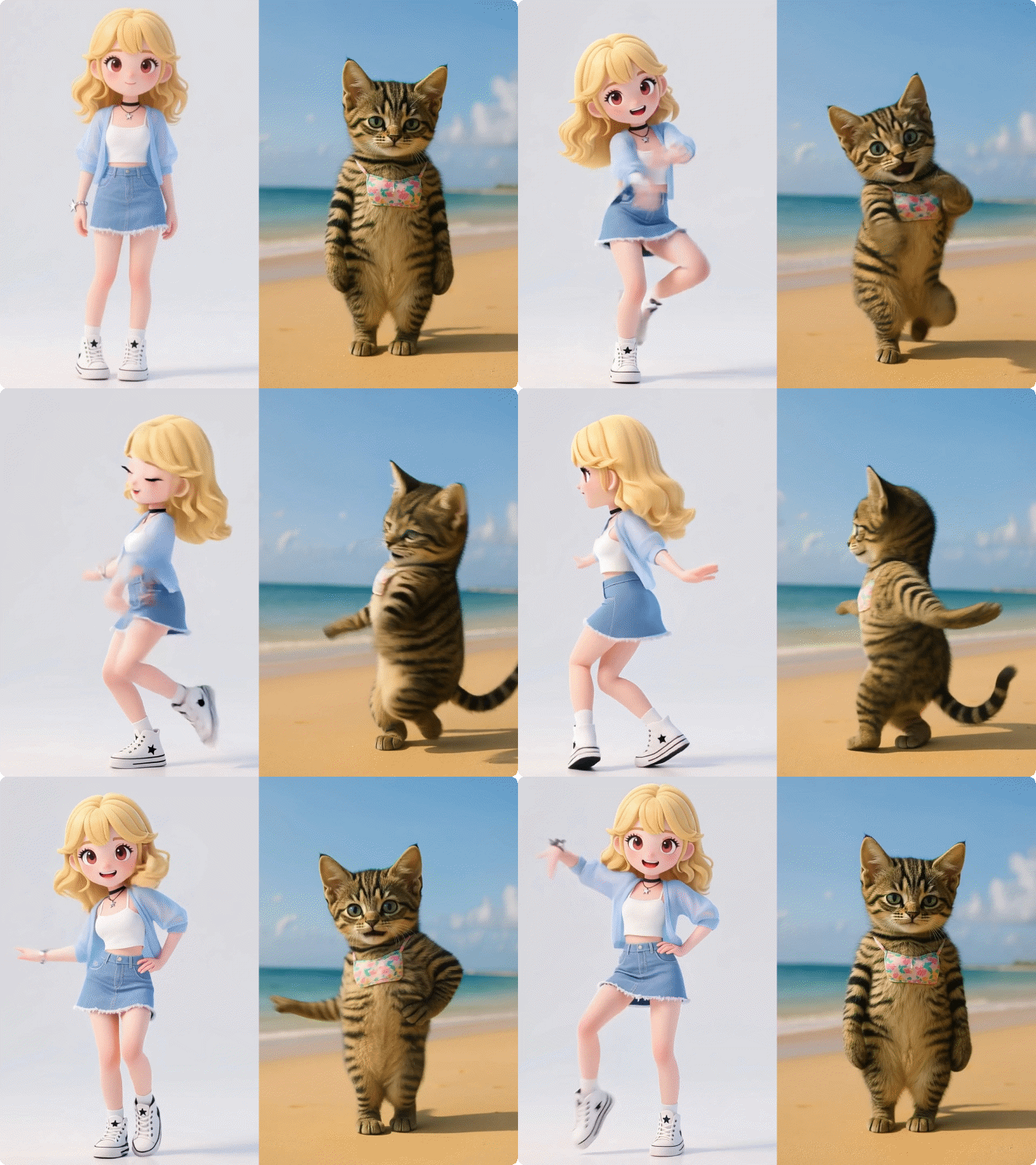
Generate Multi-Shot Videos Up to 15 Seconds
Kling AI supports video generation up to 15 seconds per clip - longer than most competitors. The Kling AI 3.0 model includes a smart multi-shot storyboard function that lets you set multiple scene prompts in sequence, generating them as a cohesive video with consistent visual continuity across every shot.

Turn Text or Images into Accurate AI Videos
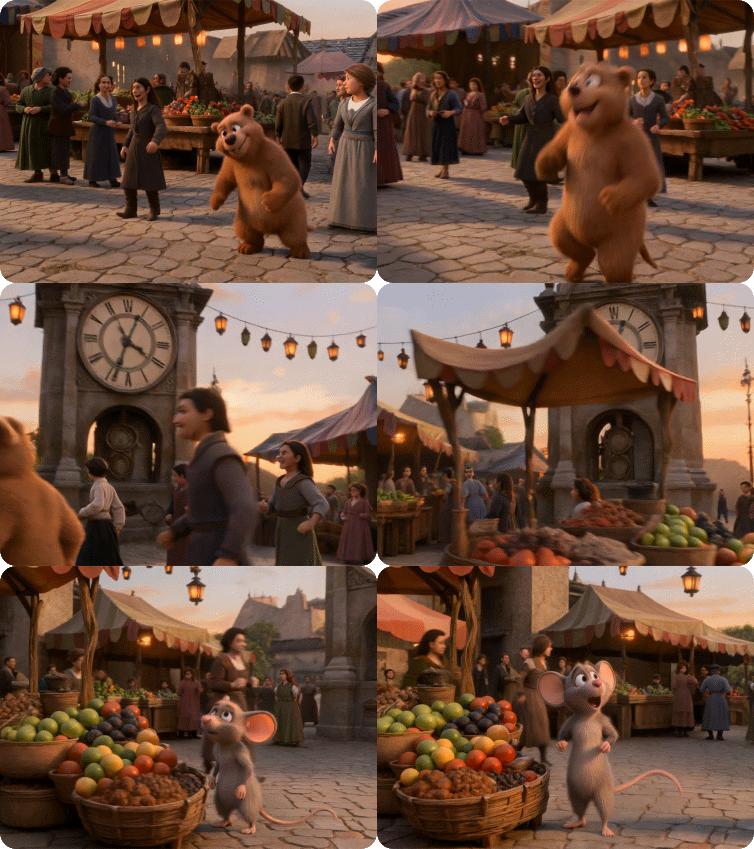
Kling AI accurately interprets your input - camera direction, character behavior, environment mood, and pacing. Kling 3.0 improved prompt comprehension significantly, while Kling O1 brought a 195% improvement in image-to-video comprehension. For reference-to-video workflows, Kling is one of the most reliable options available.
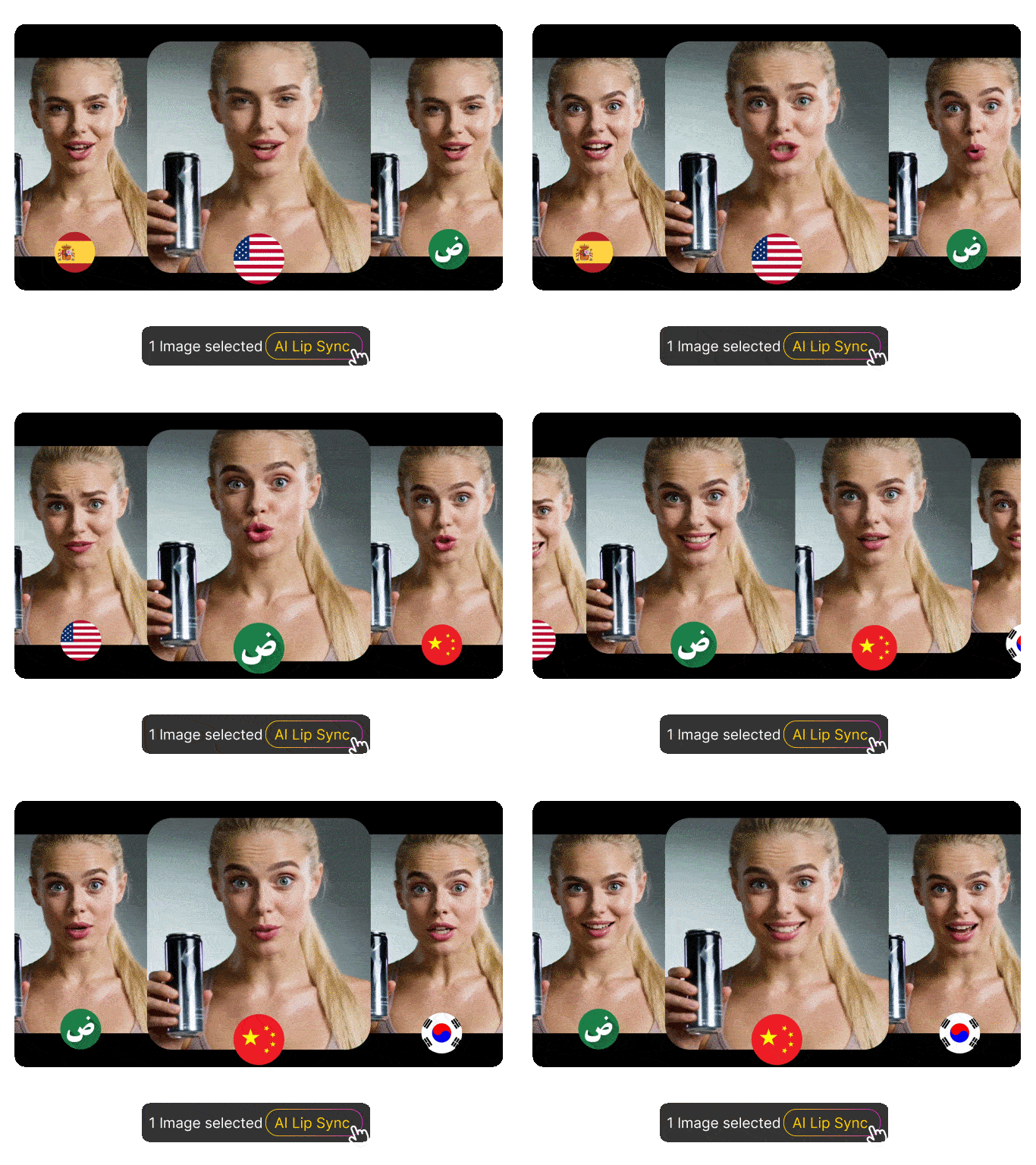
Sync Audio and Video Natively in One Pass
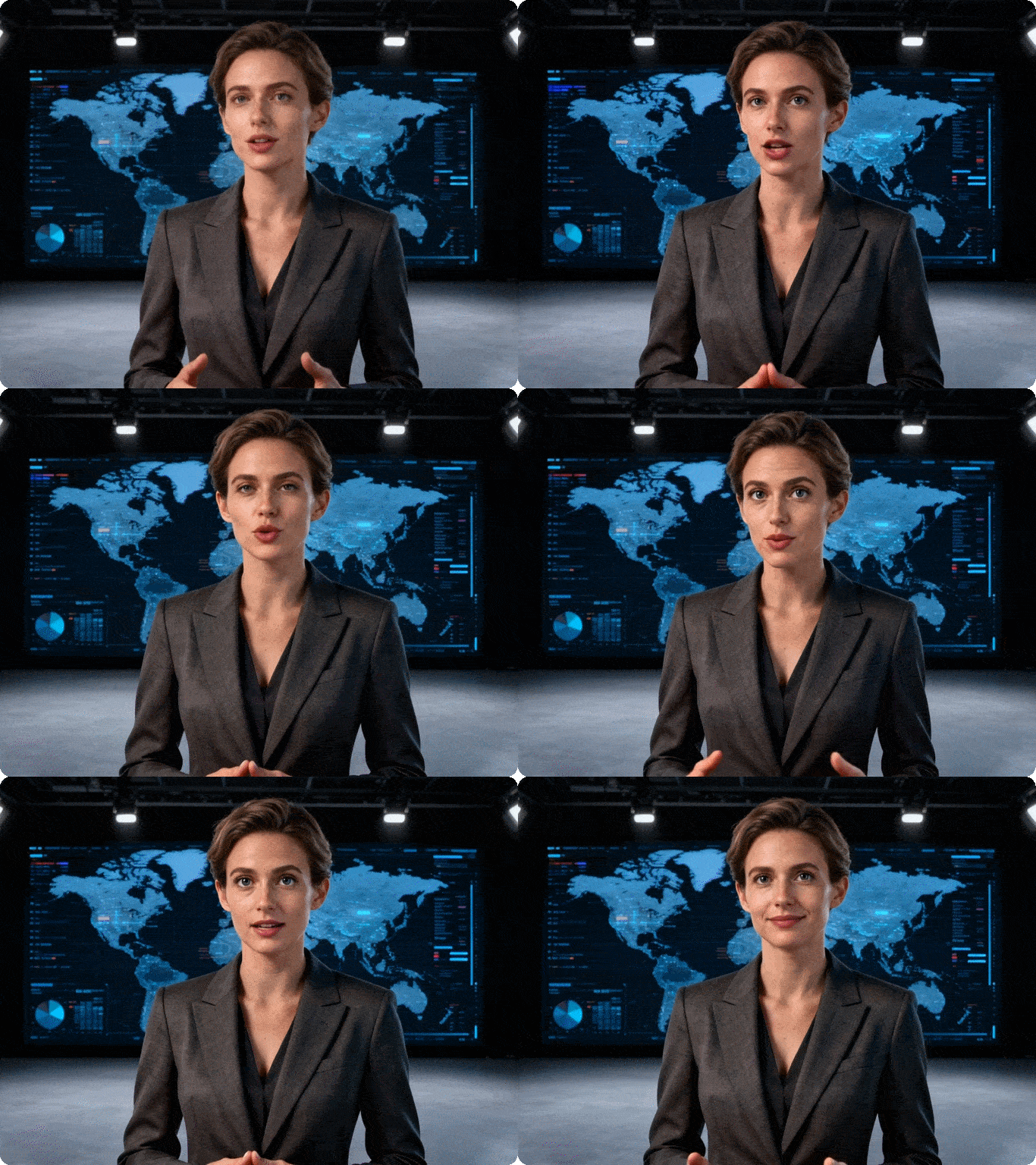
Kling AI 3.0 generates audio natively alongside video - narration, lip-synced speech, sound effects, and background music are all aligned in one pass. It supports multiple languages and dialects, removing a major post-production step. Pair it with Dzine's lip sync AI for even more control.
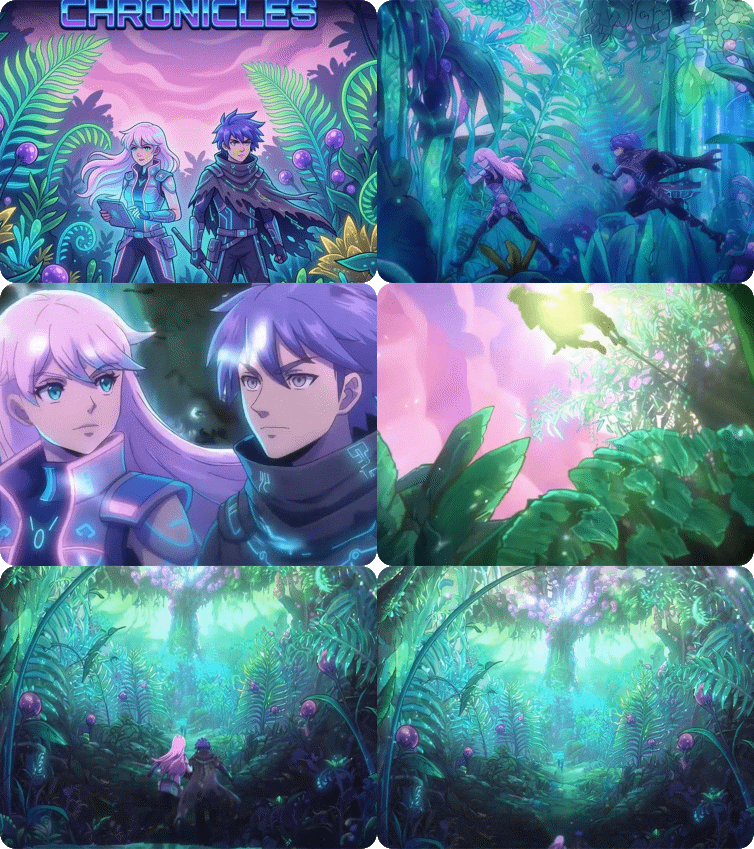
Keep Characters Consistent Across Every Frame
Kling AI's physical simulation engine and 3D spatiotemporal attention mechanism keep character identity, lighting, and environmental elements consistent across the full clip. Long-form videos up to 2 minutes maintain visual coherence - a standard most AI video tools cannot meet at this length.
Output High Resolution Video from 1080p to 4K
Kling 1.6 and 2.1 produce 1080P video at 30FPS, while Kling AI 3.0 outputs native 4K at 60FPS with broadcast-grade clarity. For further refinement, use Dzine's AI video enhancer to upscale and improve quality after generation.
Why Use Kling AI on Dzine?

Multiple Kling Models
Access Kling AI 3.0, 2.1, and 1.6 in one place. Choose the right model for your project — 4K output, 1080p social content, or long-form video up to 2 minutes.

No Skills Required
Upload an image or type a prompt. Kling generates a professional video in seconds. No editing software, no technical setup, no experience needed.

7-Day Free Trial
Try all Kling AI features on Dzine for 7 days at no cost. No credit card required to get started. Full access to generation, motion control, and avatar tools.

Watermark-Free Export
Paid plans export clean, watermark-free videos ready for commercial use. Share directly to social media, use in campaigns, or deliver to clients.

4K Resolution Output
Kling AI 3.0 produces native 4K at 60FPS — broadcast-grade quality for film, advertising, and premium digital platforms.

Browser-Based, No Download
Run Kling AI directly in your browser on Dzine. No installation, no GPU required. Works on any device, anywhere.
What Our Users Said
Finally, AI Video That Looks Professional
I've tested a lot of AI video tools, and Kling AI on Dzine is the only one where the motion actually looks natural. I used the start/end frame feature for a product launch video and the result was clean enough to publish without any editing. The 4K output from Kling 3.0 is genuinely broadcast quality.
Priya SharmaBrand Marketing Manager
Kling AI Avatar Saved Our Production Budget
We needed a spokesperson video for three markets in different languages. Kling AI Avatar 2.0 on Dzine let us generate a realistic talking avatar with synced audio for each language from a single photo. What would have taken a full production day was done in under an hour. The consistency across the long-form clips is impressive.
Daniel OseiContent Director, EdTech Startup
Motion Control Changed How I Create
I'm a solo creator and I can't afford camera rigs or crew. Kling Motion Control on Dzine gives me cinematic orbit shots, tracking movements, and push-ins from a text prompt. My client presentation videos look like they were shot with a professional camera. The 7-day free trial was enough for me to test everything before committing.
Yuki TanakaFreelance Visual Storyteller
Master Kling AI Video Creation | Dzine AI Tutorial
You May Also Be Interested in




FAQ
What is Kling AI?
Kling AI is a next-generation AI video generator developed by Kuaishou, a Chinese technology company. It converts text descriptions and images into high-quality videos up to 15 seconds long. On Dzine, you can access multiple Kling AI models - including Kling AI 3.0, Kling 2.5, Kling AI 2.1, and Kling AI 1.6. Kling AI features include start/end frame control, motion control, avatar creation, audio sync, and video extension.
Is Kling AI free?
Yes, Kling AI is free to try on Dzine. We offer a 7-day free trial with full access to Kling AI video generation features. No credit card is required to get started. After the trial, paid plans unlock higher video resolution, longer generation limits, and watermark-free exports. Kling AI pricing on Dzine is designed to fit different usage levels - from individual creators to teams.
How do I remove the Kling AI watermark?
Videos generated during the free trial period include a small Dzine watermark. To export watermark-free videos, upgrade to a paid plan on Dzine. Paid plan videos are clean and ready for commercial use. If you have existing videos with watermarks from other tools, you can also use Dzine's AI watermark remover to clean them up separately.
How do I cancel my Kling AI subscription?
- Sign into your Kling AI account on Kling AI official website.
- Click on your profile icon/subscription status in the lower-left corner of the dashboard.
- Click the Manage button next to your active subscription.
- Click the Cancel Subscription option.
What is the difference between Kling AI 3.0, 2.1, and 1.6?
- Kling AI 3.0 is the most advanced model. It outputs native 4K at 60fps, supports up to 15-second clips, and generates audio natively with multi-language support. It includes multi-shot storyboard generation and regional editing.
- Kling AI 2.1 produces 1080P video with strong instruction following, improved character consistency, and reliable image-to-video output. It is the best balance of quality and speed for social and marketing content.
- Kling AI 1.6 introduced motion brushes, camera path control, lip sync, and video continuation. It improved image-to-video comprehension by 195% over its predecessor and supports output up to 2 minutes in 1080p.