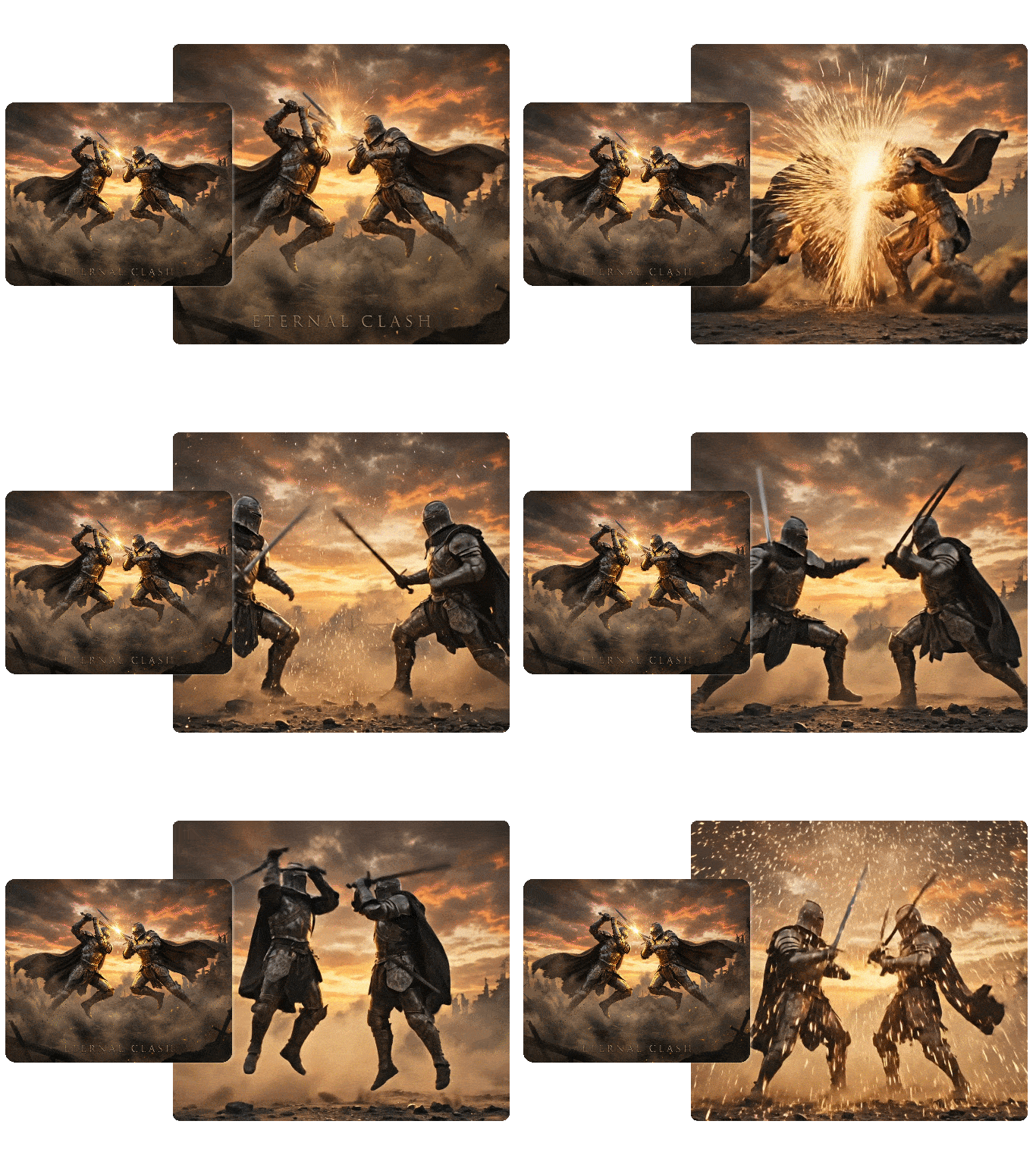
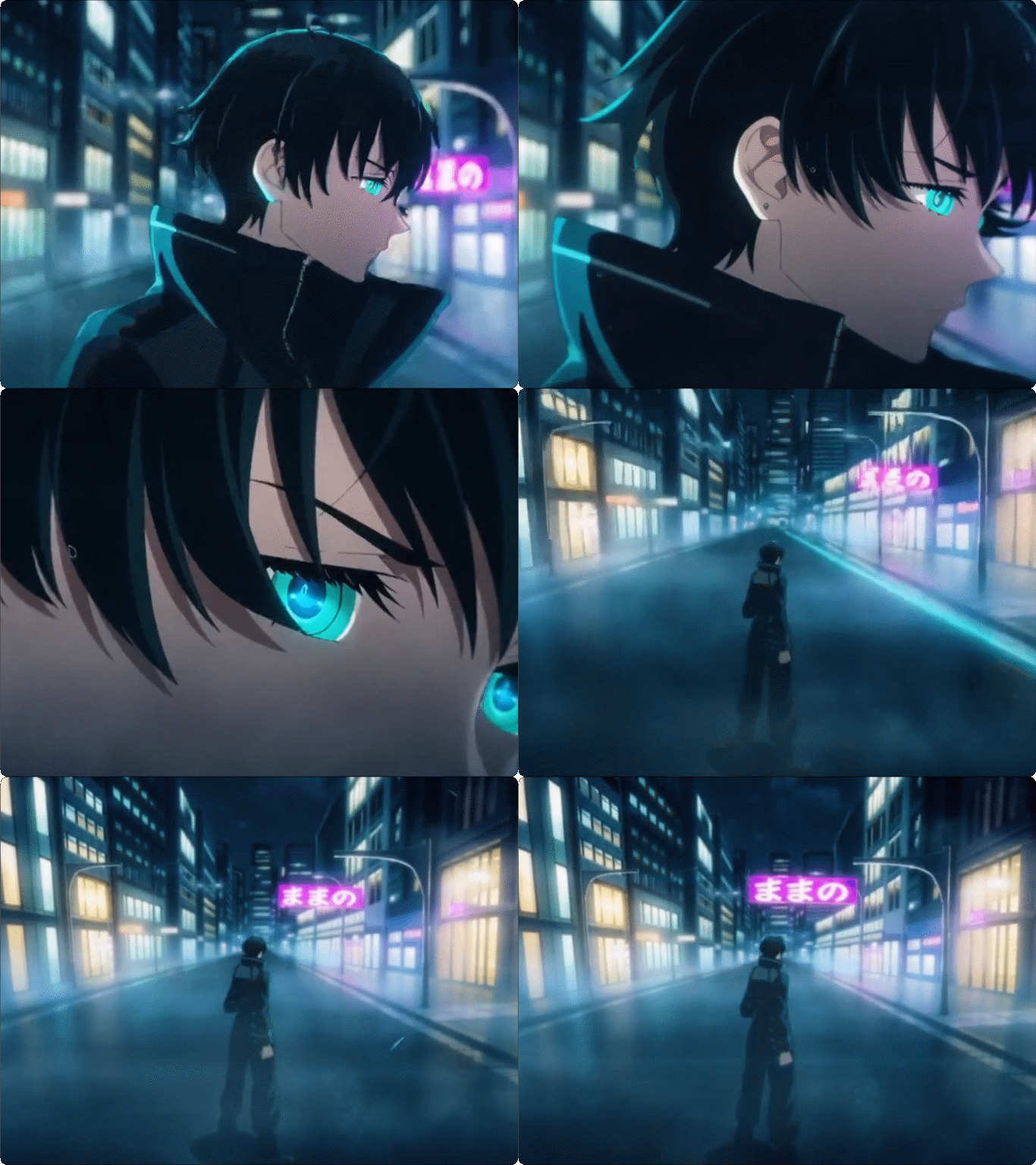
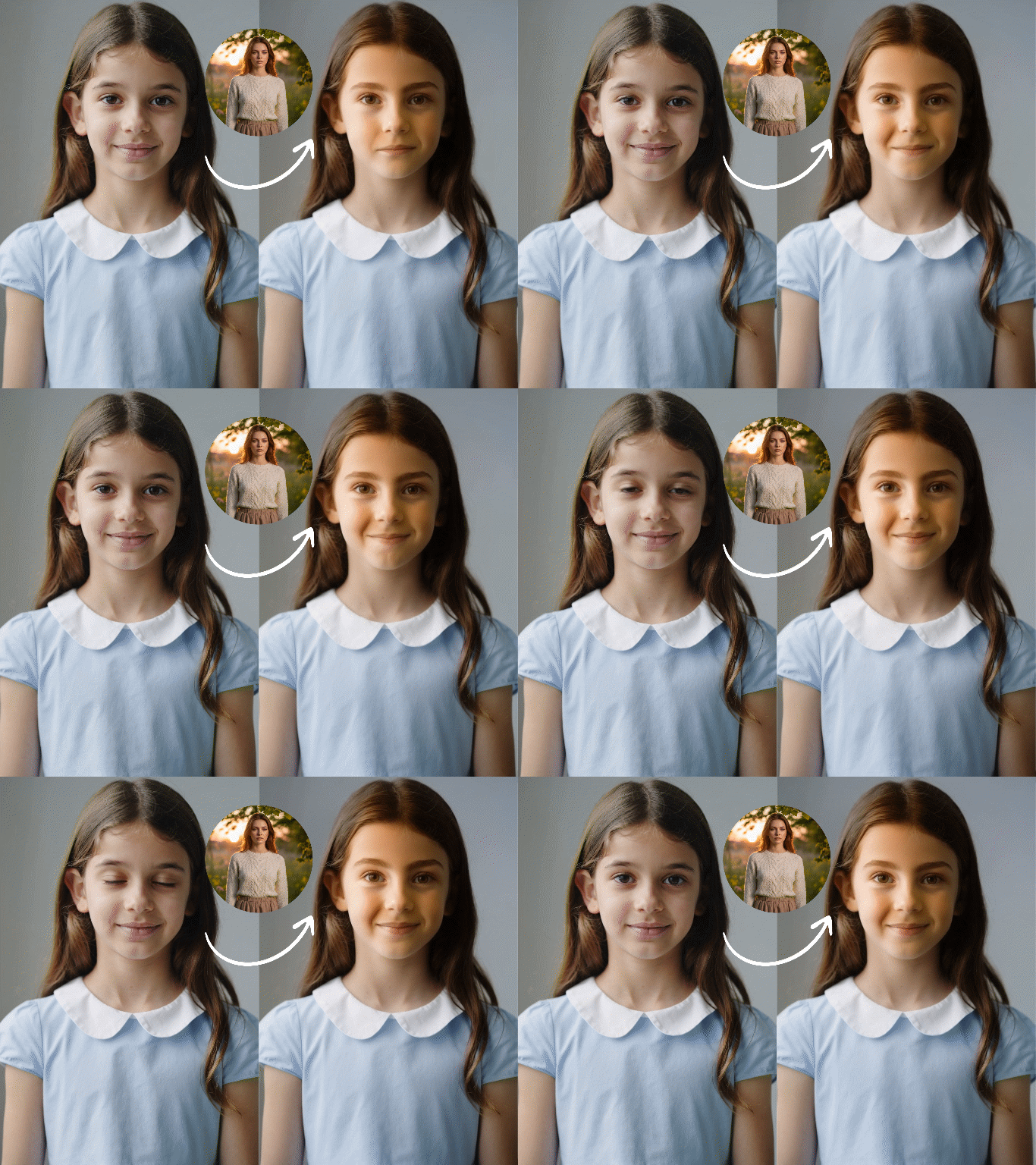
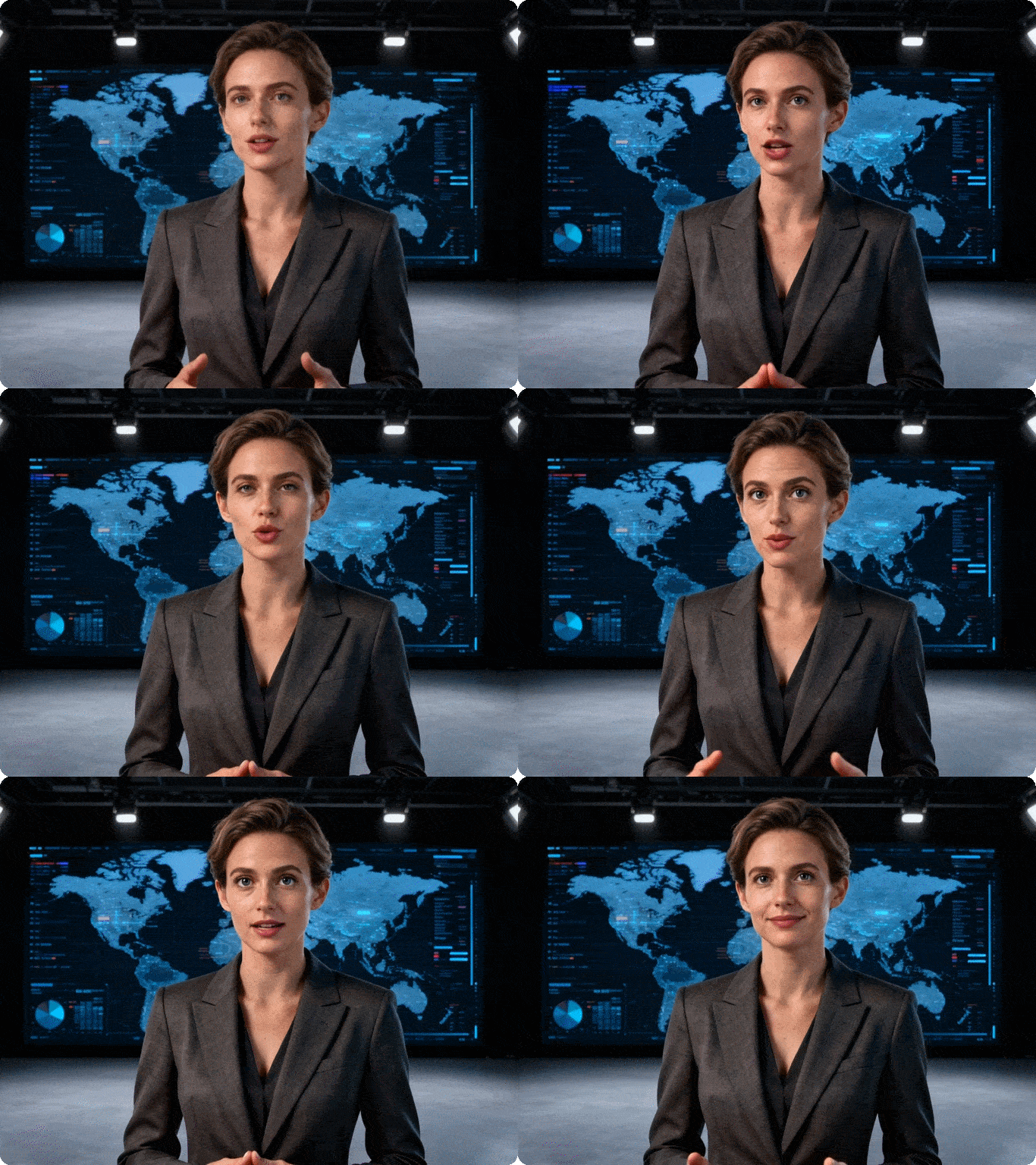
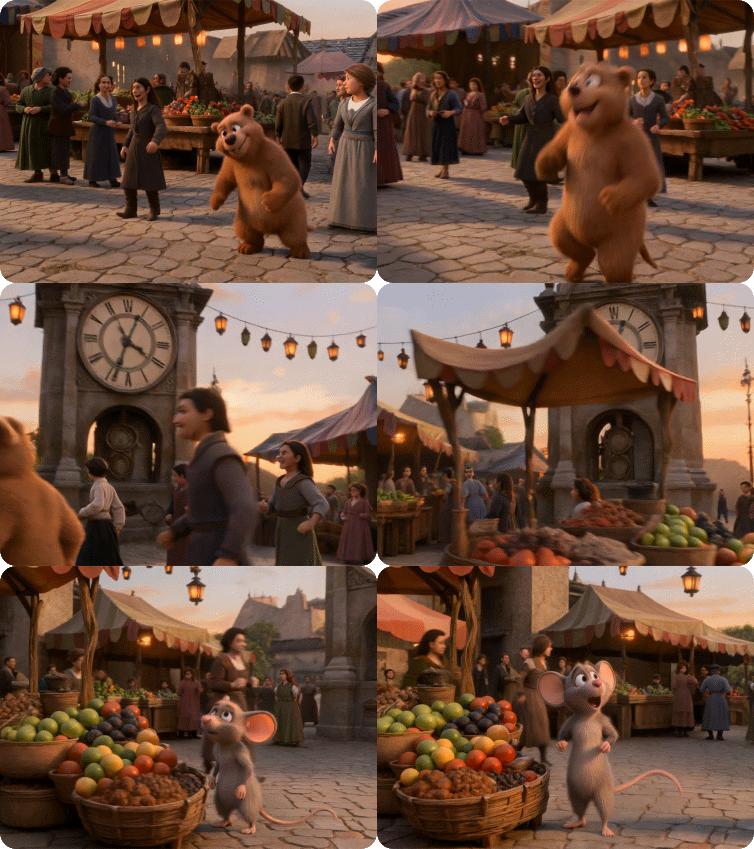
Dzine’s Any Frame to Video tool redefines AI video creation by letting you upload multiple key frames, set their exact positions on a video timeline, and generate dynamic videos with natural transitions. Powered by advanced Video Generator, we make frame-to-video creation controllable, predictable, and intuitive — no advanced editing skills required, and free to try for all users.
Click or drag here to upload images
Uploading via drag and drop
Try to create a video with custom key frame positions on the timeline
Create Cinematic Videos from Any Single Frame in Minutes
You can start from any image, illustration, or AI-generated frame and instantly turn it into a dynamic video. Dzine combines powerful image-to-video generation with text-based control, so you decide how the scene moves, evolves, and ends.
Dzine’s tool ensures your frame-based videos maintain visual consistency, character identity, and professional polish. Unlike generic ai video generators, we tailor every output to your creative vision, whether you’re animating a single frame or building a multi-shot sequence from multiple frame references.
How to Generate Videos from Any Frame with Dzine
Step 1. Select Any Frame Mode & Upload Key Frames
Access the AI Video feature and select "Any Frame" mode. Upload your key frames (JPG/PNG) — either by dragging local files, uploading directly, or selecting images from your canvas. You can add up to 6 frames for precise control.
Step 2. Arrange Frames on the Timeline
Drag frames to specific time points, hover to preview frames in full size, swap positions with adjacent frames (via arrow buttons) or drag to replace any frame, then add more frames by clicking blank spaces on the timeline
Step 3. Confirm & Generate Your Video
Save your frame layout (click "Confirm") and return to the main generator. Add text prompts (for style/camera/atmosphere) or generate directly — our frame to video AI will create a smooth video with natural transitions between your key frames. Edit or clear frames anytime before generation.
Nano Banana Pro vs Seedream 4.5 vs Flux.2 vs Z-image
Frames
Reference
Prompt
Output
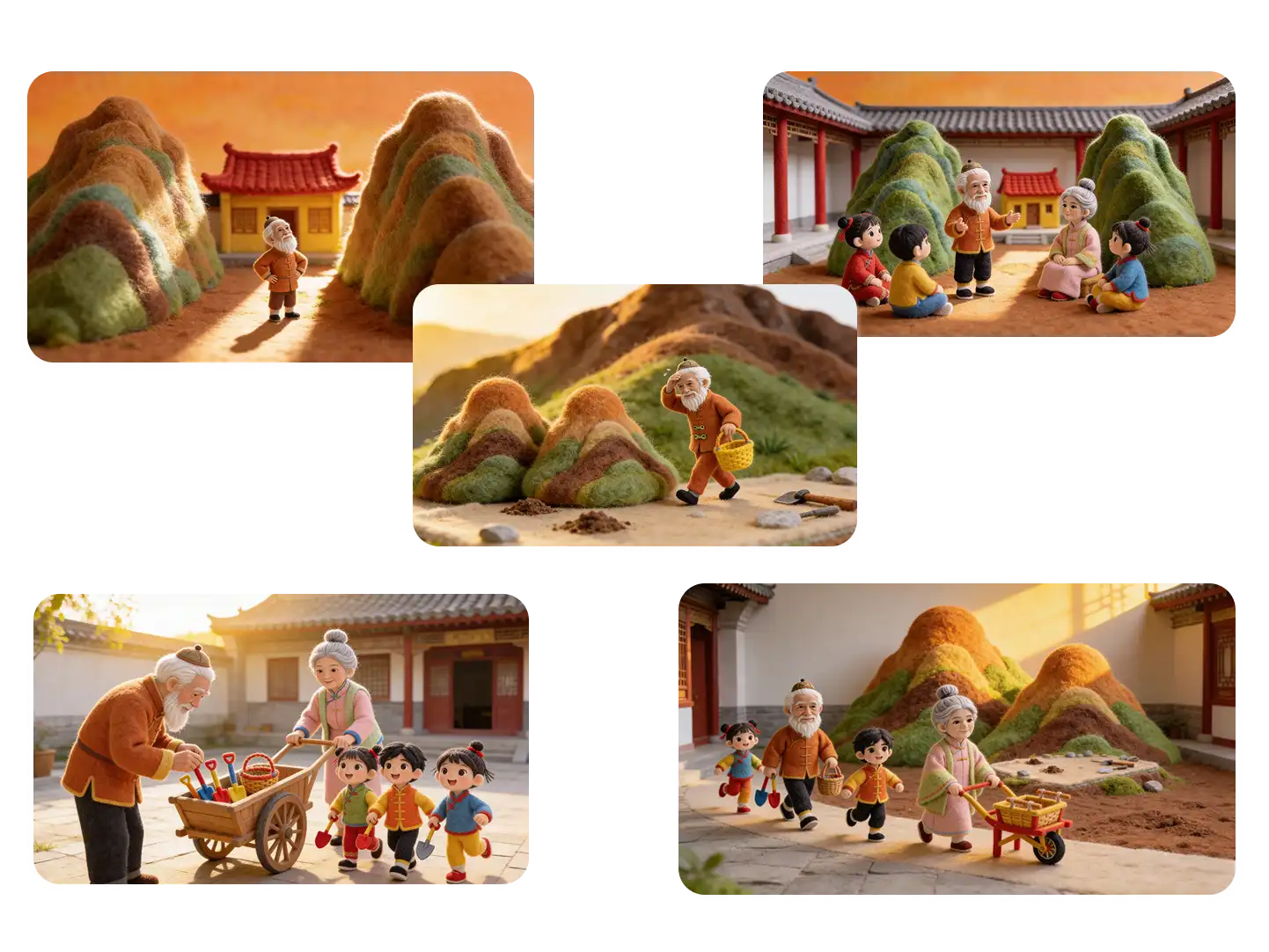
Multiple Frames
A warm Chinese folktale in felt stop-motion animation style. An old man stands between two huge mountains blocking the way to his home. He realizes the mountains must be moved, but at the mountain site he sees that he is too weak to do it alone. He returns home and tells his family about his plan in the courtyard. Instead of fear, the whole family smiles, feels inspired, and happily decides to help. They prepare baskets, shovels, and a small cart, then set off together toward the mountains in the golden evening light. Cozy handmade wool felt texture, miniature scene, soft cinematic lighting, clear story progression, consistent characters, warm family spirit, hopeful and uplifting mood.
Up-to-6 Frames
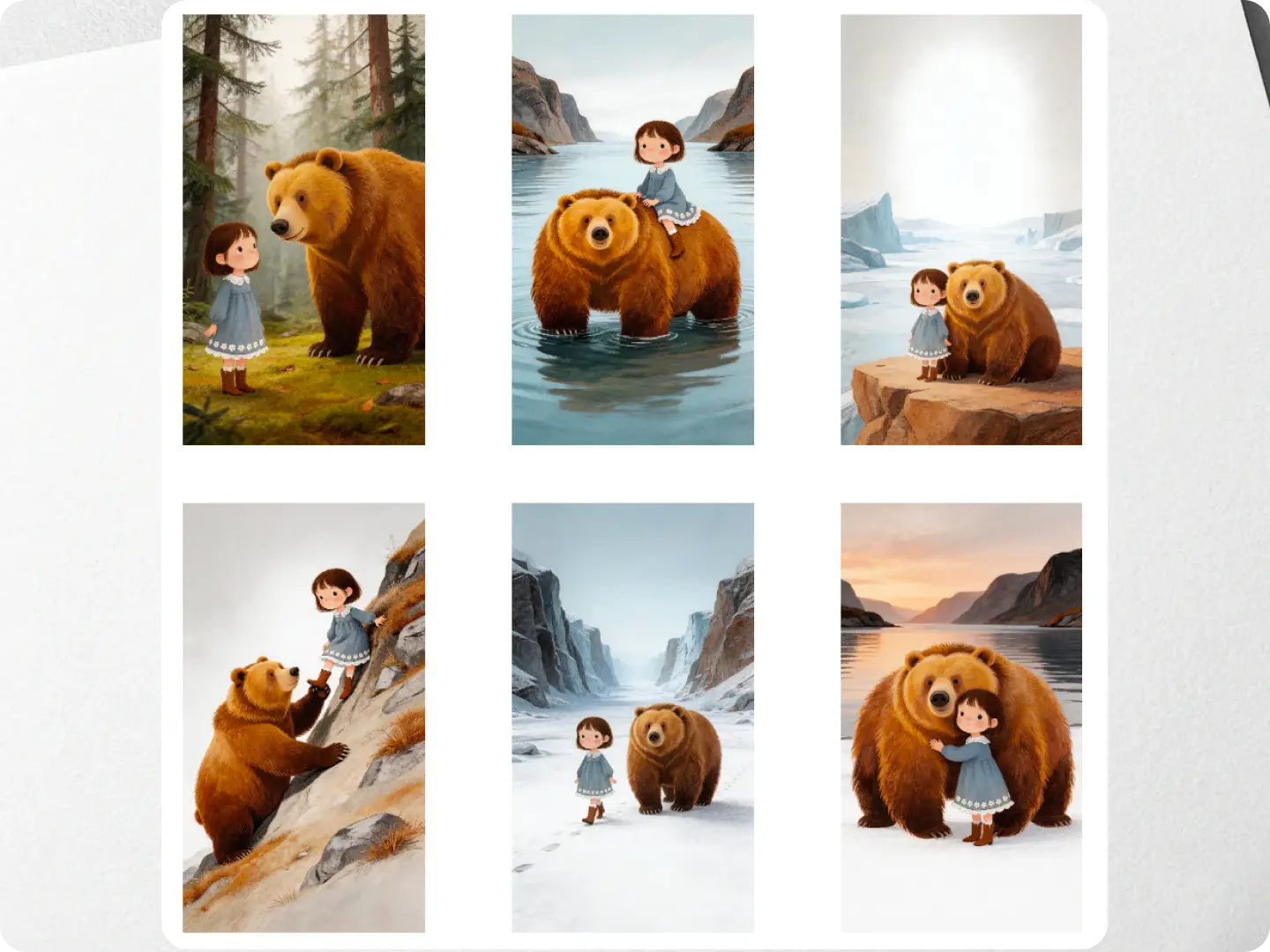
A dreamy Nordic fairytale storybook style video. A little girl in a blue-gray dress meets a giant gentle brown bear in a misty forest. At first, she looks surprised but curious, and the bear softly greets her. Then the bear becomes her guide and takes her on a magical journey: carrying her across a quiet fjord, resting with her on a rocky cliff above the icy wilderness, helping her climb a steep mountain path, and walking with her through a vast snowy valley. In the final scene, the girl hugs the bear by the water at sunset. Soft natural light, warm and poetic mood, cinematic storytelling, consistent character design, smooth scene transitions, gentle adventure, friendship, wonder, and dreamlike atmosphere.
Start & End Frames
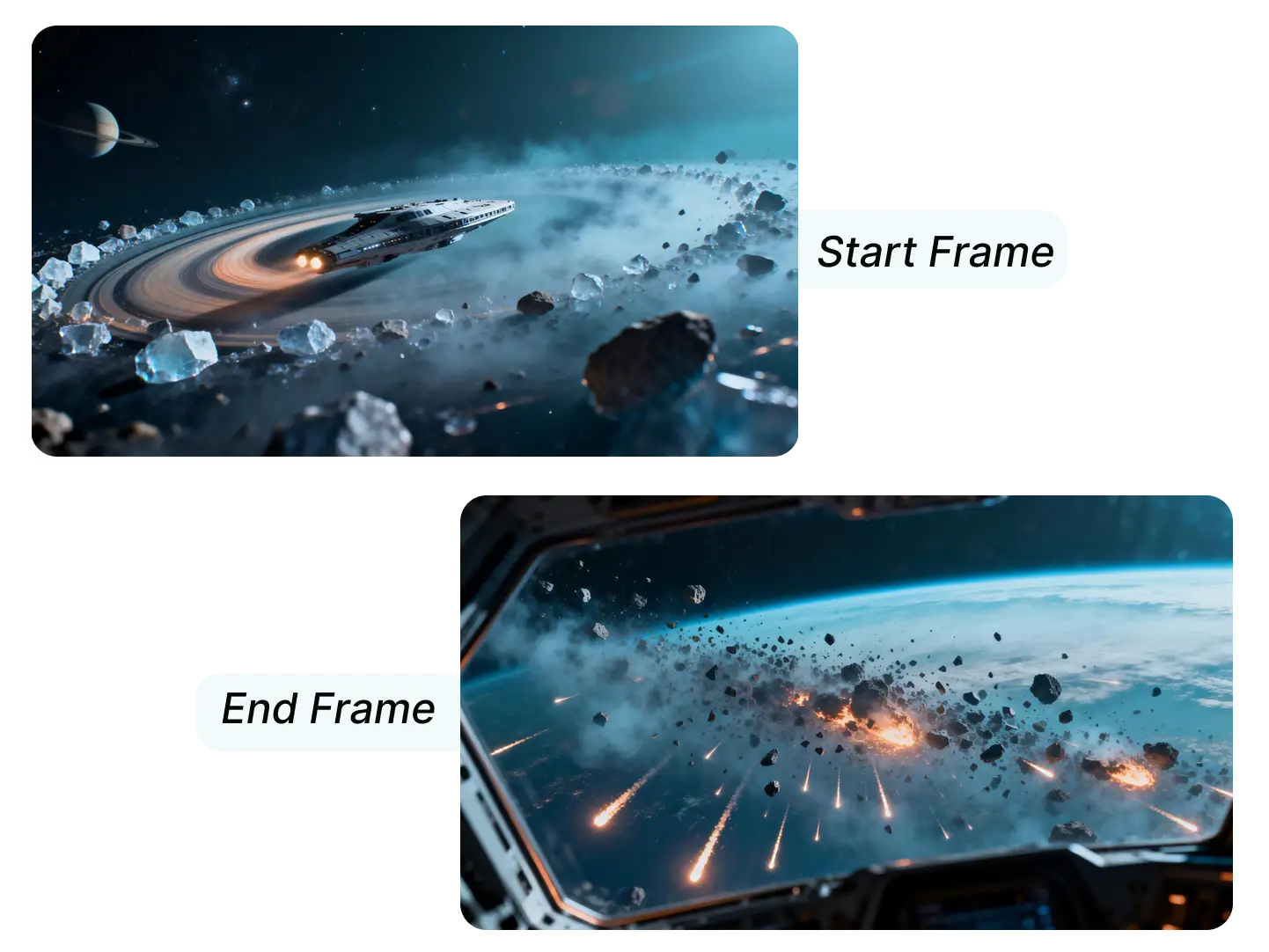
A cinematic sci-fi space chase through a dense planetary ring. A lone spaceship races at high speed between floating ice and rock fragments, weaving sharply to evade enemy missiles. Blue cosmic haze, distant planet, glowing engine trails, intense motion, epic scale. The chase ends as a missile hits the ship and it explodes violently among the asteroids. Final shot seen from inside the enemy spacecraft cockpit window, looking out at the burning debris and fire spreading across space. Dramatic lighting, realistic spacecraft details, smooth action continuity, high tension, cinematic composition.
Turn "Random" Video Generation into "Controllable" Creation
Traditional text-to-video tools rely on AI interpretation — results often miss your vision. Any Frame to Video lets you specify exactly where each key frame appears on the timeline, eliminating guesswork and ensuring your video matches your expectations.
Lower Creation Barriers — Start from Any Frame
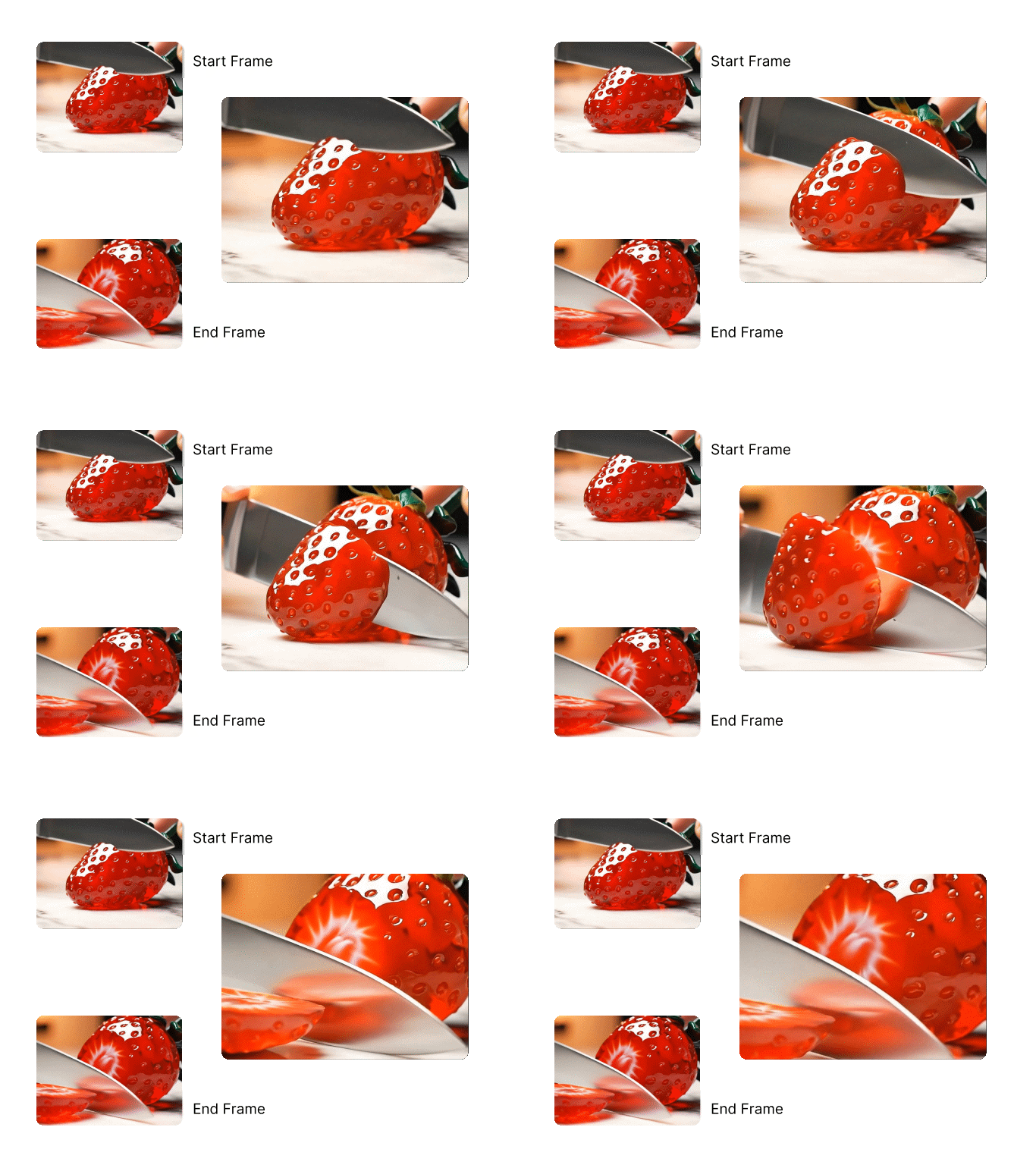
No need to design full start/end frames upfront. Any Frame to Video, supports Start Frame and End Frame to Video workflow, lets you generate videos from middle frames — just pick 1-6 key moments, set their timeline positions, and create a video with natural content progression.
Balance Creative Freedom & Result Stability
Control the core structure of your video with key frames, then use text prompts to refine style, camera movement, or atmosphere. You get the best of both worlds: creative flexibility + predictable results — far more stable than pure text-based video generation.
What You See Is What You Get — Intuitive Editing
Our timeline-based editor follows natural user intuition: "Put this frame at this time point". No abstract parameters or complex editing skills needed — arrange frames like you’re editing a professional keyframe sequence, with instant previews and easy adjustments.
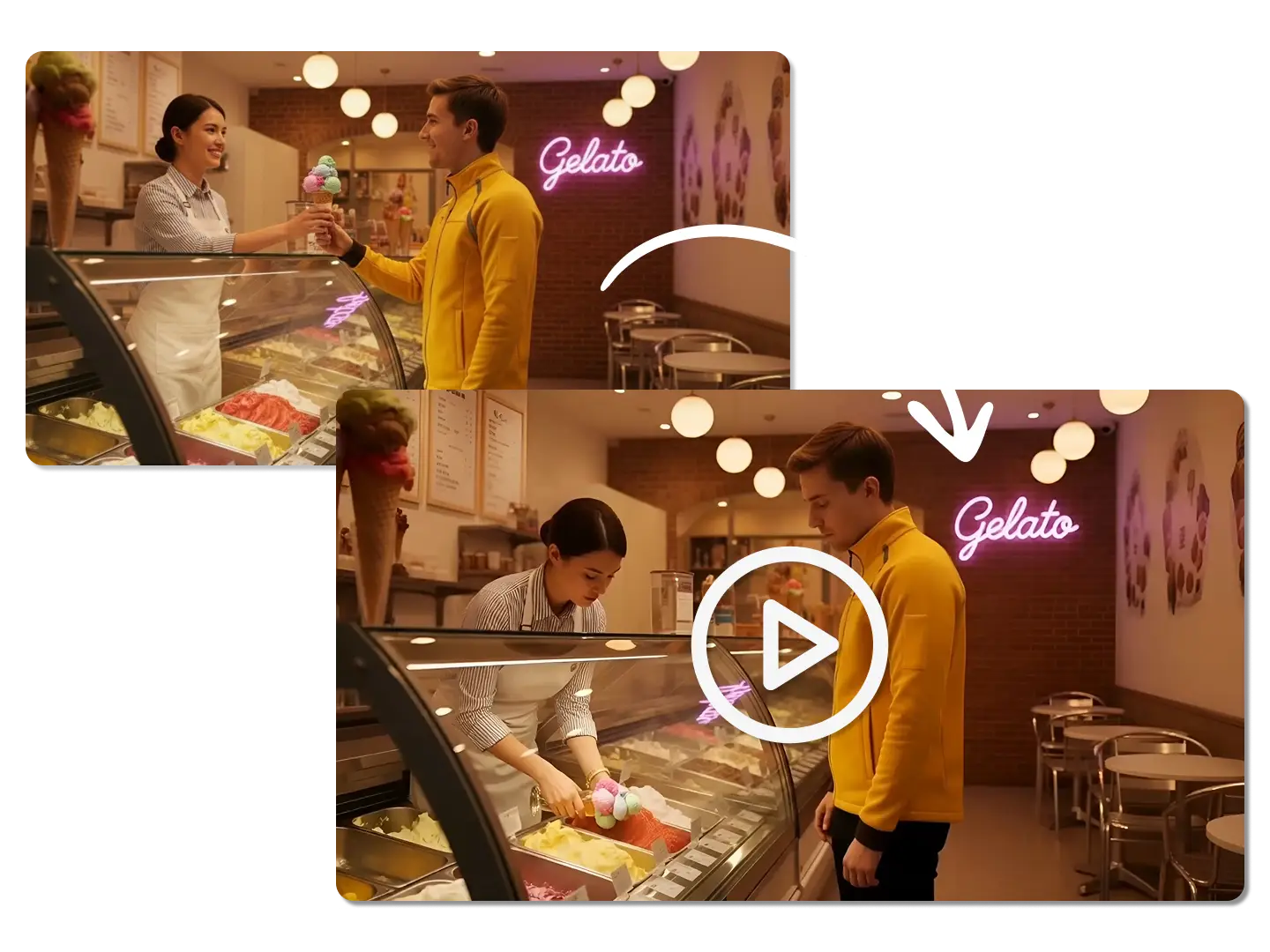
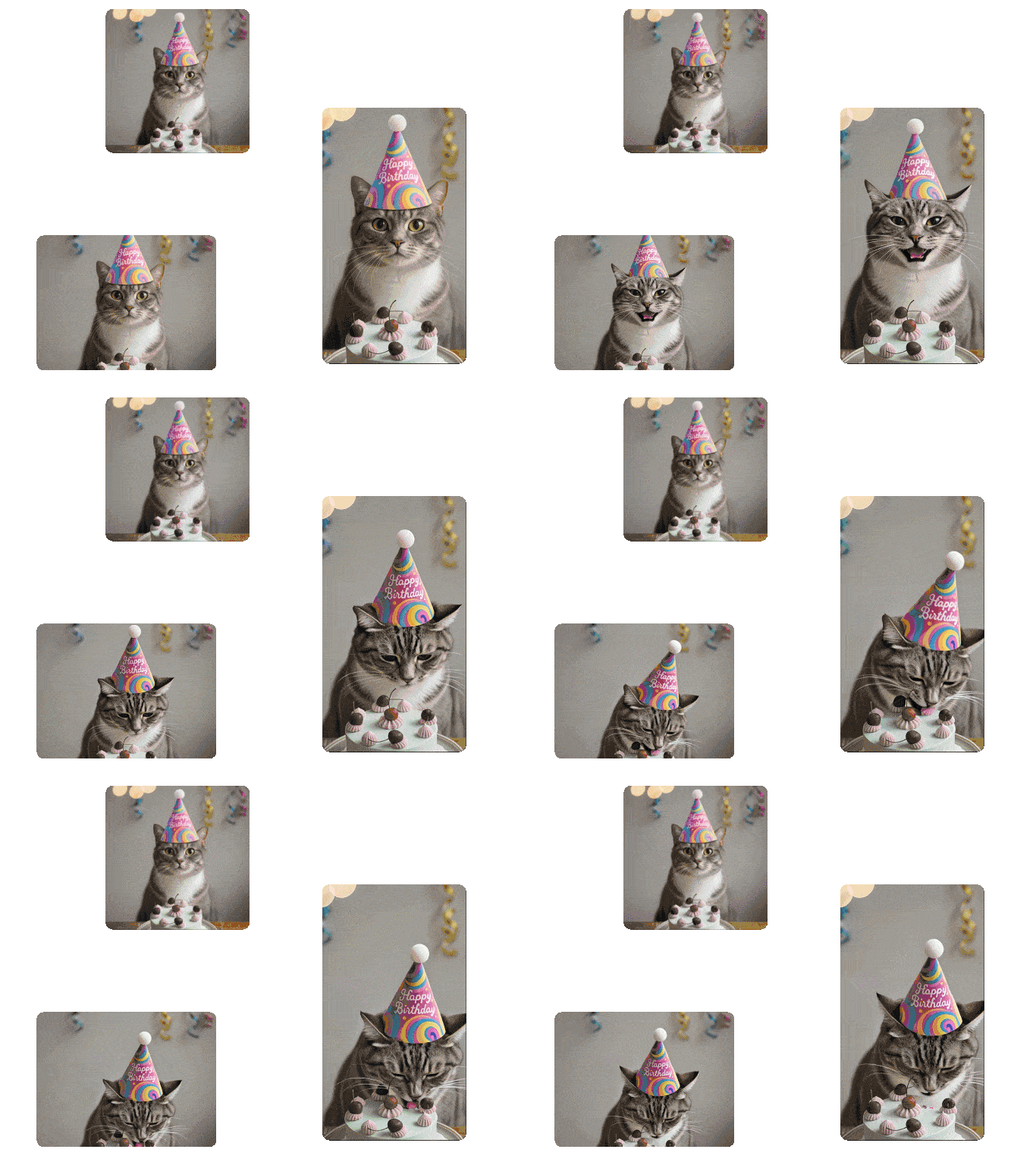
Animate a Single Image with Multiple Shots
You can easily turn a static post into an eye-catching video for TikTok, X, or Instagram. Pair with our Lip Sync AI to add expressive facial movements to your amazing videos.
Explore Real-World Ways to Use Frame to Video AI
Dzine’s Any Frame to Video tool adapts to every creative and professional workflow. From social media content to product marketing and storytelling, our frame to video AI makes it easy to turn key frames into dynamic, high-quality videos with full timeline control — no editing experience required.
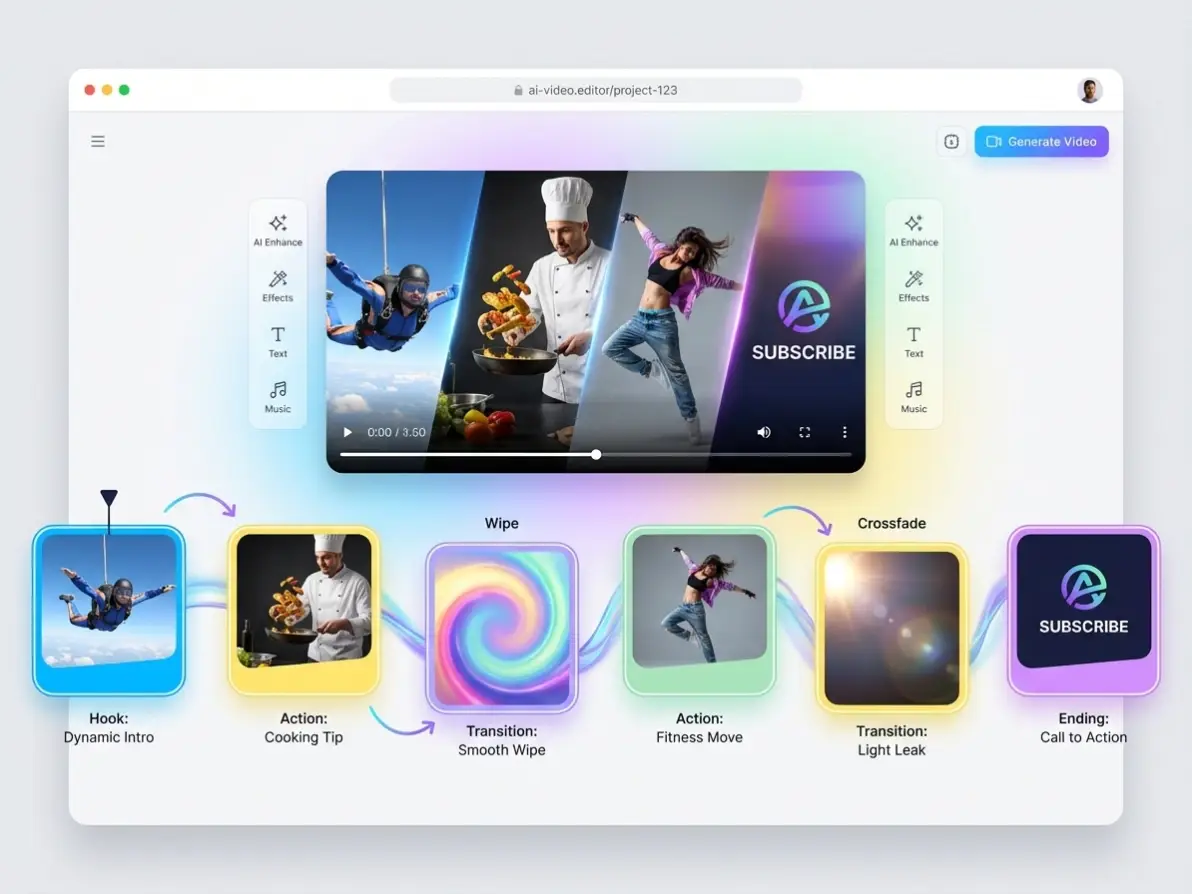
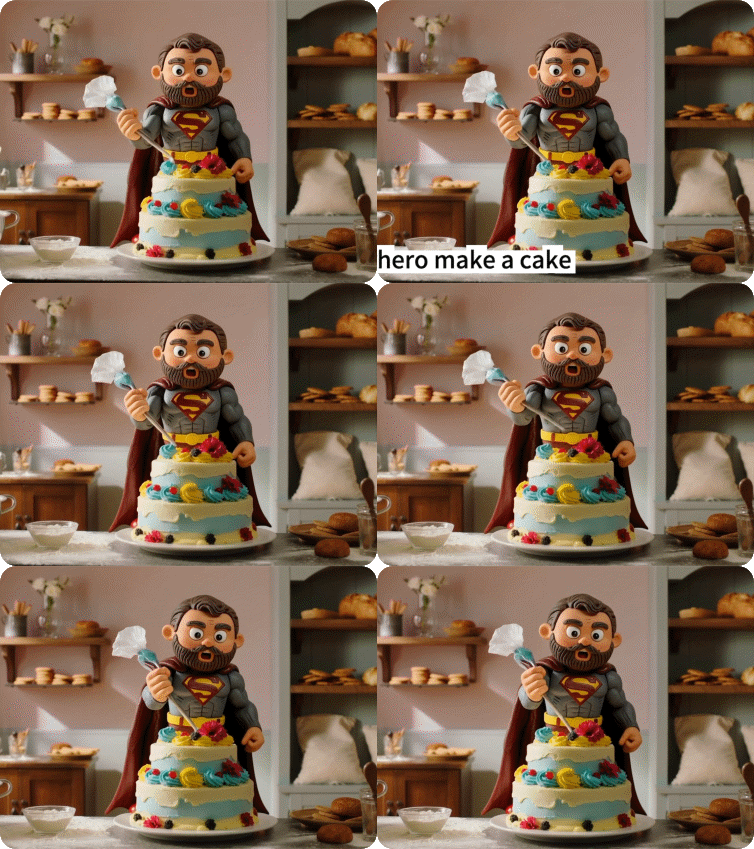
Social Media Content
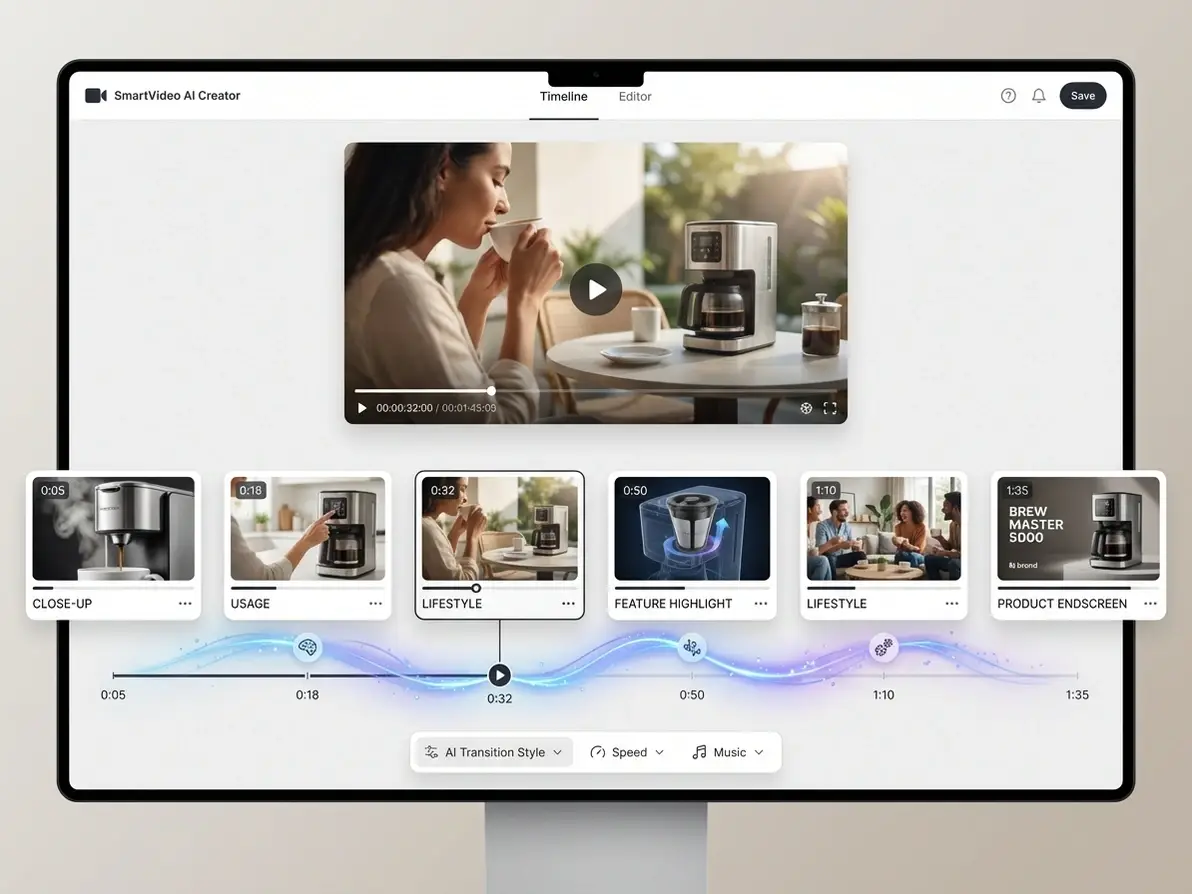
E-Commerce & Ads
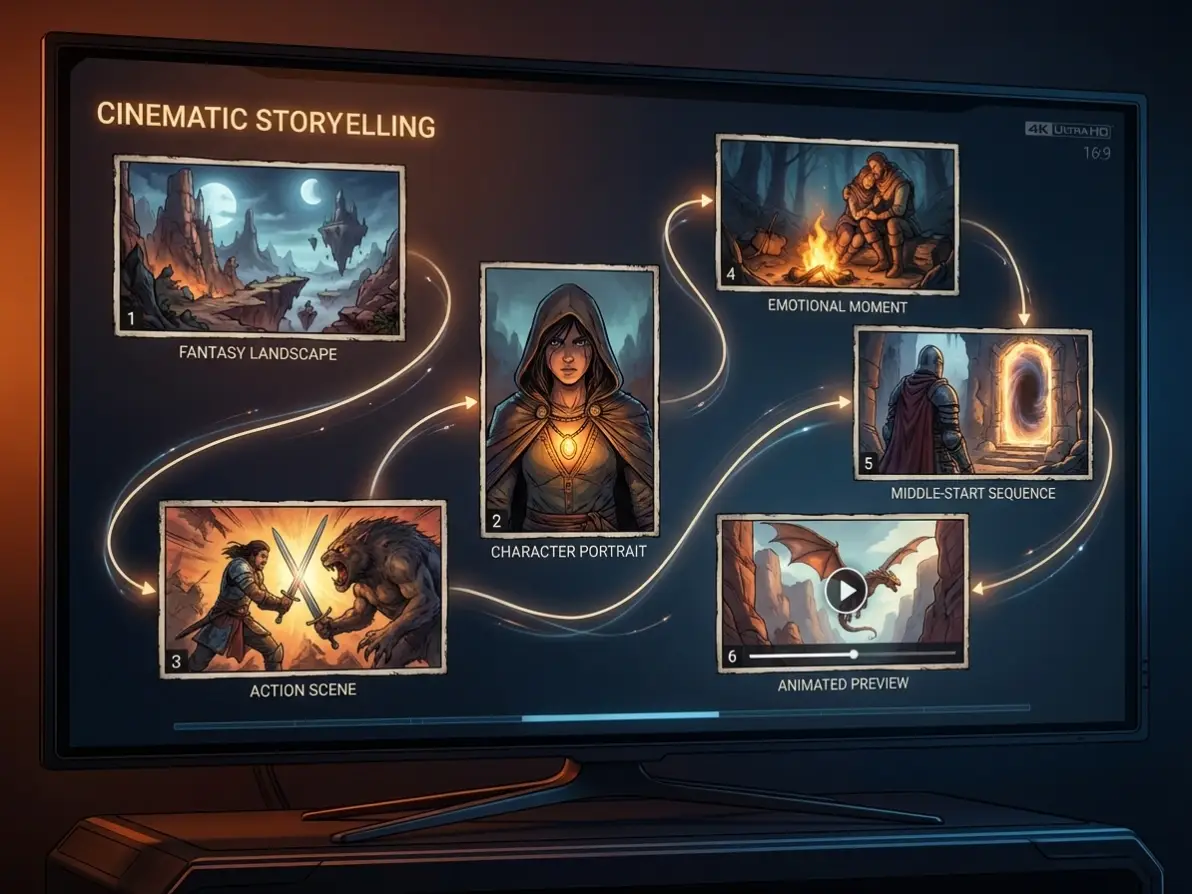
Storytelling & Creative
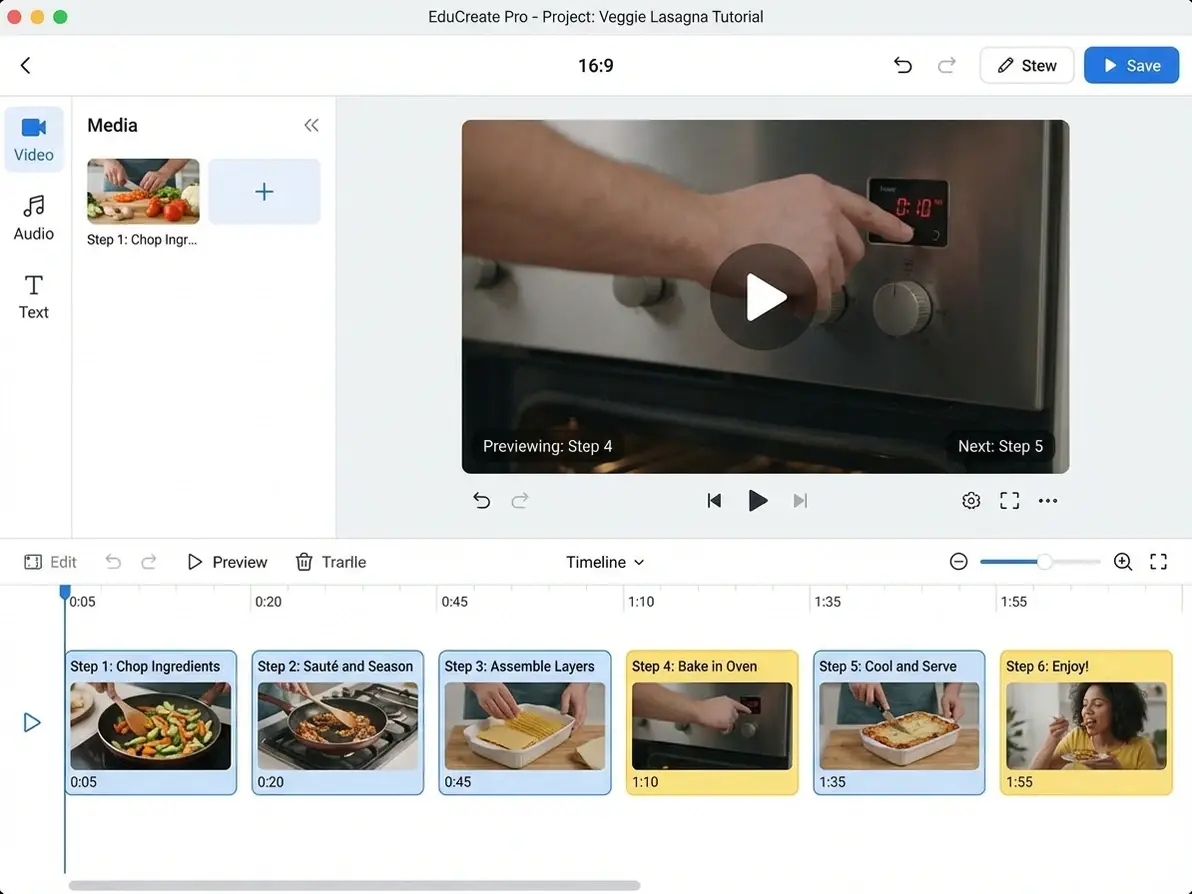
Education & Tutorials
Create Scroll-Stopping Social Videos from Key Frames
Turn multiple images into engaging short-form videos using frame to video AI. Set key moments for hooks, transitions, and endings — perfect for TikTok, Reels, and YouTube Shorts with full timeline control.
Generate Product Videos with Precise Frame Control
Showcase product features step-by-step using frames to video AI. Upload key visuals like product shots, use cases, and highlights — then control exactly when each appears to create high-converting ad videos.
Start with a few scenes and transform them into a complete narrative using frame to video workflows. Whether it's concept art, comics, or storyboards, create smooth transitions between key story beats.
Convert instructional images into structured videos with frames to video. Control pacing by placing each step on the timeline — ideal for tutorials, explainers, and training content.
What Our Users Said About Dzine’s Any Frame to Video Tool
Finally, Control Over AI Video Generation
I’ve tried dozens of AI video generators, but Dzine’s Any Frame tool lets me set exactly where each frame appears. No more random results — my TikTok videos now match my vision perfectly, and the timeline editing is so intuitive.
Mia T.Social Media Creator
Cut Creation Time by 50%
We used to spend hours designing start/end frames for marketing videos. Now we just upload 2-3 key frames, set their positions, and generate — transitions are natural, and we skip endless trial and error. Game-changing for our workflow.
Tom S.Marketing Manager
Perfect for Beginners (No Editing Skills Needed)
I was scared of complex video editing, but Dzine’s timeline is so easy to use — "drag frame to time point" is all I needed to learn. I created a professional video in 5 minutes, with exactly the frames I wanted at exactly the right time.
Sarah L.Freelance Content Creator
FAQ
What file types can I upload for frame input?
You can upload JPG, PNG, or WebP files for frame input — no size limits, and we preserve full image quality for video generation. You can add up to 6 frames per video.
How do I set frame positions on the timeline?
After uploading frames, enter the Any Frames Editor to drag frames to specific time points, swap positions with adjacent frames (via arrow buttons), or drag to replace any frame. Hover over frames to preview them in full size.
Can I edit or remove frames after uploading?
Yes! Before generating your video, re-open the Any Frames Editor to adjust frame positions, add new frames (click blank timeline spaces), or click "Clear" to remove all uploaded frames and start fresh.
Do I need to use text prompts with key frames?
No — you can generate videos directly from your arranged frames. For extra control, add text prompts to refine style, camera movement, audio, or atmosphere — balancing structure (frames) and creativity (prompts).
Why is Any Frame to Video better than traditional image-to-video tools?
Traditional tools generate random transitions and lack timeline control. Any Frame to Video lets you specify exactly where each frame appears, start from middle frames (no full start/end design), and get predictable results — reducing trial and error and lowering creation barriers.
Can I use frame-based videos for commercial purposes?
Commercial use is allowed with our paid plans. Free trial outputs include a small Dzine watermark; paid plans remove watermarks and unlock commercial rights.