
- Tools
- Resources
- Pricing
- API
- Contact Sales
- Book a Demo


Dzine Upscaler 2.0
Transform low-resolution images into stunning high-quality photos with Dzine Upscaler 2.0. Upload any image and upscale to 4K, 8K, or beyond without losing detail. Our AI photo upscaler recovers sharpness, enhances textures, and delivers professional results in seconds.

Click or drag here to upload images
Try Dzine Upscaler 2.0 with one of these

Scale Images to Any Resolution Without Quality Loss
Small images look pixelated when enlarged using traditional methods. Dzine's AI upscale image technology uses advanced neural networks to intelligently reconstruct missing details instead of simply stretching pixels. The system analyzes patterns, textures, and edges in your original photo, then generates authentic high-resolution details that match the image's natural characteristics.
This image upscaler free tool works on photos of any size or quality. Whether you're rescaling old family photos, enhancing product images for e-commerce, or preparing social media content for print, our free image upscaler delivers sharp results up to 16x the original size. The AI image upscaler free processing preserves colors, maintains natural lighting, and adds realistic texture without artificial sharpening or halos.
How to Use Dzine Upscaler 2.0?
Step 1: Upload Your Image
Open the Upscale & Enhance tool and go to the Image part. Click to upload the image you want to enlarge from your device.
Step 2: Select Dzine Upscaler 2.0
Select Dzine Upscaler 2.0 and choose factor (1.5x, 2x, 3x, or 4x) and click the Upscale button. The AI image upscaler will begin processing immediately.
Step 3: Download the Image
Preview your upscaled image and download it in full quality. Use your enhanced photo anywhere without worrying about pixelation or blurriness.
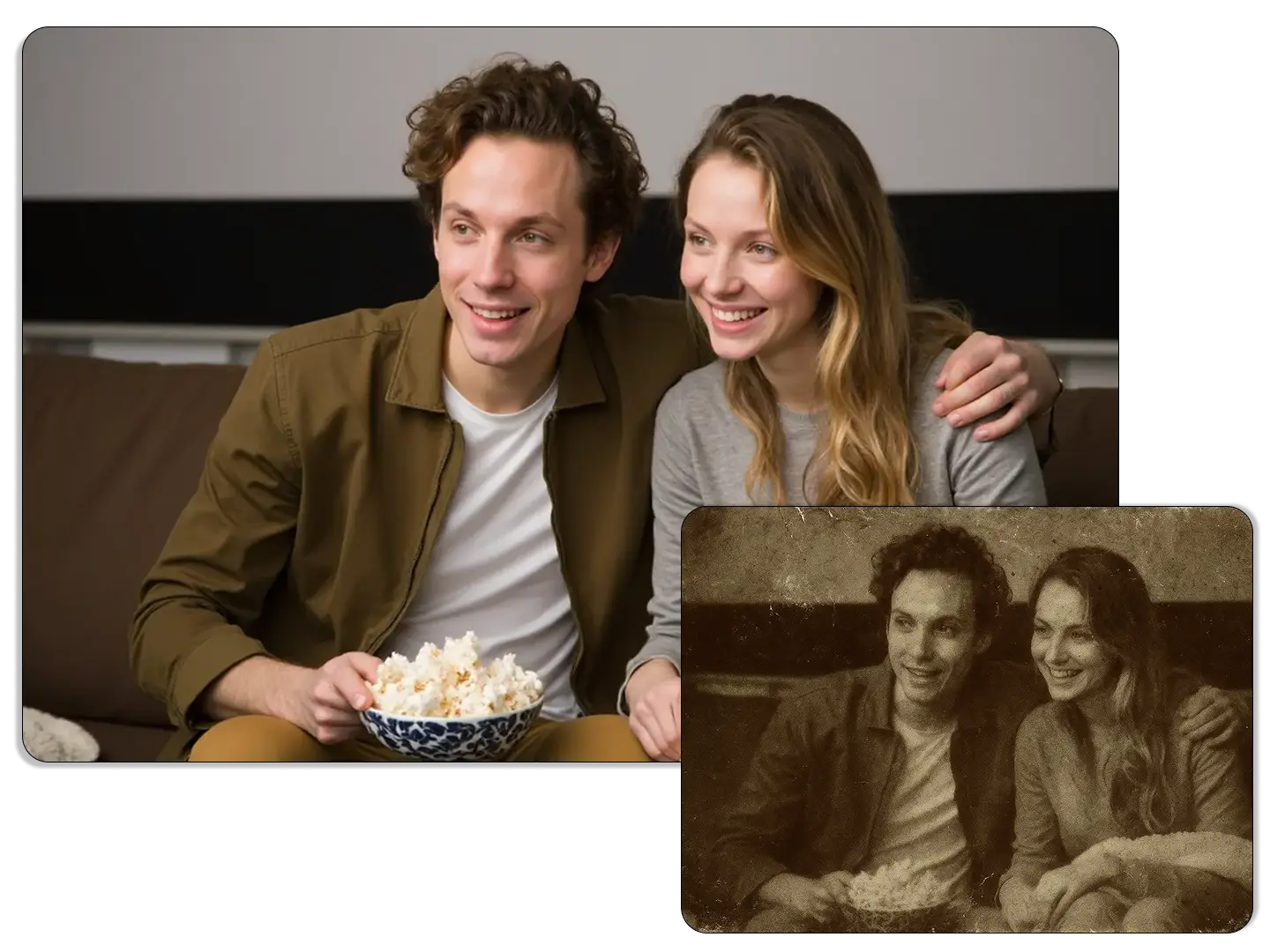
Restore and Enlarge Old Family Photos
Vintage photos often have low resolutions incompatible with modern displays. Our free AI upscaler analyzes grain, color, and texture to create high-resolution versions that preserve the original character. It intelligently repairs damage from aging or scanning, rebuilding lost details. Family portraits, wedding photos, and old snapshots are revived at sizes perfect for digital sharing or printing.
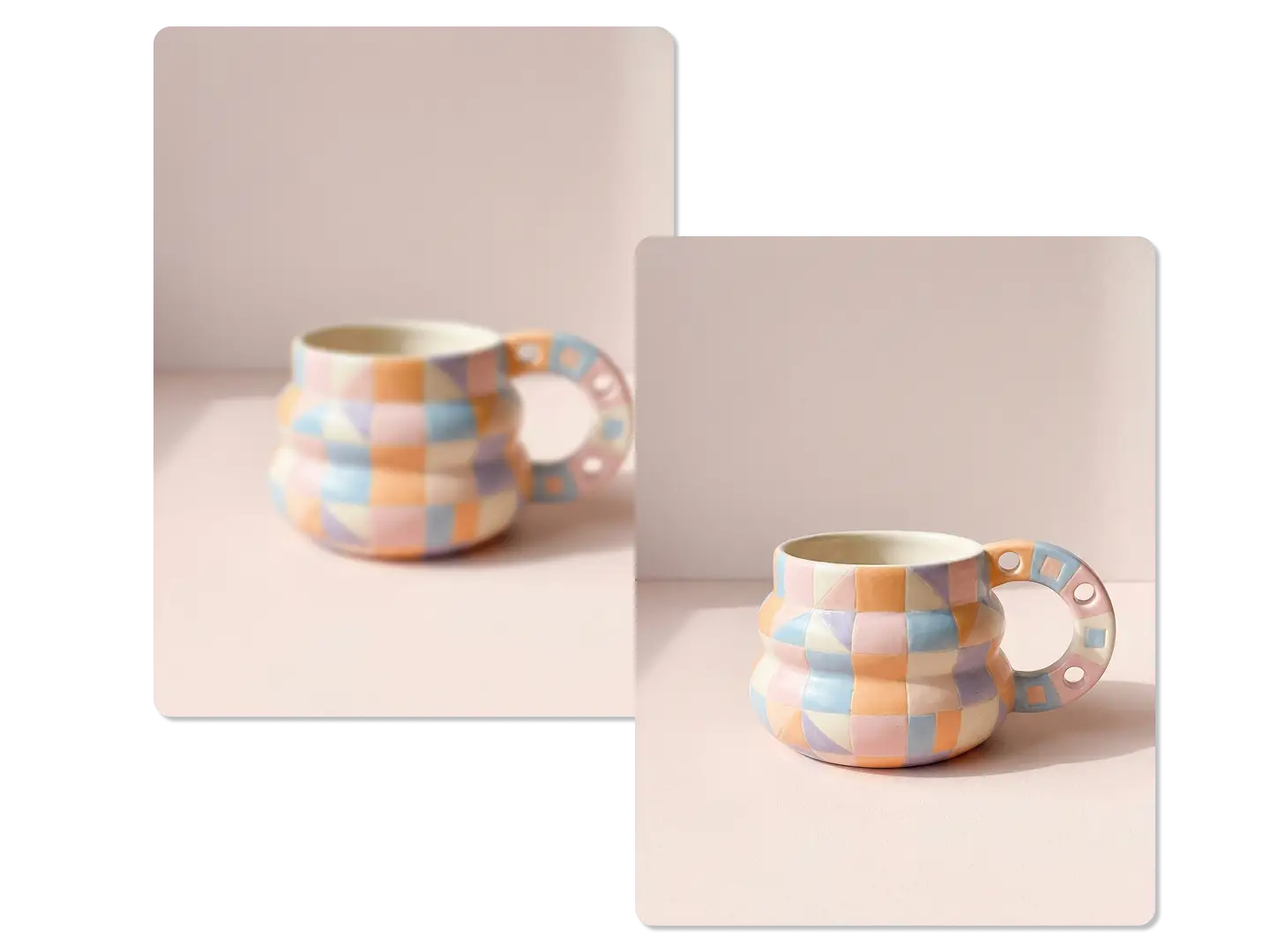
Enhance Product Images for E-Commerce
Online stores need high-quality product photos. Supplier images are often low-resolution and become pixelated when enlarged. Our free AI upscaler converts these photos into sharp, zoom-ready images. It intelligently enhances product edges, textures, and materials like fabric, metal, and jewelry with precision manual editing can't match.
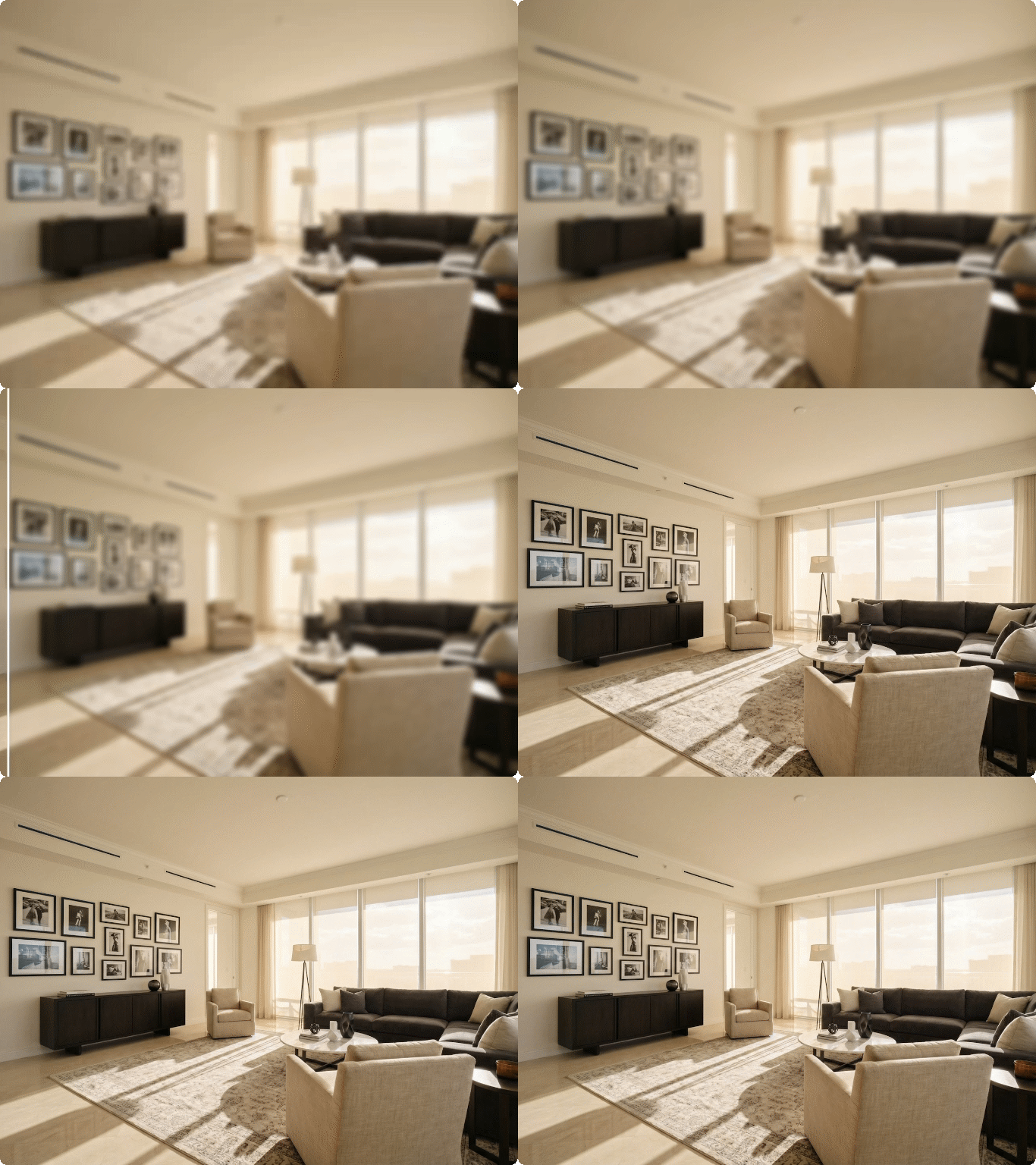
Improve Real Estate Photography Quality
Property listings require high-quality photos to showcase spaces effectively. Images from older cameras or past listings often lack modern resolution. Our free AI upscaler enhances these photos, making them crisp and detailed—highlighting architecture, finishes, and room flow. Features such as lighting, dimensions, and materials like hardwood or granite become clearer and more attractive.
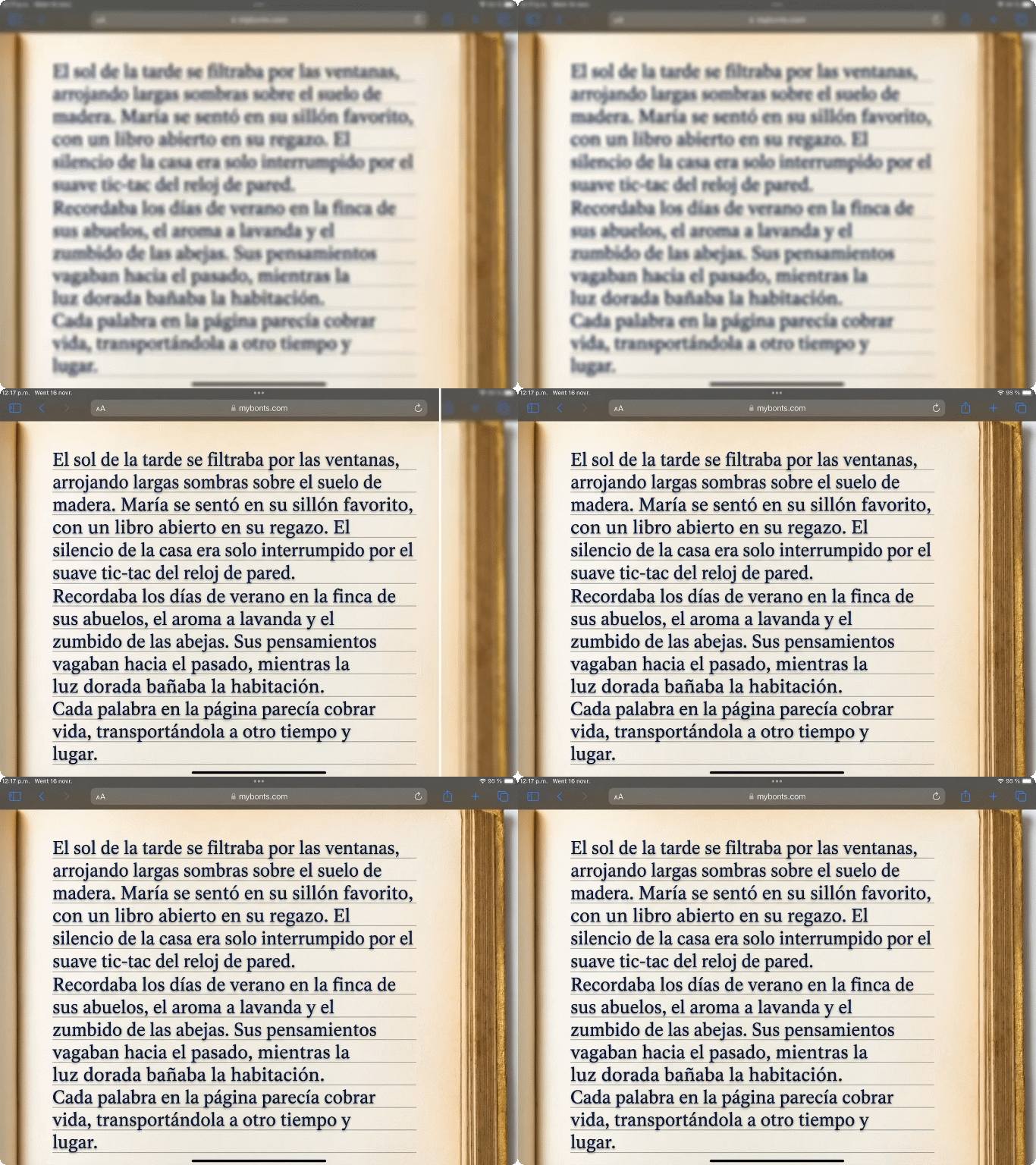
Enhance Scanned Documents and Text
Scanned documents and historical records often suffer from low resolution, making text hard to read. While standard upscaling can blur letters, our AI image upscaler recognizes text patterns and accurately reconstructs characters. It intelligently distinguishes between text, graphics, seals, and photos, enhancing each appropriately.
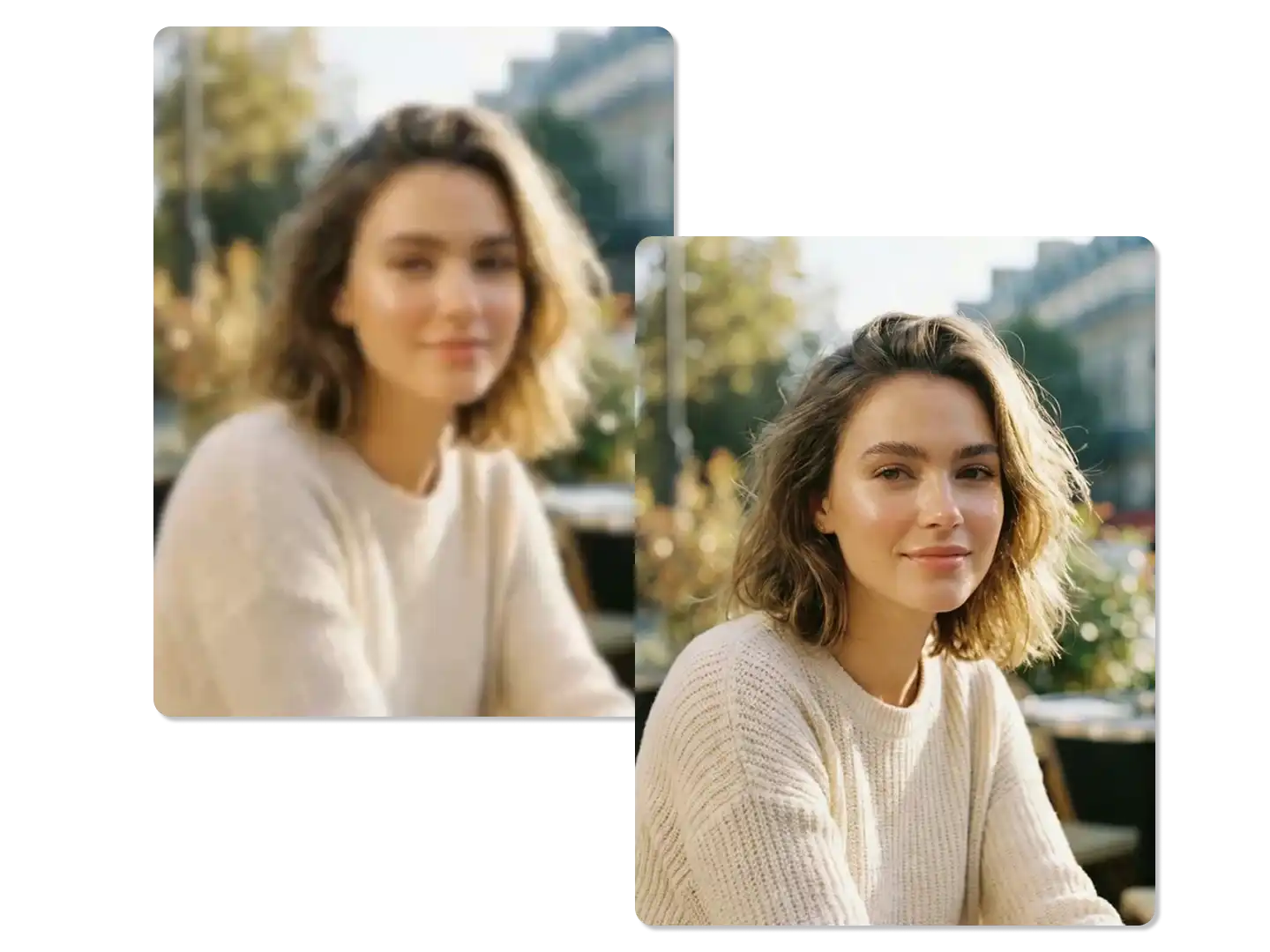
Perfect Profile Photos and Headshots
Professional headshots require sharpness and detail that phone photos often lack. A free AI upscaler can enhance facial features like skin texture and eye clarity naturally, without an over-processed look. It maintains balanced, proportional backgrounds for a professional composition. This allows professionals, actors, and anyone building a personal brand to refine existing photos into polished headshots, avoiding costly reshoots.
Why Try Dzine Upscaler 2.0?

Advanced AI Models
Adcaned AI image and vidoe models such as Google Veo 3.1 and Nano Banana Pro to deliver high-quality, varied video content that makes your work truly distinctive.

One Click to Generate
Produce polished visuals instantly, apply styles auto-magically, or refine designs without pro skills.

Free Trial
Access core AI tools for free trial, experiment with creations freely, or test features before committing.

High Quality Results Export
Export high-res visuals in multiple formats, preserve every fine detail, or use them for print & digital.

Watermark Free
Get clean, watermark-free outputs, use visuals for commercial campaigns, or share them seamlessly.

Online Platform No Donwloading
Create on the web directly, skip software installation, or design anytime anywhere on any device.
What Our Users Said
Transformed My Print Business
I run a custom printing shop and clients constantly bring low-resolution photos they want enlarged. This AI image upscaler has become essential - it saves hours of manual touch-ups and produces results that make customers genuinely happy with their final prints.
Jennifer WalshPrint Shop Owner
Perfect for Real Estate Marketing
Property photos from sellers are often terrible quality but I need them to look professional across all marketing materials. Dzine's AI photo upscaler lets me rescue those images and deliver listings that actually attract buyers instead of turning them away.
Michael RodriguezReal Estate Agent
Saved Irreplaceable Family Memories
My grandmother's photo albums contained tiny prints from the 1950s that I desperately wanted to display at her memorial. This free image upscaler transformed those precious moments into beautiful, frameable prints that captured her life with dignity and clarity.
Emily PattersonFamily Archivist
You May Also Be Interested in




FAQ
What is an AI image upscaler and how does it work?
An AI image upscaler uses machine learning algorithms to enlarge images by predicting and generating missing pixel information rather than simply stretching existing pixels. The AI photo upscaler analyzes patterns, textures, and structures in your original image to intelligently reconstruct high-resolution details that look natural and sharp.
Can I upscale images for free with Dzine?
Yes. Dzine offers a free image upscaler with no watermarks or quality restrictions. Upload your photos and upscale image online to 4K or higher resolutions without paying. The AI image upscaler free version provides the same advanced processing as premium tools.
What image formats does the AI upscaler support?
Our image upscaler free tool accepts all common formats including JPG, PNG, WEBP, BMP, and TIFF. You can upload photos of any size and the AI upscale image system will process them while maintaining format compatibility and transparency where applicable.
How much can I enlarge an image without losing quality?
The AI photo upscaler can enlarge images up to 16x their original size while maintaining sharpness and detail. A 500px image can become 8000px without the pixelation seen in traditional scaling. Results depend on source quality but most photos show significant improvement at 4x to 8x scaling.
Does upscaling work on blurry or low-quality images?
Yes. The AI image upscaler not only increases resolution but also enhances clarity in blurry or degraded photos. The system identifies blur patterns and reconstruction opportunities, adding detail that improves both size and sharpness.
How long does the upscaling process take?
Processing time depends on image size and selected output resolution. Most photos finish in 10-30 seconds. The free image upscaler optimizes speed while maintaining quality, making it practical for batch processing multiple images in quick succession.
Is AI upscaling better than Photoshop or traditional methods?
AI upscaling produces superior results compared to bicubic or bilinear interpolation used in traditional software. The upscale image online tool analyzes contextual information across the entire image to generate realistic details, while traditional methods only blend neighboring pixels. This results in sharper edges, clearer textures, and more natural-looking enlargements.